 Maymoune
AI in your mobile app: 7 practical uses, no coding
Writing, translating, choosing colours, answering customers, running the app from Claude or ChatGPT: the 7 uses of AI in a mobile app, with a guide for each.
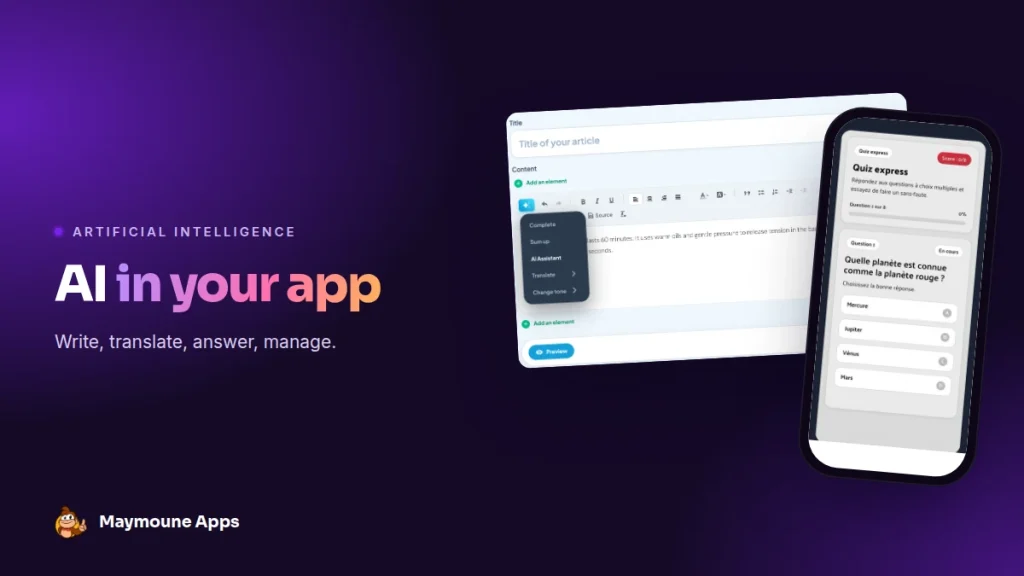
Adding AI to a mobile app no longer takes a developer. Writing, translating, choosing colours, answering customers, running the app from Claude or ChatGPT: here are the seven practical uses, with a link to the detailed guide for each.
AI is everywhere, but the question stays the same for a shop, an association or a practice: what does it actually change, for me and for my customers? This page answers in two parts. First, the AI that saves you time. Then, the AI that serves your customers.
AI that saves you time
Write and translate your content
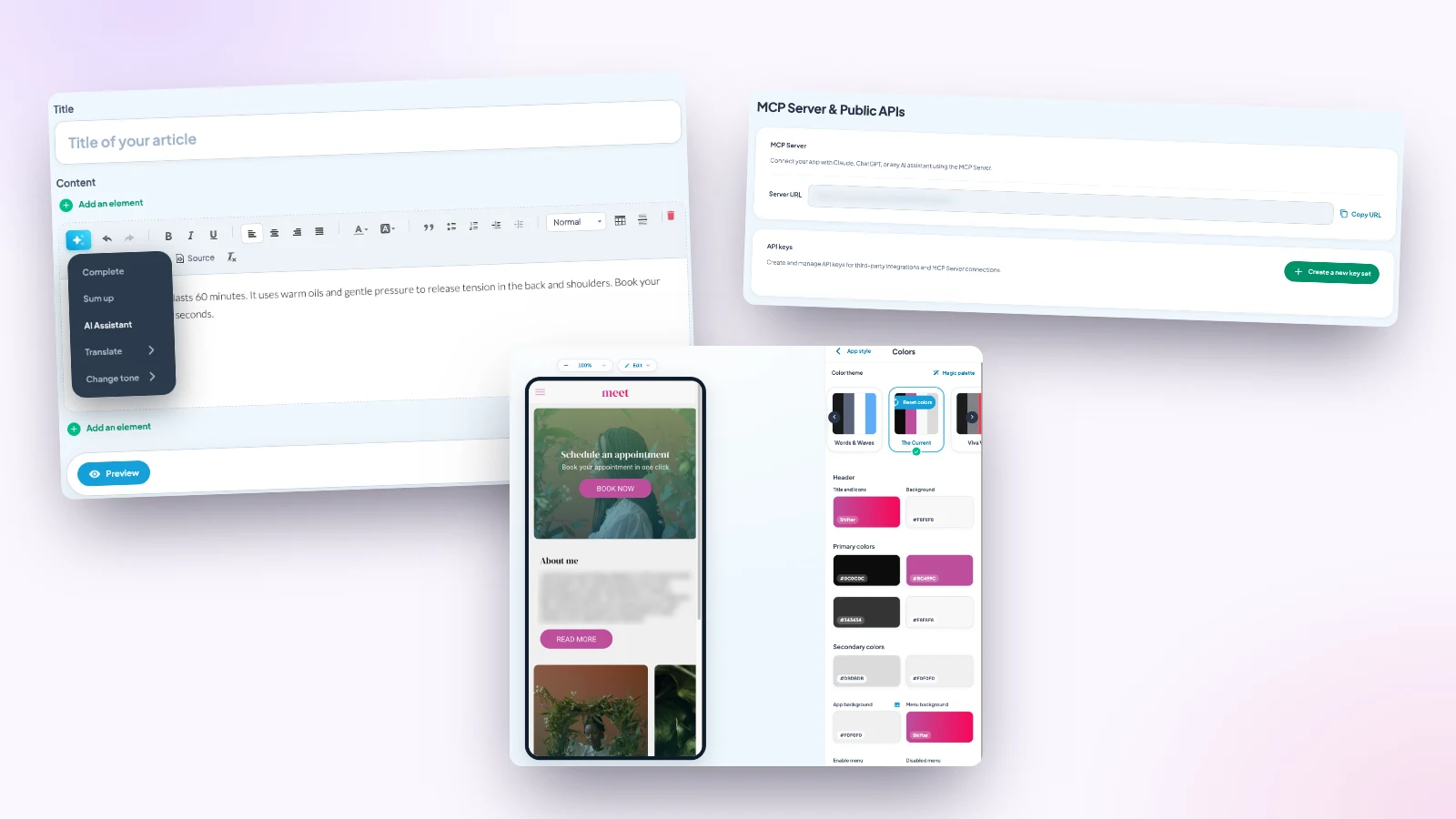
In every back office text, one button completes your sentences, sums up, changes the tone and translates into seven languages. Read the AI assistant guide.
Build your colours
The magic palette suggests a harmonious set of colours in one click, with a live preview. Read the palette guide.
Create a section by describing it
A quiz, a calculator, a mini-game: you describe it in your own words, and AI builds it. Read the AI extension builder guide.
Run the app from Claude or ChatGPT
Thanks to the MCP protocol, your assistant publishes a post, schedules a notification or finds an order in one sentence. Read the MCP protocol guide, then the step-by-step use cases.
AI that serves your customers
A ChatGPT assistant that sounds like you
A conversation section that follows your tone and instructions, to advise and guide at any hour. Read the ChatGPT assistant guide.
A chatbot that reads your pages
It answers with your own content and links to the right page. It’s an optional extension, 30 days to test it, free. Read the chatbot guide.
Can’t decide between the two? Read the chatbot or ChatGPT comparison.
Coming soon: Siri on iPhone
On iPhone apps, Siri will be able to announce your latest news to customers, without even opening the app. This feature is rolling out gradually.
What AI changes for a small business
You publish more often, because a text takes ten minutes instead of an hour. You welcome foreign customers in their language. Customers find an answer in the evening and at weekends, when you’re not around.
And you run the app from the tool you already use every day, your AI assistant. An app that’s alive is an app customers keep on their home screen.
Where to start
- You’re short of time to write: start with the writing assistant.
- You’re launching your app: the magic palette and the section builder.
- You get lots of questions: the ChatGPT assistant, then the chatbot.
- You already live in Claude or ChatGPT: the MCP server.
Three rules for useful AI
- Always read before publishing: AI suggests, you decide.
- Give it material: complete pages and precise instructions.
- Keep your voice: an anecdote, a first name, a sentence of your own make the difference.
How much it costs
At Maymoune, the writing assistant, the palette, the section builder, the MCP server and the ChatGPT extension are included in all three plans, detailed on the pricing page:
- Starter, €19 a month: your web app, installed from a link or a QR code.
- Ultra, €59 a month: the same, plus the iPhone, iPad and Android app on the stores.
- Ultra lifetime, €2,999: a one-time payment, with publishing on the App Store and Google Play included.
The chatbot on your content is a paid extension, available on request: contact us to activate it. Plan details are on the pricing page.
Maymoune Apps
AI working for your app
Three plans, every feature included, no commitment.
✓ Writing, translation, design
✓ ChatGPT assistant and MCP server included
✓ Unlimited notifications
✓ Support included
To find the features that matter in your trade, see the guide by trade. Other questions are answered in the FAQ.
Frequently asked questions
Do I need to code to add AI to an app?
No. Every AI feature is set up from the back office, without a line of code.
Which AI features are included?
The writing and translation assistant, the magic palette, the section builder, the MCP server and the ChatGPT extension are included in all three plans.
Is the chatbot included?
No. It’s a paid extension, available on request, with 30 days to test it, free.
Can I run the app from Claude or ChatGPT?
Yes, thanks to the MCP server: publish, schedule a notification, find an order or read your numbers in one sentence.
How much does an app with AI cost?
€19 a month for the web app, €59 a month with the iPhone and Android apps, or €2,999 once and for all. Details are on the pricing page.
Up next
 News of Maymoune
 Getting your app discovered: store optimisation and Google search
Name, keywords, screenshots, reviews, QR code: how to get your app found on the App Store, Google Play and in Google’s results.
3 min read18 Oct 2026 News of Maymoune
 Making money with your app: 6 models that work for a business
Online sales, bookings, subscriptions, advertising, loyalty: the models that make an app genuinely profitable, and which one to choose for your business.
4 min read18 Oct 2026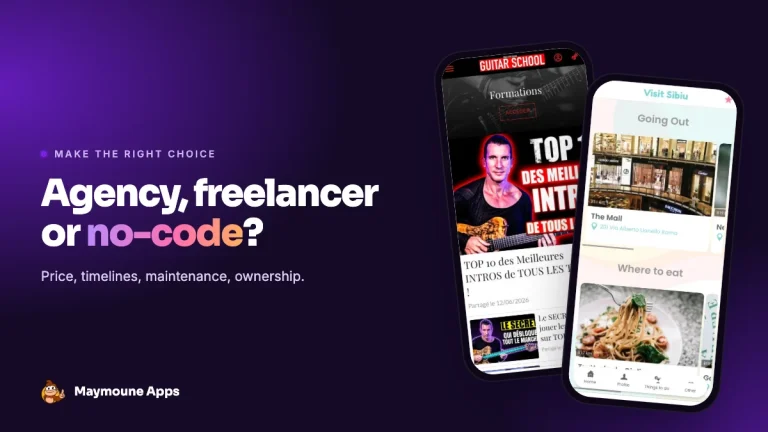 News of Maymoune
 Agency, freelancer or no-code tool: how to choose to build your app
Price, timelines, maintenance, ownership: an honest comparison between an agency, a freelance developer and a no-code tool for building a mobile app.
4 min read17 Oct 2026