 Maymoune
The MCP protocol made simple: your AI assistant acts inside your app
The MCP protocol connects Claude or ChatGPT to your app: publish, schedule a notification, find an order in one sentence. Definition, security and examples.
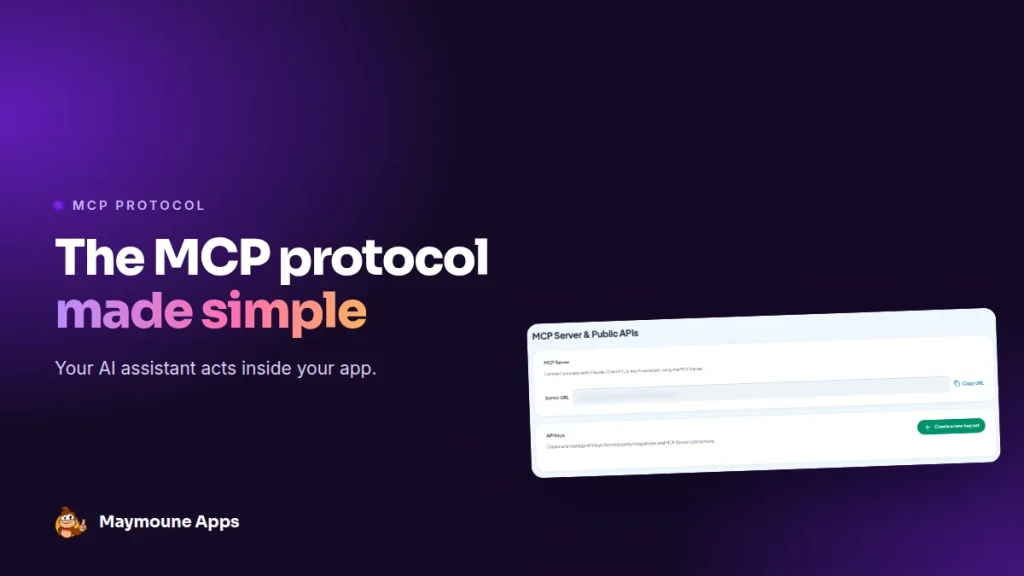
The MCP protocol lets an assistant like Claude or ChatGPT act directly inside your app. You write what you want, in plain words, and it’s done: a notification scheduled, a post published, an order found. It’s included from €19 a month.
Friday, 5 p.m. You write to your assistant: “Schedule a notification tonight at 7 p.m. announcing the summer sale, with the code SUMMER15”. A few seconds later, the notification is ready, and the promo code exists in your store.
No menu to hunt for, no copy-paste between two tabs. Here I explain what the MCP protocol is, what it does in a Maymoune app, and how to connect it in a few minutes.
What is the MCP protocol?
MCP stands for Model Context Protocol. It’s an open standard, released at the end of 2024, that sets a common way to connect an AI assistant to an outside tool: a calendar, a store, a business software or a mobile app.
Without MCP, an AI assistant can write, but it hands you text that you copy yourself. With MCP, it can also act: it reads your content, creates, edits and tells you what it did.
The standard is now supported by the main assistants: Claude, ChatGPT, and many work tools such as Cursor or n8n.
How it works, in three parts
- The assistant: Claude, ChatGPT or another compatible assistant. That’s where you write your requests.
- Your app’s MCP server: it receives the assistant’s requests and carries them out in your app.
- Your access keys: they prove it’s really you, and limit every action to your own app.
You ask, the assistant picks the right action, runs it, then shows you the result. You stay in control at every step.
What your assistant can do in your app
- Your content: publish and edit posts and events, manage your photos and media.
- Your store: add products, their variants and prices.
- Your orders: find an order, check its status, update delivery.
- Your marketing: schedule notifications, create promo codes.
- Your numbers: downloads, page views, visit length, customer records.
Design and layout stay in the back office, where you see them live.
Example requests to copy
- “Publish a post about our new winter hours, with the shop window photo.”
- “How many downloads this month, compared with last month?”
- “Add the Lina dress in sizes S, M and L, at €49.”
- “Find Mrs Martin’s order and mark it as shipped.”
- “Prepare a notification for Sunday morning: brunch served until 2 p.m.”
To go further, with step-by-step examples, read the article control your app from ChatGPT or Claude.
Connect your assistant in a few minutes
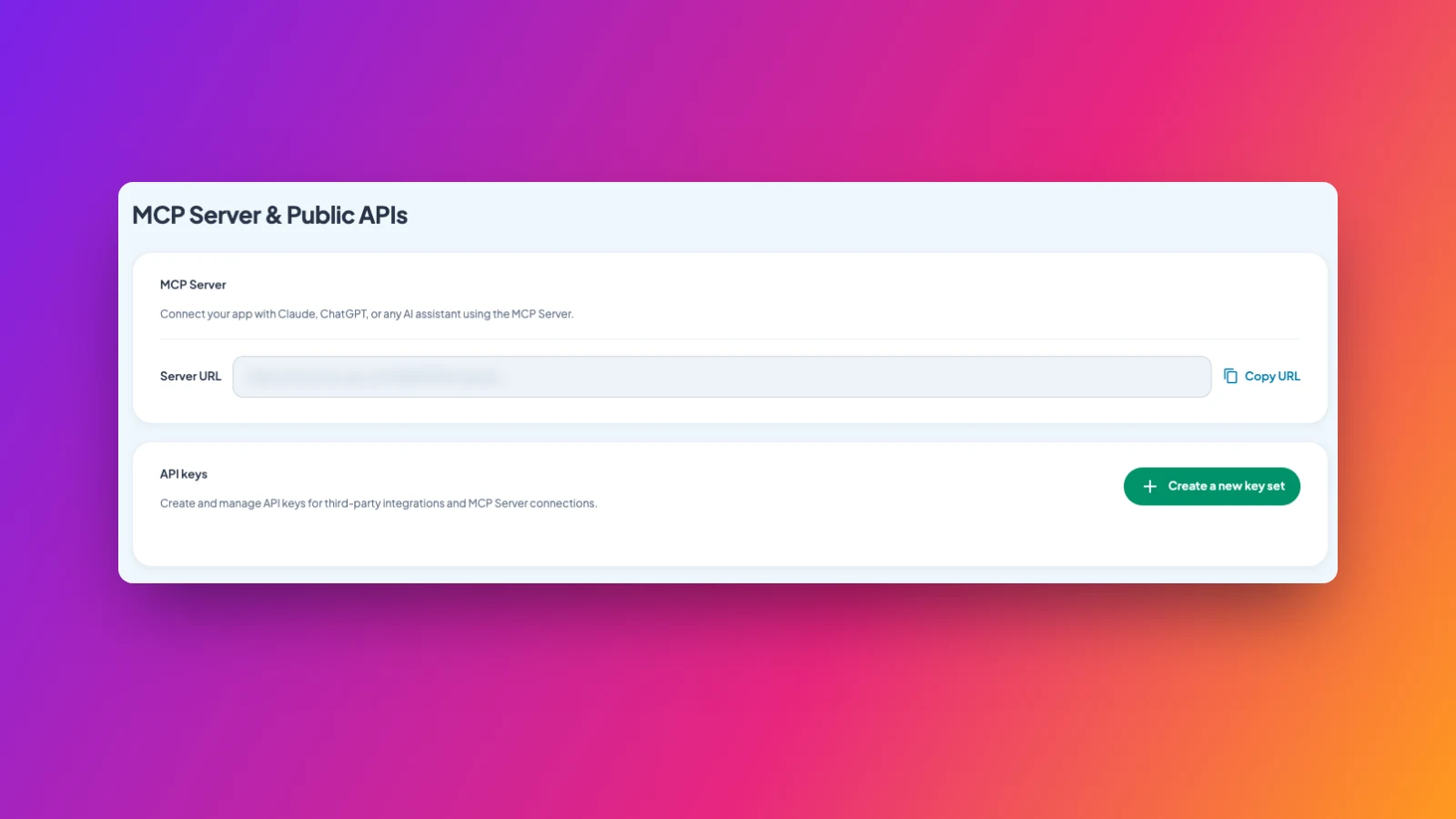
- In the back office, open the settings, then the MCP server page.
- Copy the server address, then create a set of access keys.
- In your assistant, add a connector with this address and sign in.
- Write your first request, for example: “Show me my last three posts”.
Is it safe?
Yes, with three simple safeguards. The assistant must sign in before any action. Every action is limited to your app, with no access to others. And you can cut the connection at any time, by deleting the keys.
Good habit: read what the assistant proposes before an important action, such as a notification sent to all your customers.
How much it costs
At Maymoune, the MCP server is included in all three plans, at no extra cost:
- Starter, €19 a month: your web app, installed from a link or a QR code.
- Ultra, €59 a month: the same, plus the iPhone, iPad and Android app on the stores.
- Ultra lifetime, €2,999: a one-time payment, with publishing on the App Store and Google Play included.
My advice: start with read-only requests, such as your numbers or your latest posts, then move on to actions once you feel at ease. Plan details are on the pricing page.
Maymoune Apps
Your app runs on one sentence
Three plans, every feature included, no commitment.
✓ MCP server included
✓ Works with Claude and ChatGPT
✓ Unlimited notifications
✓ Support included
Also worth reading: create games and tools with AI, and push notifications. Other questions are answered in the FAQ.
Frequently asked questions
What is the MCP protocol?
It’s an open standard that connects an AI assistant, such as Claude or ChatGPT, to an outside tool. The assistant can then act in that tool, not just write text.
Which assistants are compatible?
Claude, ChatGPT and any MCP-compatible assistant, including tools such as Cursor or n8n.
What can the assistant do in my app?
Publish and edit content, manage products and orders, schedule notifications, create promo codes and read your statistics.
Is it secure?
Yes. The assistant must sign in with your keys, every action is limited to your app, and you can cut the connection at any time.
Is the MCP server an extra cost?
No. It’s included in all three plans: €19 a month, €59 a month or €2,999 once and for all. Details are on the pricing page.
Up next
 News of Maymoune
 Getting your app discovered: store optimisation and Google search
Name, keywords, screenshots, reviews, QR code: how to get your app found on the App Store, Google Play and in Google’s results.
3 min read18 Oct 2026 News of Maymoune
 Making money with your app: 6 models that work for a business
Online sales, bookings, subscriptions, advertising, loyalty: the models that make an app genuinely profitable, and which one to choose for your business.
4 min read18 Oct 2026 News of Maymoune
 Agency, freelancer or no-code tool: how to choose to build your app
Price, timelines, maintenance, ownership: an honest comparison between an agency, a freelance developer and a no-code tool for building a mobile app.
4 min read17 Oct 2026