 Maymoune
Push notifications: what to send your customers, and when
The message that lands on your customers’ screens: what to write for your business, when to send it, to whom, and how to schedule it from the back office.
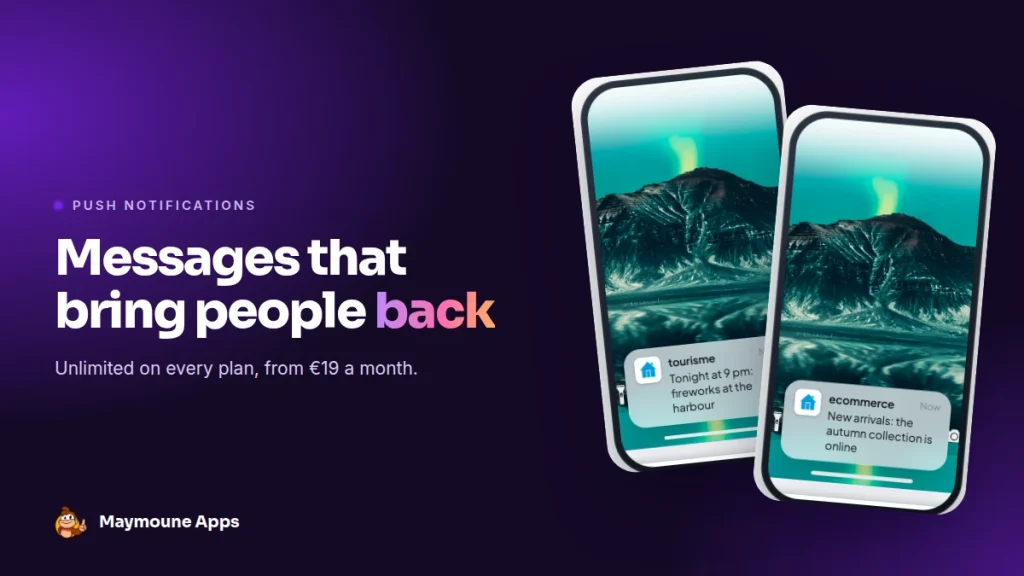
A push notification is two lines that appear on your customers’ phone screen. Well written and well timed, it brings people back to your shop, your venue or your church. With Maymoune, they are unlimited on every plan.
An email waits in an inbox with two hundred others. A social post reaches a few followers chosen by an algorithm. A notification shows up on the lock screen. People read it as they take the phone out of their pocket.
It is the most direct tool an app gives you. I’ll show you what to send, when, to whom, and what the screen you use to do it looks like.
What a push notification is
It is a short message sent by your app to the people who installed it. It carries your app’s name and icon, and it appears even when the phone is locked. One tap, and the person lands wherever you decided.
It works on iPhone and Android apps, and on your web app once it is published. When you send, you tick the platforms you want.
What to send in a push notification
The rule fits in one sentence: a notification announces something useful, now. A few examples that work, business by business:
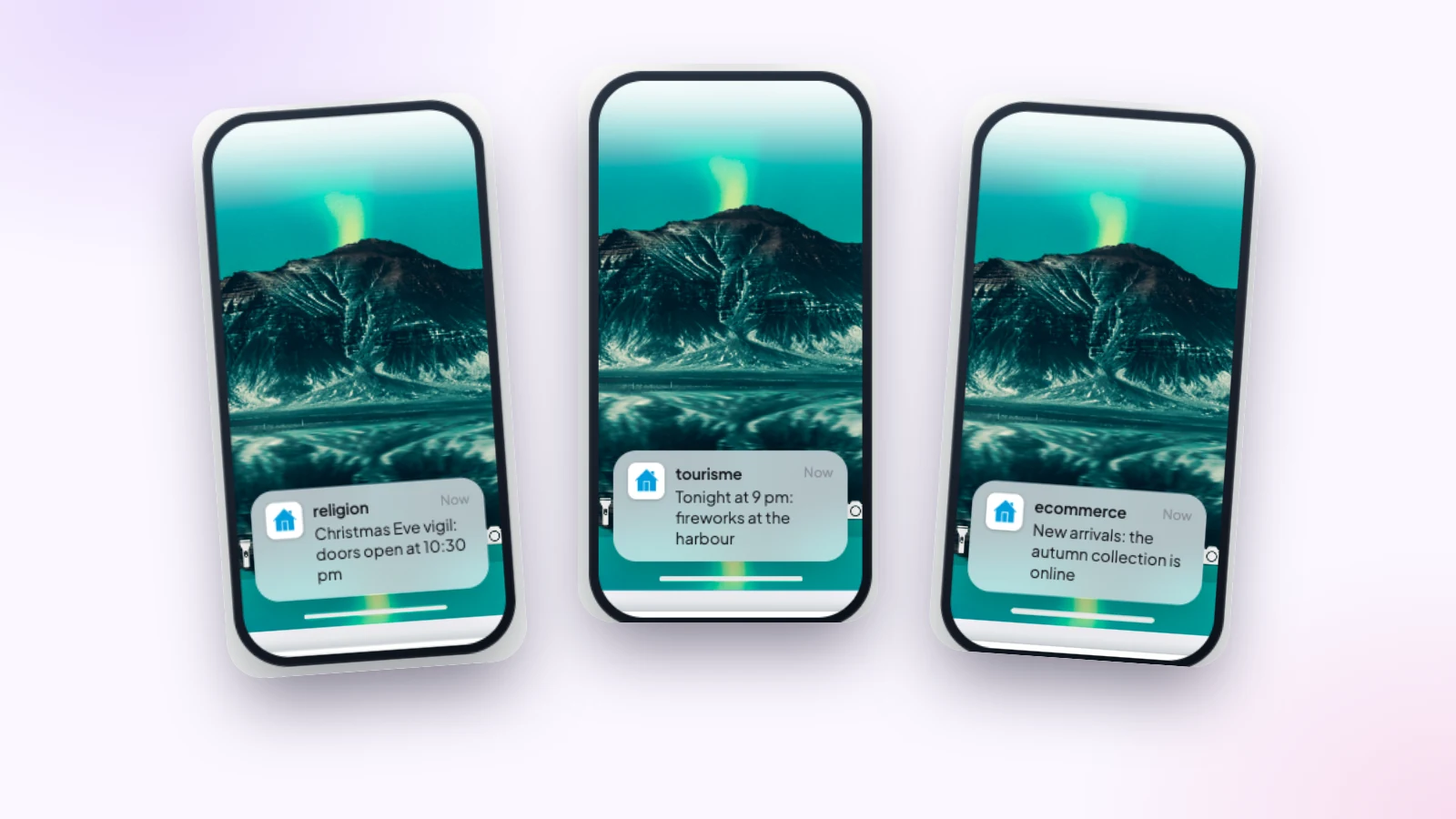
- A restaurant: “Tables still free tonight, we’ll keep yours.”
- A shop: “New arrivals: the autumn collection is online.”
- A tourist office: “Tonight at 9 pm: fireworks at the harbour.”
- A parish: “Christmas Eve vigil: doors open at 10:30 pm.”
- A club: “Saturday’s match starts at 3 pm, at the town gym.”
You can see what they share: a concrete piece of information, a time, a place, and a reason to open the app. A short message reads in full on the lock screen, and that is what makes people tap.
Where the notification leads
When you write it, you choose what opens when the person taps: the app, a specific section (the calendar, the shop, the map of places), or an external link. The right reflex: send everyone straight to where the rest of the message is.
When to send a push notification
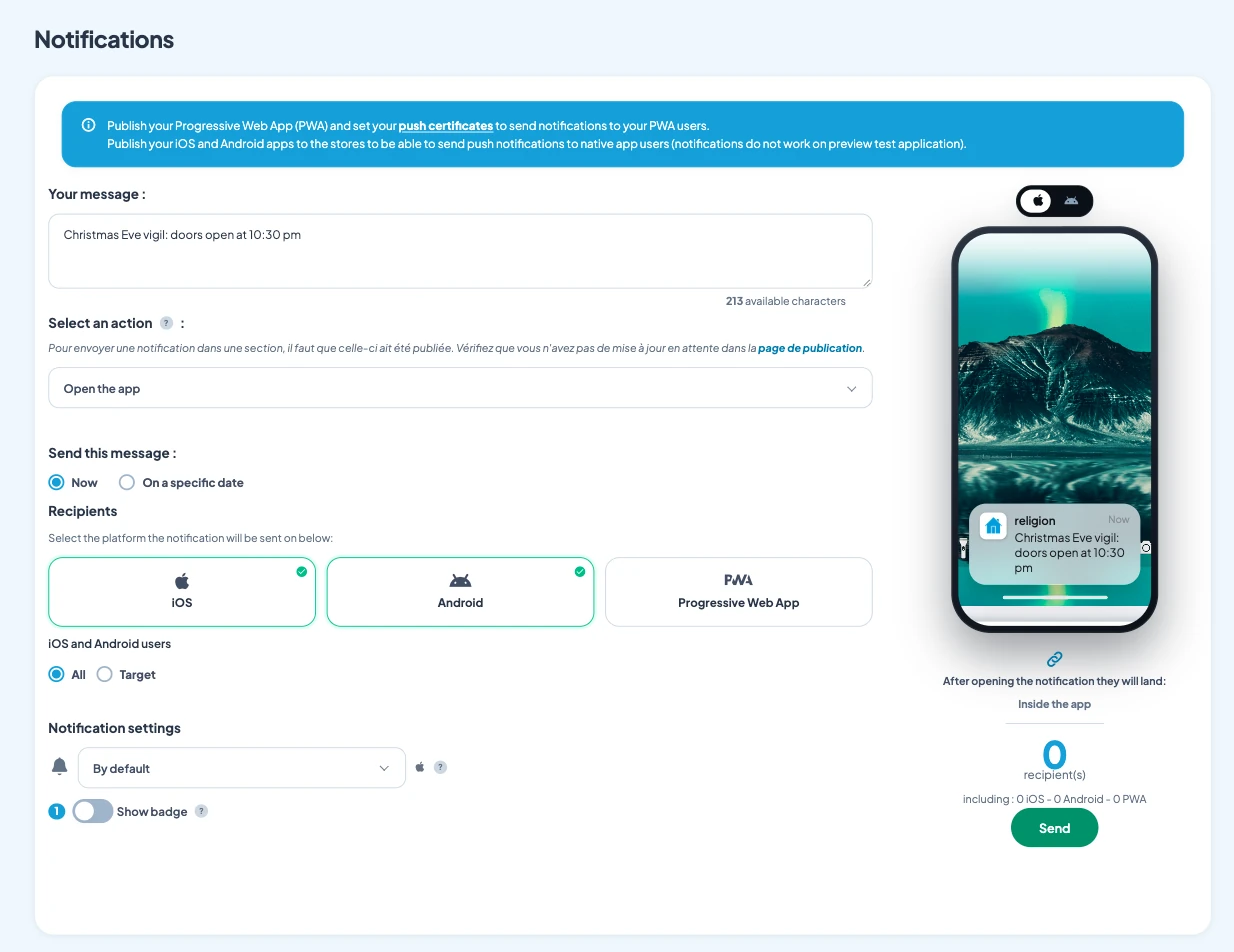
You send right away, or you schedule it for a specific date and time. Scheduling changes everything: on Monday, you prepare the week’s messages, and they go out on their own at the right moment.
The right moment is a few hours before the action. The restaurant’s message goes out at 5 pm, not 9 pm. The Christmas market’s goes out the evening before. The shop’s goes out when customers have time to browse, often at the end of the day.
And the right pace is one or two useful notifications a week. Your customers then get into the habit of reading your messages with pleasure.
Who to send to
To everyone, or to part of your users. The back office shows the exact number of recipients before sending, and a history keeps track of everything that went out.
To write your messages, the AI writing assistant helps you find the short version. And if you prefer, you can manage the app from ChatGPT or Claude.
How much do push notifications cost
With Maymoune, notifications are unlimited and included in all three plans. You pay for the app, not for the messages:
- Starter, €19 a month: your web app, with its notifications.
- Ultra, €59 a month: the same, plus the iPhone, iPad and Android app on the stores.
- Ultra lifetime, €2,999: a one-time payment, with publishing on the App Store and Google Play included.
To know which version suits you, read the article on the web app or the stores. The plans are detailed on the pricing page.
Maymoune Apps
Speak directly to your customers’ screens
Three plans, every feature included, no commitment.
✓ Unlimited notifications
✓ Send now or schedule
✓ Web, iPhone and Android app
✓ Support included
To go further: see how a notification fills a quiet evening in the article on a restaurant app, how it reaches a whole community in the one on a parish app, and how it guides visitors in the one on the tourist office. Other questions are answered in the frequently asked questions.
Frequently asked questions
How much do push notifications cost with Maymoune?
Nothing extra: they are unlimited and included in all three plans, from €19 a month. Details are on the pricing page.
Do notifications work with a web app?
Yes. Once your web app is published, you can send notifications to the people who installed it, on top of iPhone and Android users.
Can a notification be scheduled in advance?
Yes. You choose the date and time, and the message goes out on its own at the planned moment.
Can we send a notification to only some users?
Yes. You send to everyone or to part of your users, and the back office shows the exact number of recipients before sending.
What happens when someone taps the notification?
Whatever you chose: the app opens, or a specific section such as the calendar or the shop, or an external link.
How many notifications should we send a week?
One or two, as long as they announce something useful. That pace keeps your customers happy to read them.
Up next
 News of Maymoune
 What to post in your app: 30 content and message ideas
A lively app brings your customers back. 30 concrete content and notification ideas, sorted by trade, and a simple rhythm to keep…
4 min read6 Oct 2026 News of Maymoune
 Build a mobile app in 7 steps, without coding
Pick a template, organise sections, brand it, fill it, test, publish on the web then on the stores: the 7 steps to…
4 min read6 Oct 2026 News of Maymoune
 An app for your spa or beauty salon: treatments, rituals and bookings
Your treatment menu with length and price, your rituals, online booking, a gift voucher request and a message when a slot opens…
4 min read5 Oct 2026