 Maymoune
PWA web app or iPhone and Android app: which one do you need?
A PWA web application installs on the home screen from a simple link, sends notifications, and works on both iPhone and Android, without going through an app store. The application published on the App Store and Google Play…
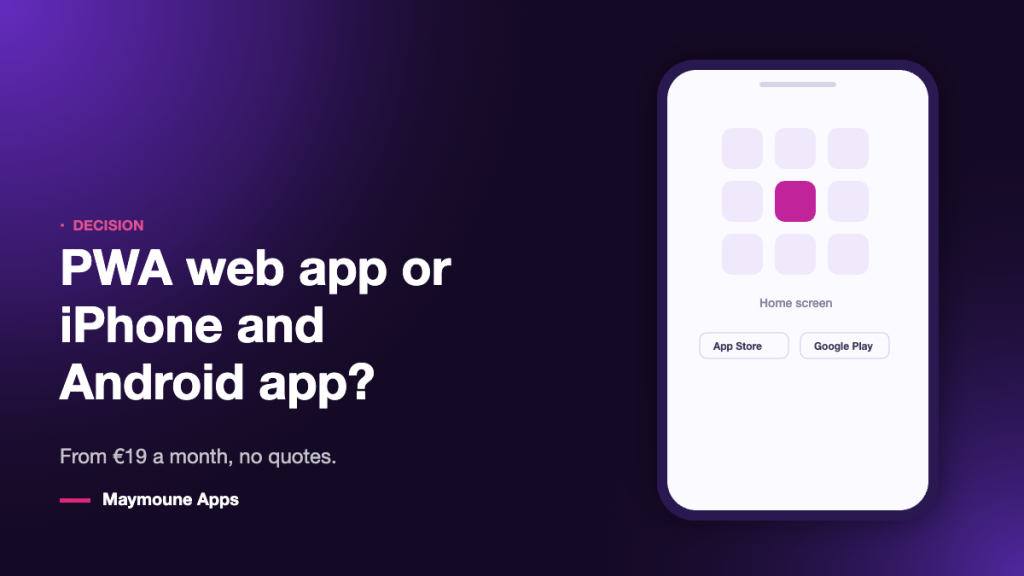
A PWA web application installs on the home screen from a simple link, sends notifications, and works on both iPhone and Android, without going through an app store. The application published on the App Store and Google Play brings something else: the showcase, the searchability, and trust. Here is how to choose, and in what order.
This is the question that stalls almost every project. You were told that you had to “be on the app stores”, so you assume that everything else is a stopgap. Then you discover the developer account, the listing to fill out, the screenshots in the right formats, the Apple review — and the project stops there.
There is a shorter path, and it is not a consolation prize. A PWA web application is a real application : an icon on the home screen, a full screen, notifications, offline functionality. What it does not have is a listing in a store. It remains to be seen whether, for your business, that listing is decisive.
Table of Contents
What a PWA web app is
PWA stands for progressive web app. In plain English: an app that lives on the web, but installs and behaves just like a phone app.
In practice, your customer opens a web address, their phone prompts them to add it to the home screen, and they accept. They get an icon with your name on it, right next to their other apps. They tap it: the app opens in full screen, with no browser bar, no visible address. Nothing on screen tells them it’s the web.
Sharing is done via a link. A QR code on a restaurant table, a message sent to club members, a button on your website: in two taps, the app is installed. No app store stands between you and your audience.
What both do equally well
The list is longer than you might think. On a PWA web app built with Maymoune, you already get:
- The home screen icon — your name, your logo, your place in your customer’s day.
- Notifications — included in all three plans, including the first one.
- Integrated store — sell directly, without marketplace commissions.
- Your content and media — articles, photos, videos, podcasts, catalog.
- Your domain name — the application lives at your address, not a service provider’s.
- White labeling — your colors, your name. Maymoune appears nowhere.
In other words: everything that makes an application useful is already there. The difference is not about what your customer can do once the application is open. It is about how they find it.
What only app stores provide
The storefront. On the App Store and Google Play, your application has a listing, a description, screenshots, reviews. Someone typing the name of your business finds you. It is a commercial presence, not just a technical one.
Trust. Part of the public considers that an application “exists” when it is in a store. It is not rational, it is just how it is. For a business handling money, appointments, or personal data, this signal matters.
Natural installation. Adding a web app to the home screen requires two steps that not everyone knows. On a store, the action has been learned for fifteen years: you tap “Get”.
That is why publishing exists, and why it has its dedicated page: publish your app on the stores.
The limits of the web app, plain and simple
Three things you need to know before choosing the first option.
- On iPhone, installation determines everything. Notifications from a web app only arrive if your client has added it to their home screen. As long as they just open the link, they will not receive any.
- The installation process must be explained. A QR code alone is not enough : you need a phrase, an arrow, a short instruction. It can be sorted out, but it cannot be skipped.
- You are not in the app store search results. No one will discover you by typing your profession in the App Store. Traffic comes from you : your website, your social networks, your store, your signage.
None of these three limitations is a deal-breaker when your audience is already connected with you. All three become one if you rely on app stores to bring you strangers.
Who needs what
The web app is enough when you are talking to people you already know : club members, students of a training organization, salon clients, restaurant regulars, podcast listeners. You have their attention; you just need a direct channel. You share it via a link, a QR code, a message.
App stores become necessary when the app needs to be found by people who don’t know you, when you sell to strangers, when you cover multiple cities, or when your industry expects this sign of credibility — e-commerce, healthcare, real estate, financial services.
Most businesses start in the first case and transition to the second. That’s exactly why both plans exist, and why they follow each other.
The right sequence : start on the web, move to the stores
Here is the order I recommend, and it has nothing to do with sales : it avoids paying for an audience that doesn’t exist yet.
- Month 1 — PWA web app at €19 per month. You build your content, share it with your clients, and see what they open and what they ignore.
- Months 2 and 3 — you make adjustments. Unnecessary sections disappear, frequently consulted ones move up. You test your first notifications and learn at what pace to send them.
- Next — once the app has found its form and audience, you upgrade to €59 per month for published iPhone and Android versions. You release a fully tested app, not a draft.
Content, settings, and subscribers do not need to be redone along the way : it is the same app, additionally delivered to both stores. See the three plans and what they include.
Next step
The most honest approach, before making a decision, is to open an already live app on your own phone. You will see in one minute whether the difference between a “web app” and a “store app” is noticeable in use. In most cases, it is not.
Frequently Asked Questions
Is a PWA web app a real app ?
For the person using it, yes : an icon on the home screen, full screen without a browser bar, notifications, and working even with a weak connection. The difference is not in the usage, it is in the distribution : the web app is shared via a link, the other is downloaded from an app store.
Can a PWA send notifications on iPhone ?
Yes, on one condition : that the user has added the app to their home screen and accepted notifications. As long as they simply open the link in their browser, they do not receive any. On Android, installation is suggested more spontaneously.
How do my customers install the app without an app store ?
Via a link : QR code displayed on site, message sent to your customer list, button on your website, post on your social networks. The phone prompts to add it to the home screen. Include an explanatory sentence : the step is simple, but not everyone is familiar with it.
Can I switch from the web app to app stores later ?
Yes, that is the normal sequence : you upgrade from the €19 plan to the €59 per month plan. Your content, settings, and visual identity do not need to be redone : it is the same application, additionally delivered on the App Store and Google Play.
Do I need an Apple account and a Google account for a PWA ?
No. A web app does not go through any app store, so no developer account, no review, no annual fee. These accounts only become necessary when publishing to the App Store and Google Play.
Can you sell from a PWA web app ?
Yes. The integrated store is included in all three plans, including the first one. You sell directly, without marketplace commissions, and you can connect an existing catalog rather than re-entering it : see the mobile app for a store.
Does a PWA work offline ?
Partially. Content that has already been viewed remains accessible, the application opens and does not display an error page. However, placing an order, making a payment, or updating content requires an internet connection, just like in any application.
Up next
 News of Maymoune
 An app for a wedding planner or wedding venue
Your services in photos, the day’s programme, guest information and quote requests: the app for a wedding planner, an estate or a…
3 min read26 Oct 2026 News of Maymoune
 A museum app: tours, audio guide and exhibitions
The visitor tour, the audio guide, exhibitions, opening hours and messages to visitors: the app for a museum, a castle or a…
3 min read26 Oct 2026 News of Maymoune
 A library app: events, new arrivals and services
New arrivals, the events calendar, opening hours, online services and messages to readers: the app for a public library or media library,…
3 min read25 Oct 2026