 Maymoune
Agency, freelancer or no-code tool: how to choose to build your app
Price, timelines, maintenance, ownership: an honest comparison between an agency, a freelance developer and a no-code tool for building a mobile app.
To build an app, you have three paths: hand the project to an agency, hand it to an independent developer, or build it yourself with a no-code tool. None is best in absolute terms. Here’s how to choose according to your project, your budget and your time.
The agency: custom-built, with a matching budget
An agency brings together a project manager, a designer, developers and testers. It starts from your needs and designs a unique app.
- For: anything is possible, including very specific features or a connection to your internal software.
- Against: the budget often runs into tens of thousands of euros, the project into months, and every change means a new quote. Maintenance (iOS and Android updates, hosting) comes on top every year.
The right choice if your app is your product, or if it must do something no existing tool can do.
The freelancer: more flexible, more fragile
An independent developer usually costs less than an agency and responds faster.
- For: a single contact, a more reasonable budget, responsiveness.
- Against: you depend on one person. If they change jobs, fall ill or run out of time, who updates your app when Apple releases a new version of iOS? Also check that the code and the store accounts are in your name.
The right choice if your project is precise and limited, and you have someone you trust to follow it over time.
The no-code tool: fast and under control
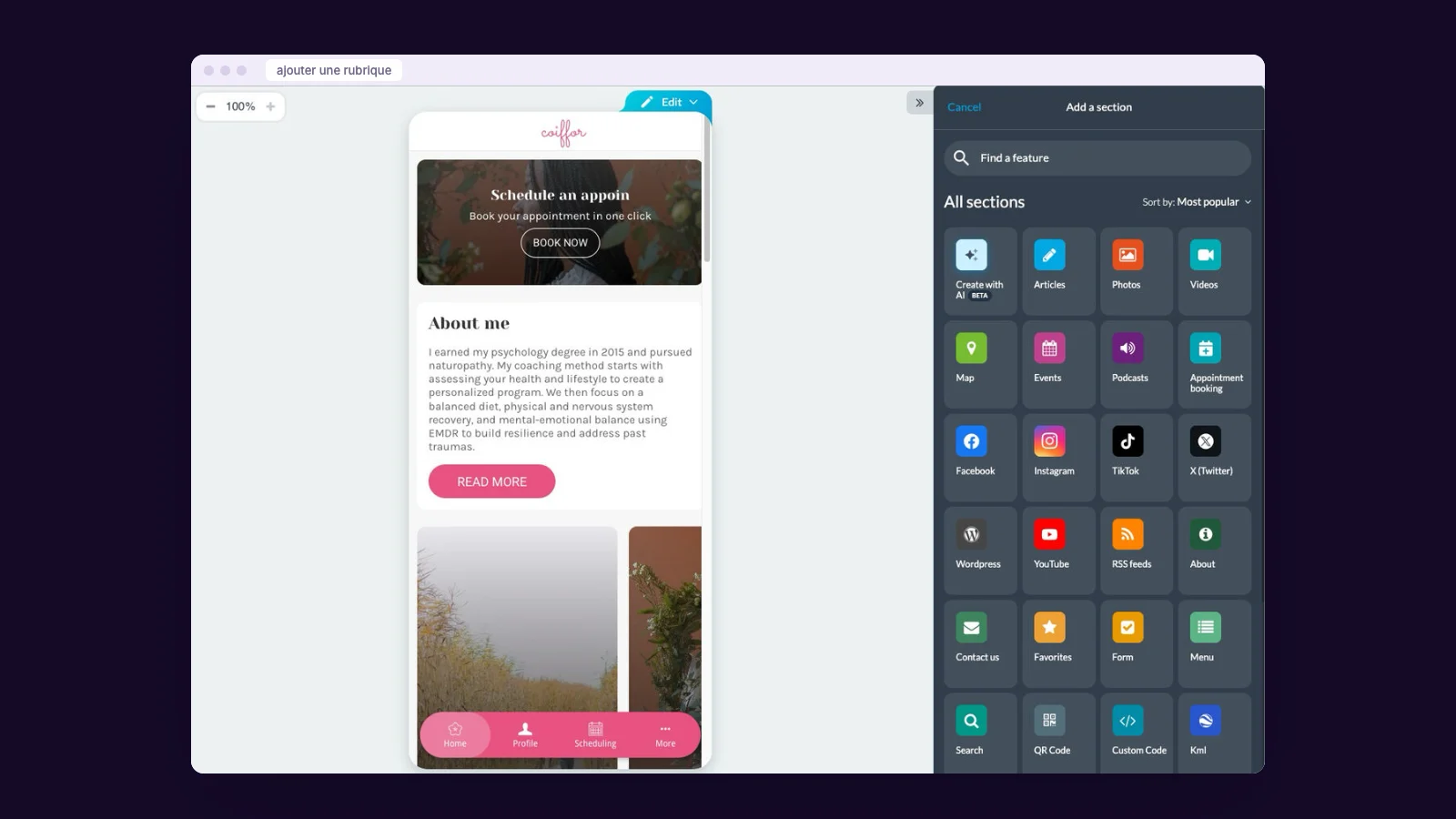
You build the app yourself, from templates and ready-made sections: shop, bookings, news, calendar, notifications.
- For: a monthly price known in advance, an app online within days, content you change yourself at any time, and technical updates included.
- Against: you stay within the features the tool offers. For the vast majority of shops, associations and independents, they more than cover the needs. For a truly unique idea, they may not be enough.
The right choice if you want an app for your business (to sell, inform, bring customers back) rather than an app that is itself your business.
The comparison in four questions
What does the first year cost?
Agency: often several tens of thousands of euros. Freelancer: a few thousand to a few tens of thousands. No-code tool: a few hundred euros. The breakdown is in our article on the price of a mobile app.
How long before going live?
Agency and freelancer: several weeks to several months. No-code tool: a few days for the web app, a few weeks for the stores. See the real timeline.
Who does the updates?
That’s the question to ask before signing. Every year, iOS and Android change. With an agency or a freelancer, it’s a maintenance contract. With a no-code tool, it’s usually included in the subscription.
Who owns the app?
In every case, insist that the app is published under your own Apple and Google accounts, and that your content and customer list can be exported.
The traps, whichever path you take
- Store accounts in the provider’s name: the day you leave, the app stays with them.
- A quote without maintenance: an app that isn’t updated ends up removed from the stores.
- Hidden commissions on your sales.
- An overambitious brief: start with the essentials, add more later.
Where Maymoune fits
Maymoune is a no-code tool, with what no-code tools often lack: a team that knows your file and can handle publishing on the stores for you. More than 190 extensions cover most needs, and the day you need a feature that doesn’t exist, we look together at what’s feasible, as a separate service.
The app carries your name and your colours, is published under your accounts, and the Maymoune name appears nowhere. No commission on your sales, and technical updates are included.
At Maymoune, every feature is included in all three plans, detailed on the pricing page:
- Starter, €19 a month: your web app, installed from a link or a QR code.
- Ultra, €59 a month: the same, plus the iPhone, iPad and Android app on the stores.
- Ultra Lifetime, €2,999: one single payment, with publication on the App Store and Google Play included.
Maymoune Apps
No-code, with a team behind it
Three plans with no commitment, updates included.
✓ More than 190 extensions
✓ Published under your accounts, in your name
✓ No commission on your sales
✓ Support included
To compare with your own business, browse the guide by trade, open the examples, or check the FAQ.
Frequently asked questions
How much does an agency-built app cost?
For a custom-built app, the budget often runs into tens of thousands of euros, plus maintenance every year.
Is a no-code tool enough for a real app?
For the vast majority of shops, associations and independents, yes: shop, bookings, news, calendar, notifications, members area. For a truly unique idea, custom development may be needed.
Do I own the app with a no-code tool?
With Maymoune, yes: it’s published under your Apple and Google accounts, in your name, and your content belongs to you.
What if I need a feature that doesn’t exist?
More than 190 extensions already cover most needs. Beyond that, we look together at what’s feasible and at what price, as a separate service.
How much does Maymoune cost?
€19 a month for the web app, €59 a month with iPhone and Android, or €2,999 once and for all. Details are on the pricing page.
Up next
 News of Maymoune
 Getting your app discovered: store optimisation and Google search
Name, keywords, screenshots, reviews, QR code: how to get your app found on the App Store, Google Play and in Google’s results.
3 min read18 Oct 2026 News of Maymoune
 Making money with your app: 6 models that work for a business
Online sales, bookings, subscriptions, advertising, loyalty: the models that make an app genuinely profitable, and which one to choose for your business.
4 min read18 Oct 2026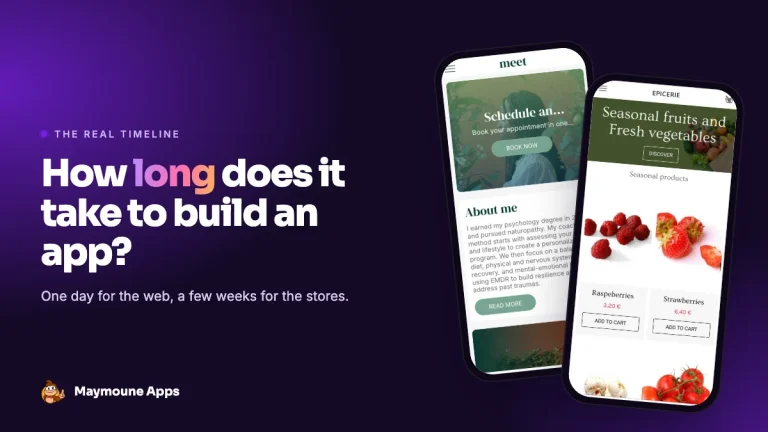 News of Maymoune
 How long does it take to build a mobile app? The real timeline
One day for the web app, a few weeks for the stores, several months with an agency: the real timeline for building…
4 min read17 Oct 2026