 Maymoune
A ChatGPT assistant in your app, with your tone and your instructions
A ChatGPT assistant that answers your customers at any hour, with the name, tone and instructions you choose. Set up in five minutes, examples and price.
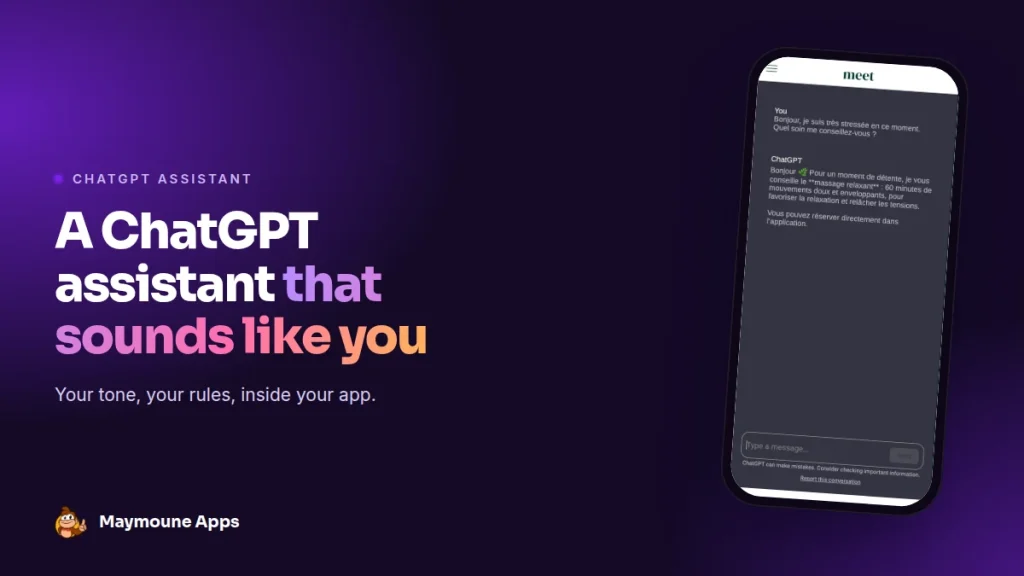
The ChatGPT extension adds a conversation assistant to your app. You give it a name, a tone and instructions, and it answers your customers at any hour, in your words. The extension is included in every plan, from €19 a month.
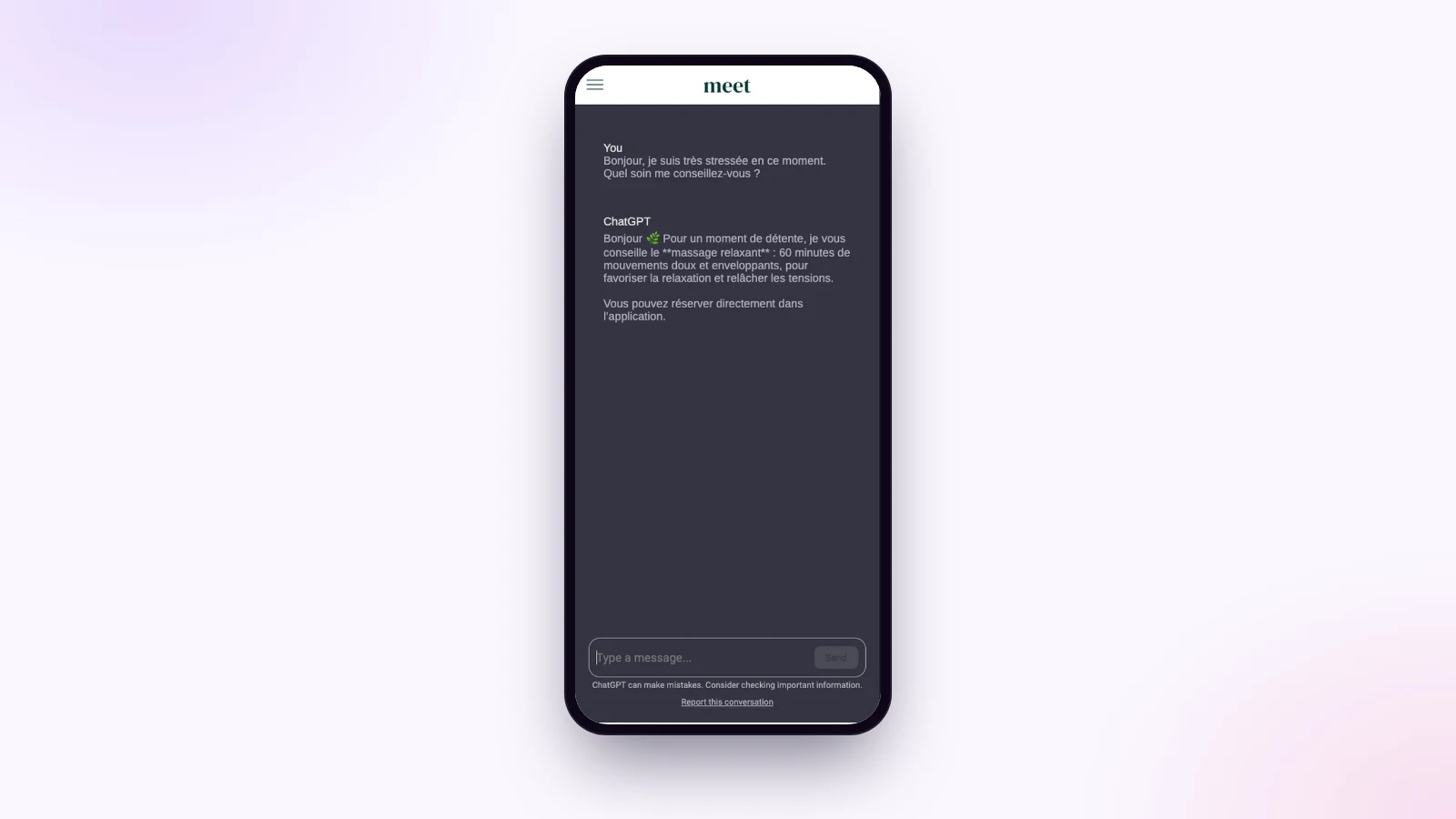
A customer writes at 10 p.m.: “I’m very stressed at the moment. Which treatment would you recommend?”. The assistant answers right away, gently, suggests the 60-minute relaxing massage and invites her to book in the app. That’s the real answer we got in our demo.
Here I show you how to set it up, in five minutes.
What the ChatGPT assistant does
It’s a conversation section in your app. Customers type their question, and the assistant answers in a few seconds, in their language. It follows the instructions you gave it: its role, its tone, what it should say and what it shouldn’t.
A discreet note under the conversation reminds users that AI can make mistakes, and each customer can report an answer.
Set it up in five minutes
- Add the ChatGPT extension from the back office extension store.
- Paste your OpenAI key in its settings: it links the assistant to your account.
- Give the assistant a name, for example “The practice assistant”.
- Choose the AI model: faster or more precise.
- Write the instructions, then save.
AI usage is billed directly by OpenAI, on your own account, depending on the number of conversations.
Instructions make all the difference
The assistant doesn’t read your pages: it knows what you write in its instructions. The more precise they are, the better the answers. Here are the ones from our demo, to adapt:
“You are the assistant of a wellness practice. You answer warmly and briefly. You present the treatments, their length and how they go, and you invite people to book in the app. You never give medical advice.”
- The role: who it represents, and for whom.
- The tone: warm, professional, casual or polite.
- Key information: your hours, prices, addresses, offers.
- The limits: what it must never do, such as giving medical advice or promising a deadline.
- The format: short answers, with no formatting, ending with an invitation.
Small tip: add “no bold, no asterisks” for cleaner answers on screen.
Ideas by trade
- A restaurant: recommend a dish, discuss allergens based on your menu, suggest a booking.
- A store: help choose a size, suggest a gift idea.
- A tourist office: suggest a walk based on the weather and the children’s ages.
- A training organization: present the courses and answer questions about signing up.
Would you rather have an assistant that reads your pages and cites its sources? That’s the job of the chatbot on your content.
How much it costs
At Maymoune, the ChatGPT extension is included in all three plans, detailed on the pricing page:
- Starter, €19 a month: your web app, installed from a link or a QR code.
- Ultra, €59 a month: the same, plus the iPhone, iPad and Android app on the stores.
- Ultra lifetime, €2,999: a one-time payment, with publishing on the App Store and Google Play included.
My advice: test the assistant yourself with twenty real customer questions before opening it, and refine the instructions after every answer you don’t like. Plan details are on the pricing page.
Maymoune Apps
An assistant that talks like you
Three plans, every feature included, no commitment.
✓ ChatGPT extension included
✓ Your instructions, your tone
✓ Unlimited notifications
✓ Support included
Also worth reading: the AI writing and translation assistant, and the MCP protocol. Other questions are answered in the FAQ.
Frequently asked questions
Do I need an OpenAI account?
Yes. You paste your own OpenAI key in the extension settings, and AI usage is billed by OpenAI on your account.
Does the assistant know my content?
It knows what you write in its instructions. For an assistant that reads your pages and cites its sources, choose the chatbot on your content.
Can I choose its name and tone?
Yes. You give it a name, a tone and precise instructions, and you choose the AI model.
Does it answer in other languages?
Yes. It usually answers in the language of the question.
Is the ChatGPT extension an extra cost?
The extension is included in all three plans: €19 a month, €59 a month or €2,999 once and for all. Only AI usage is billed by OpenAI. Details are on the pricing page.
Up next
 News of Maymoune
 Getting your app discovered: store optimisation and Google search
Name, keywords, screenshots, reviews, QR code: how to get your app found on the App Store, Google Play and in Google’s results.
3 min read18 Oct 2026 News of Maymoune
 Making money with your app: 6 models that work for a business
Online sales, bookings, subscriptions, advertising, loyalty: the models that make an app genuinely profitable, and which one to choose for your business.
4 min read18 Oct 2026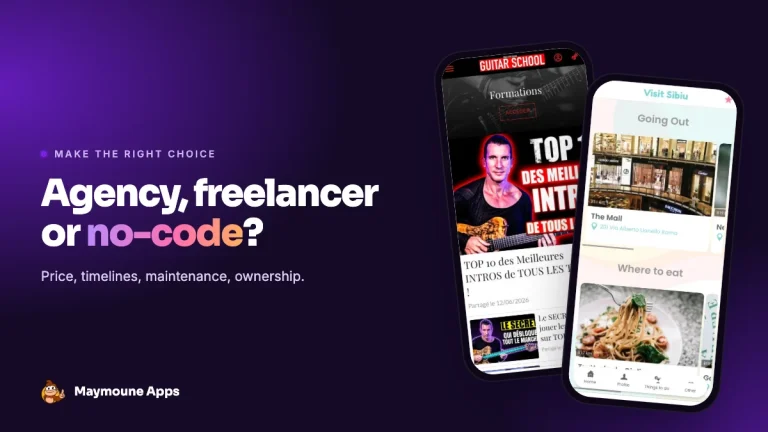 News of Maymoune
 Agency, freelancer or no-code tool: how to choose to build your app
Price, timelines, maintenance, ownership: an honest comparison between an agency, a freelance developer and a no-code tool for building a mobile app.
4 min read17 Oct 2026