 Maymoune
Keeping your app users coming back: 8 simple levers
Notifications, news, exclusive offers, members area, bookings: 8 practical levers so your customers keep your app and open it often.
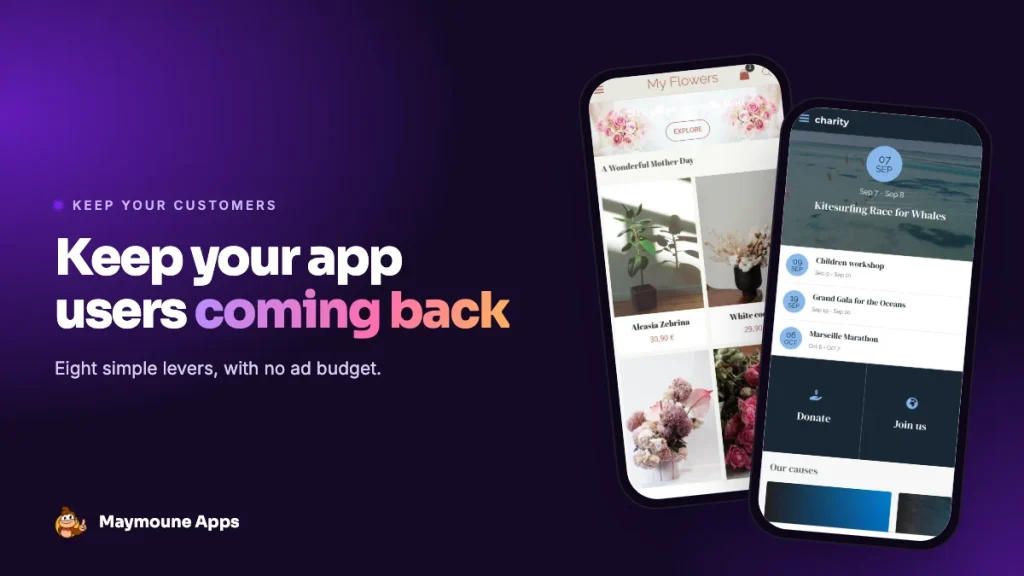
Getting an app installed is half the journey. The other half is that people still open it in three months. An app nobody launches gets deleted the first time the phone runs out of space. Here are eight simple levers, with no ad budget, so your customers keep it.
1. Give a reason to come back every week
An app that never changes never gets opened. Publish something new every week: today’s delivery, this week’s menu, Saturday’s event, a tip. The 30 content ideas will keep you going for months.
2. Send useful notifications, not many
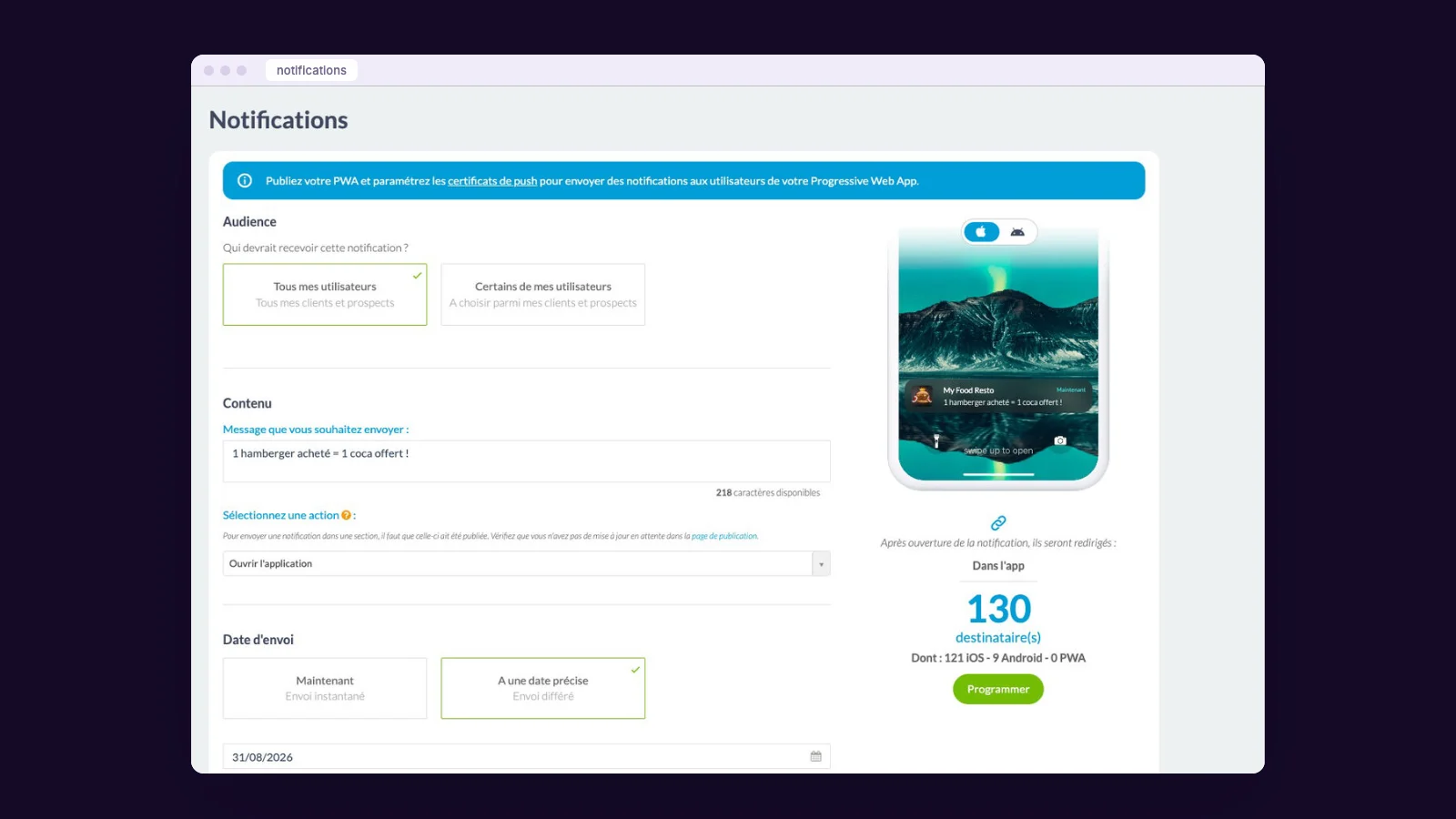
Notifications are your best tool, and the easiest to waste. One or two a week, useful, at the right time: “Two places left for Saturday’s workshop” rather than “Discover our new arrivals”. Target when you can: a message sent to some users only is more relevant. All our advice is in the guide to push notifications.
3. Reserve perks for the app
A promo code for the first order in the app, a private sale announced by notification, bookings opening a day earlier: your customers should feel that having the app makes a difference for them.
4. Be useful every day
The apps people keep are the ones that save time: booking without calling, ordering without queuing, finding invoices, checking opening hours. If your app replaces a chore, it stays on the home screen.
5. Create a members area
A personal account creates attachment: order history, reserved content, profile, preferences. For a club, a studio or an association, it’s often the heart of the app. See our guide to the members area.
6. Take care of the first launch
The first launch decides everything. A clear home screen, what the app lets you do in three points, and a simple first action: book, order, sign up. Avoid long forms on arrival.
7. Listen, then improve
A suggestion form, a quick poll, a question at the till: your customers will tell you what’s missing. Add the requested section, then announce it by notification. Nothing builds loyalty like a customer who sees their idea come to life. See how to create a form in the app.
8. Measure what works
The back office shows launches, time spent, busiest days and platforms. Look at what makes openings rise (a notification, a new article, an offer) and do it again.
An example: the sports club
A table tennis club publishes the weekend’s results and the training schedule every Monday. On Friday, a notification announces the home matches. Members book their slot in the app, find their ranking in their members area, and get a promo code for the snack bar at the end-of-season tournament. The result: the app is opened several times a week, without any advertising.
What drives users away
- Too many notifications, or pointless ones.
- Content that’s never updated.
- A slow app, or mandatory sign-up to see anything.
- Broken promises: a booking button that sends you to the phone.
What it costs
At Maymoune, every feature is included in all three plans, detailed on the pricing page:
- Starter, €19 a month: your web app, installed from a link or a QR code.
- Ultra, €59 a month: the same, plus the iPhone, iPad and Android app on the stores.
- Ultra Lifetime, €2,999: one single payment, with publication on the App Store and Google Play included.
Maymoune Apps
Customers who come back
Unlimited notifications, members area and promo codes included.
✓ Unlimited, targeted notifications
✓ Members area and reserved content
✓ Promo codes and offers
✓ Statistics included
To get the app installed in the first place, read getting your app discovered and how to get your app installed.
Frequently asked questions
How do you keep app users coming back?
By publishing something new every week, sending useful and infrequent notifications, reserving perks for the app and making it genuinely useful.
How many notifications should I send?
One or two a week, useful and well timed. Too many notifications get the app uninstalled.
Can notifications be targeted?
Yes. A notification can go to all users or only some, and be scheduled for a specific date.
How do I know if the app is being used?
The back office statistics show launches, time spent, busiest days and platforms.
How much does an app cost at Maymoune?
€19 a month for the web app, €59 a month with iPhone and Android, or €2,999 once and for all. Details are on the pricing page.
Up next
 News of Maymoune
 A bakery or caterer app: orders, pickup and what’s new
The menu, orders for pickup, party platters and today’s bread: the app for a bakery, a patisserie or a caterer, and what…
3 min read22 Oct 2026 News of Maymoune
 A music school app: lessons, videos and schedules
Lesson schedules, practice videos, recitals and messages to families: the app for a music school or a music teacher, and what it…
3 min read22 Oct 2026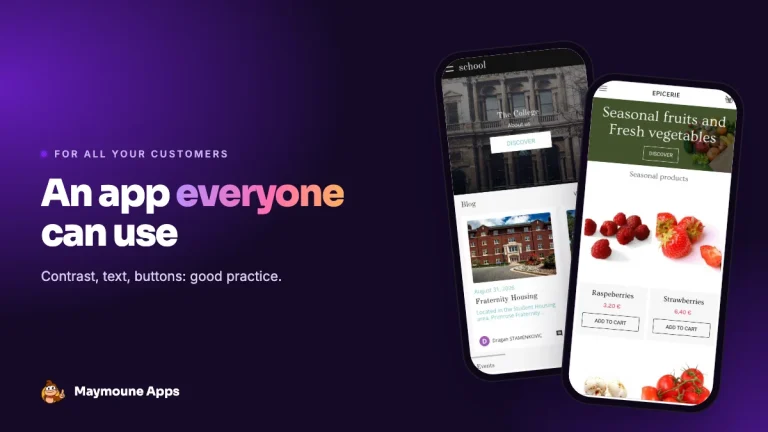 News of Maymoune
 Mobile app accessibility: good practice for all your customers
Contrast, text size, alternative text, captions, buttons: good practice for a mobile app everyone can use, and what the law says.
3 min read21 Oct 2026