 Maymoune
What to post in your app: 30 content and message ideas
A lively app brings your customers back. 30 concrete content and notification ideas, sorted by trade, and a simple rhythm to keep up every week.
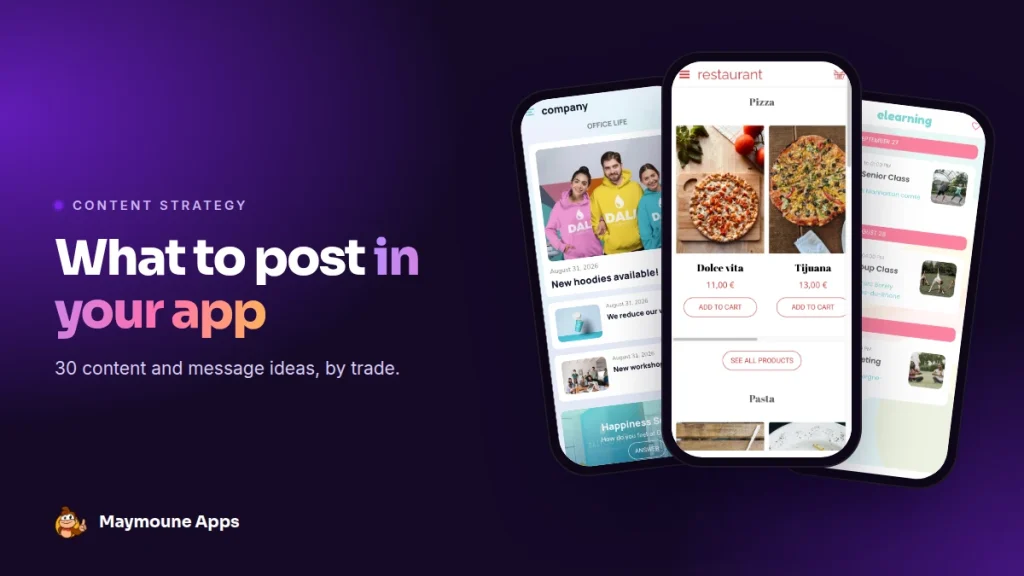
An app that is never updated ends up forgotten at the back of the phone. An app that moves a little every week becomes a habit. Here are 30 concrete ideas so you never run out of topics, sorted by trade.
You have published your app, and your customers have installed it. Now what? The question comes up often: “what am I going to put in it every week?”
The good news is that you already have the material. It is in your daily work: what you receive, what you prepare, what your customers ask you.
The right rhythm
- One piece of content a week: a new arrival, an article, a photo, a video.
- One or two notifications a week: no more, so each one counts.
- One highlight a month: an offer, an event, a season.
A small, regular piece of content beats a big effort followed by three months of silence.
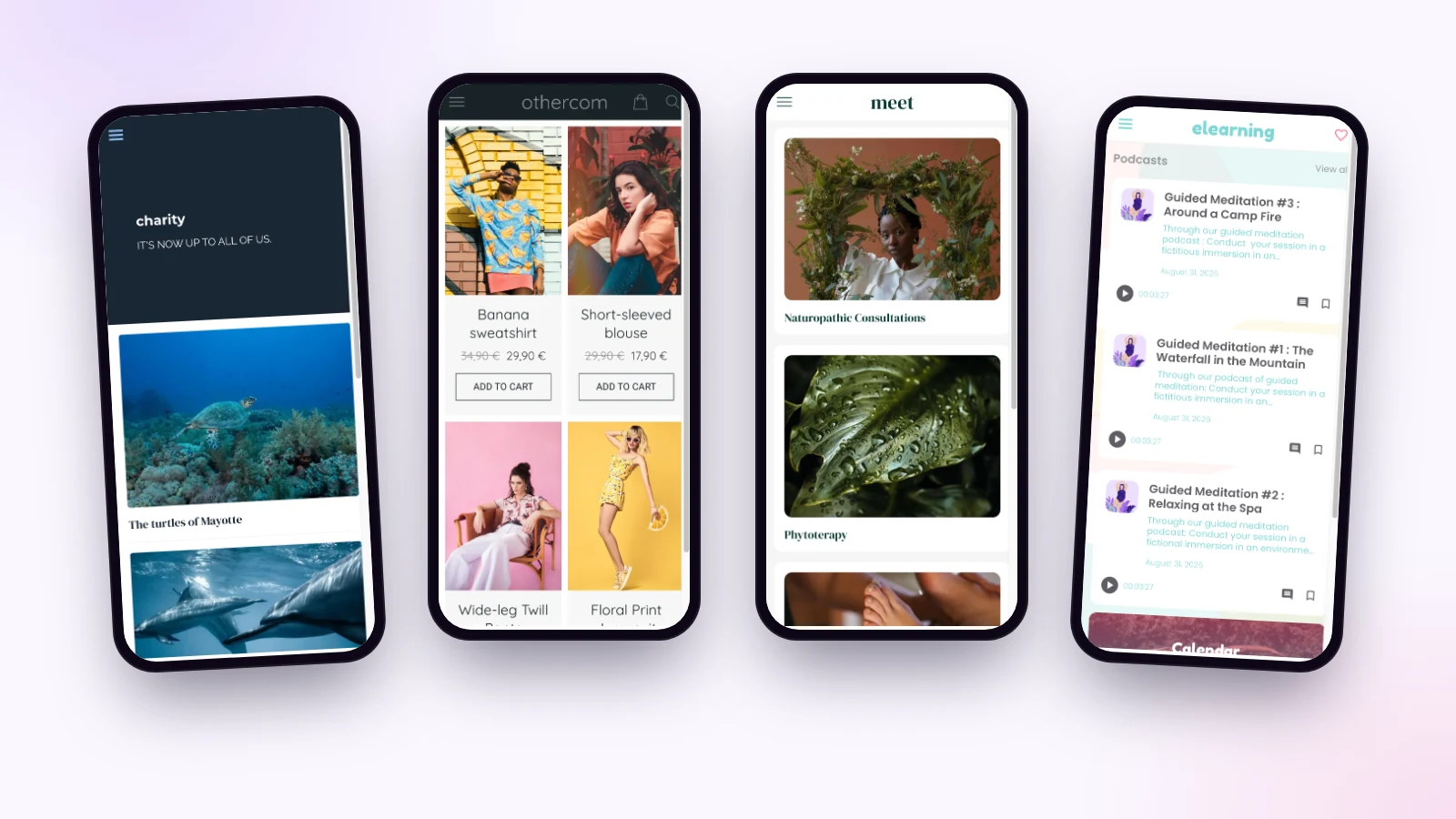
For a shop
- This week’s arrivals, in three photos.
- The team’s favorite, with two lines on why.
- A selection for a holiday: Mother’s Day, back to school, Christmas.
- An app-only discount code, valid for 48 hours.
- A sold-out product everyone was asking for is back.
- Behind the scenes: the window being dressed, the workshop, the supplier.
For a restaurant
- Today’s special, sent at 11 am.
- The new seasonal menu, dish by dish.
- An offer to fill a quiet night: on Tuesday, second pizza half price.
- A portrait of the chef, or of a producer.
- Special nights: a match, a concert, a tasting.
For beauty and wellness
- Slots that opened up this week.
- The treatment of the season, with its photo and length.
- A tip to use at home, in a short video.
- A guided meditation or a breathing exercise.
- A gift voucher reminder, two weeks before the holidays.
For an association or a parish
- A reminder for Saturday’s action, the evening before.
- The result of a campaign, with a number and a photo.
- A call for volunteers for a specific need.
- A portrait of a volunteer or a parishioner.
- Changing times: mass, office hours, an exceptional closure.
For a company or a school
- A new colleague’s arrival, with a photo.
- This week’s canteen menu.
- A quick survey on the mood or a project.
- The key dates of the month.
- A practical alert: car park closed, trip cancelled, strike.
For everyone
- A welcome message for new users, with a small perk.
- The answer to the question you are asked most often.
- A thank-you at the end of the year, with what you achieved together.
- A question to your customers: “what would you like to see next month?”
And the thirtieth: take what worked best last month, and do it again.
A typical week
Take a florist. On Monday, she photographs the flowers that arrived that morning and puts them online in ten minutes. On Wednesday, she schedules a notification for Friday at 5 pm: “A bouquet for the weekend? Order before 7 pm, it will be waiting for you tomorrow morning.” On Saturday, she does nothing more: the orders come in.
Two actions a week, one highlight a month for the next holiday. That is all it takes to keep the app alive.
Saving time
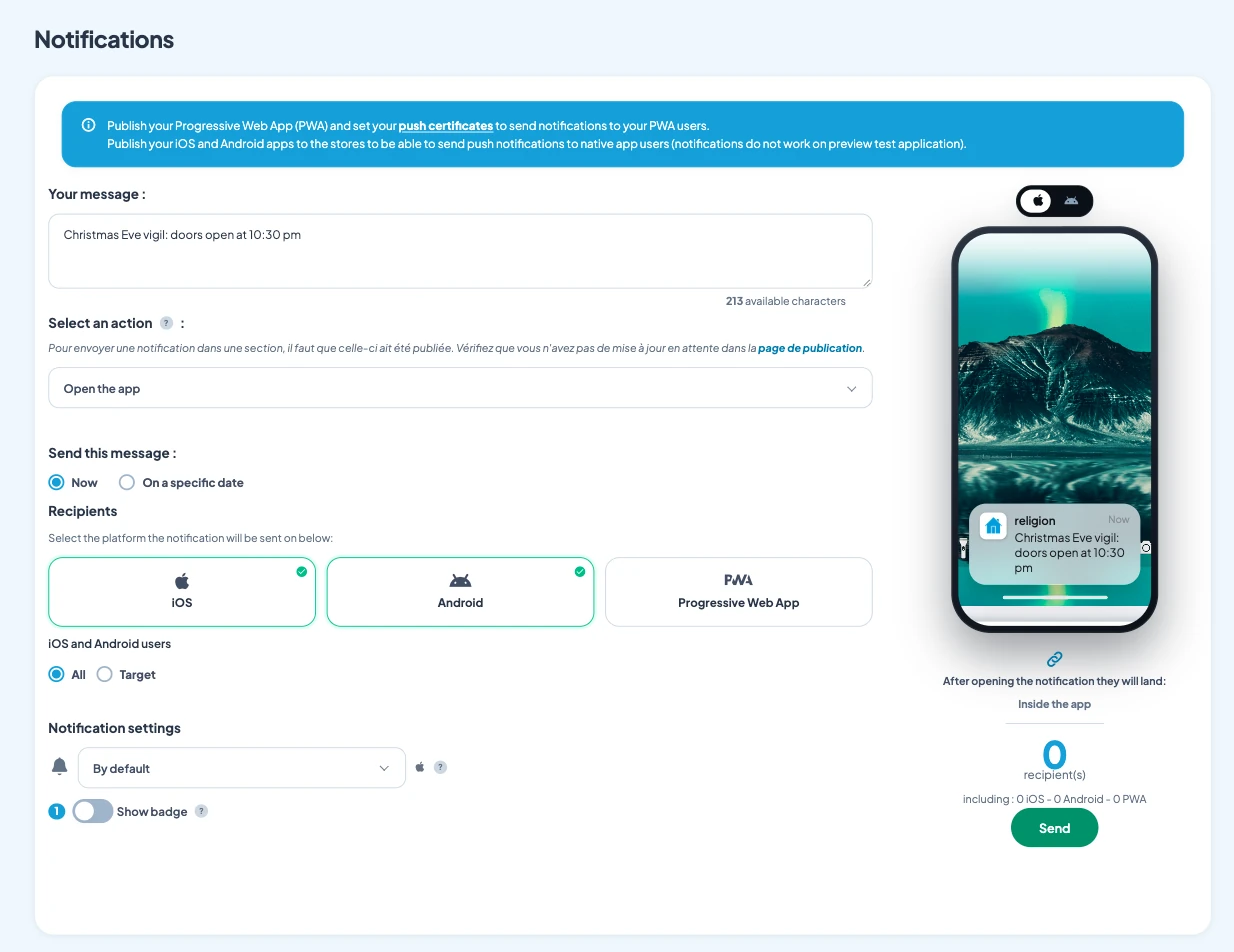
- Schedule ahead: a notification written on Monday goes out on Thursday at 6 pm.
- Connect your sources: your blog, YouTube channel or Instagram show up on their own. See the article on automatic content.
- Get help: the writing AI suggests a text, and you can control the app from ChatGPT or Claude.
How much does it cost
Notifications are unlimited and the writing AI is included, in all three Maymoune plans:
- Starter, €19 a month: your web app, installed from a link or a QR code.
- Ultra, €59 a month: the same, plus the iPhone, iPad and Android app on the stores.
- Ultra lifetime, €2,999: a one-time payment, with publishing on the App Store and Google Play included.
Plan details are on the pricing page.
Maymoune Apps
A lively app, without spending your evenings on it
Three plans, every feature included, no commitment.
✓ Writing AI included
✓ Messages scheduled in advance
✓ Unlimited notifications
✓ Support included
To go further: how to write a notification is covered in the article on push notifications, and how to get your first installs in the one on getting your app installed. Other questions are answered in the FAQ.
Frequently asked questions
How often should I post in my app?
One piece of content a week and one or two notifications are enough. Regularity matters more than quantity.
How many notifications should I send?
One or two a week, no more. Each message should bring something: news, an offer, a useful reminder.
Can I schedule posts in advance?
Yes. A notification can be scheduled for the date and time you choose, from the back office.
What if I am short on time?
Connect your existing sources, such as your blog or Instagram, and let the writing AI suggest your texts. Ten minutes a week is enough.
Are notifications limited?
No. They are unlimited in all three plans, shown on the pricing page.
Up next
 News of Maymoune
 Build a mobile app in 7 steps, without coding
Pick a template, organise sections, brand it, fill it, test, publish on the web then on the stores: the 7 steps to…
4 min read6 Oct 2026 News of Maymoune
 An app for your spa or beauty salon: treatments, rituals and bookings
Your treatment menu with length and price, your rituals, online booking, a gift voucher request and a message when a slot opens…
4 min read5 Oct 2026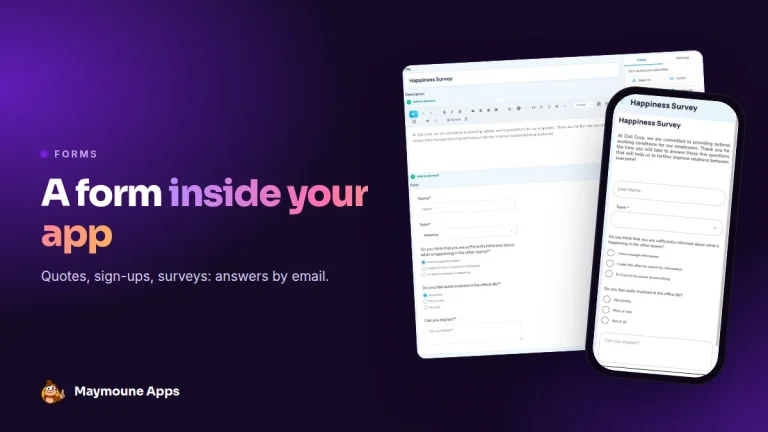 News of Maymoune
 Create a form in your app: quotes, sign-ups, surveys
A quote request with a photo, a workshop sign-up, a satisfaction survey: the form is built in a few clicks and answers…
3 min read5 Oct 2026