 Maymoune
Fill your app without double entry: WordPress, YouTube, RSS and Instagram
Your blog, YouTube channel, podcasts, calendar and social networks show up in your app, without retyping anything. The sources available, with the real back office catalogue.
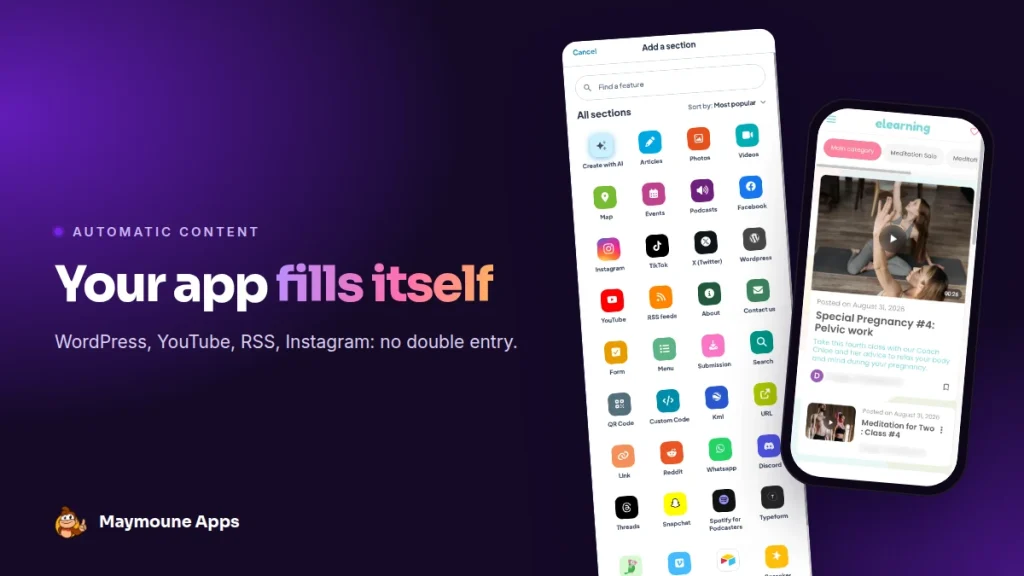
You already publish on your website, your YouTube channel or Instagram. Your app can show that content on its own, section by section. You publish once, and it follows.
Monday, you post an article on your WordPress site. Tuesday, a video on YouTube. Thursday, a podcast episode. You don’t have time to copy everything into an app as well.
Good news: you don’t have to. Here is how to connect your sources, with the real section catalogue from the back office.
The idea: one section per source
Your app is made of sections, the ones you see in the menu. Some are filled by hand, like articles or photos. Others plug into a source and show its content automatically.
You add the section, enter the source address, and that’s it. Each new piece of content you publish elsewhere appears in the app.
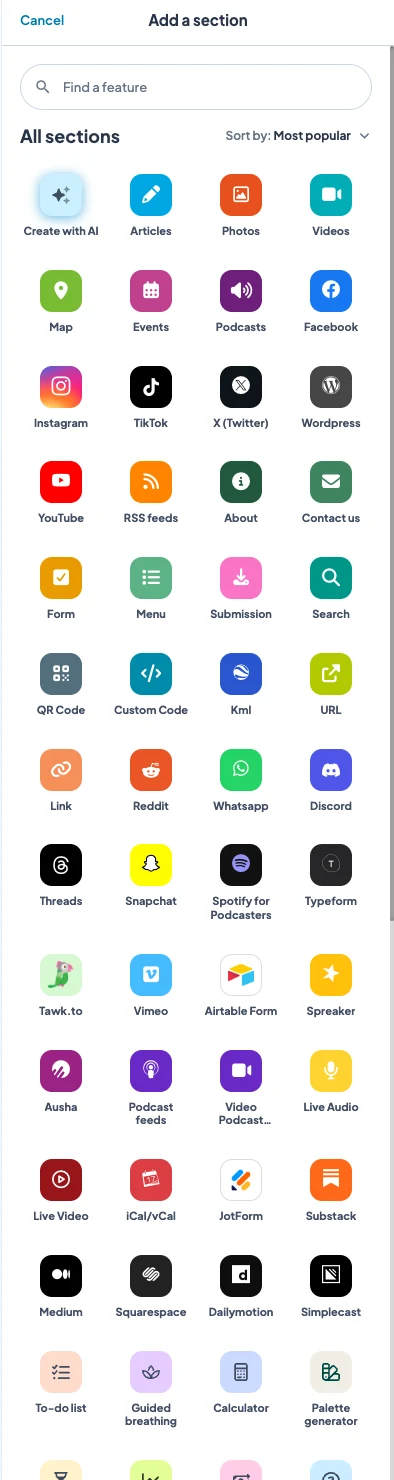
The sources you can connect
Your website and blog
- WordPress: your articles, with their images. The free WordPress extension also shares your site’s content automatically.
- RSS feeds: any site that publishes a feed, such as a blog, a newspaper or another publishing tool.
- Medium, Substack, Blogger, Squarespace: each has its own section.
Your videos and podcasts
- YouTube, Vimeo, Dailymotion: your channel, inside the app.
- Podcasts: a podcast feed, or directly Spotify for Podcasters, Ausha, Spreaker or Simplecast.
- Live audio and video: for a radio, a service or a concert streamed live.
Your social networks
Instagram, Facebook, TikTok, X, Threads, Flickr: one section per network. Your followers see your posts without leaving your app.
Your calendar and forms
- iCal: your online calendar becomes the Events section.
- Typeform, JotForm, Airtable: your existing forms, without rebuilding them.
- Custom feeds: articles, videos, photos, podcasts, map or events, from your own tool.
And what you create by hand
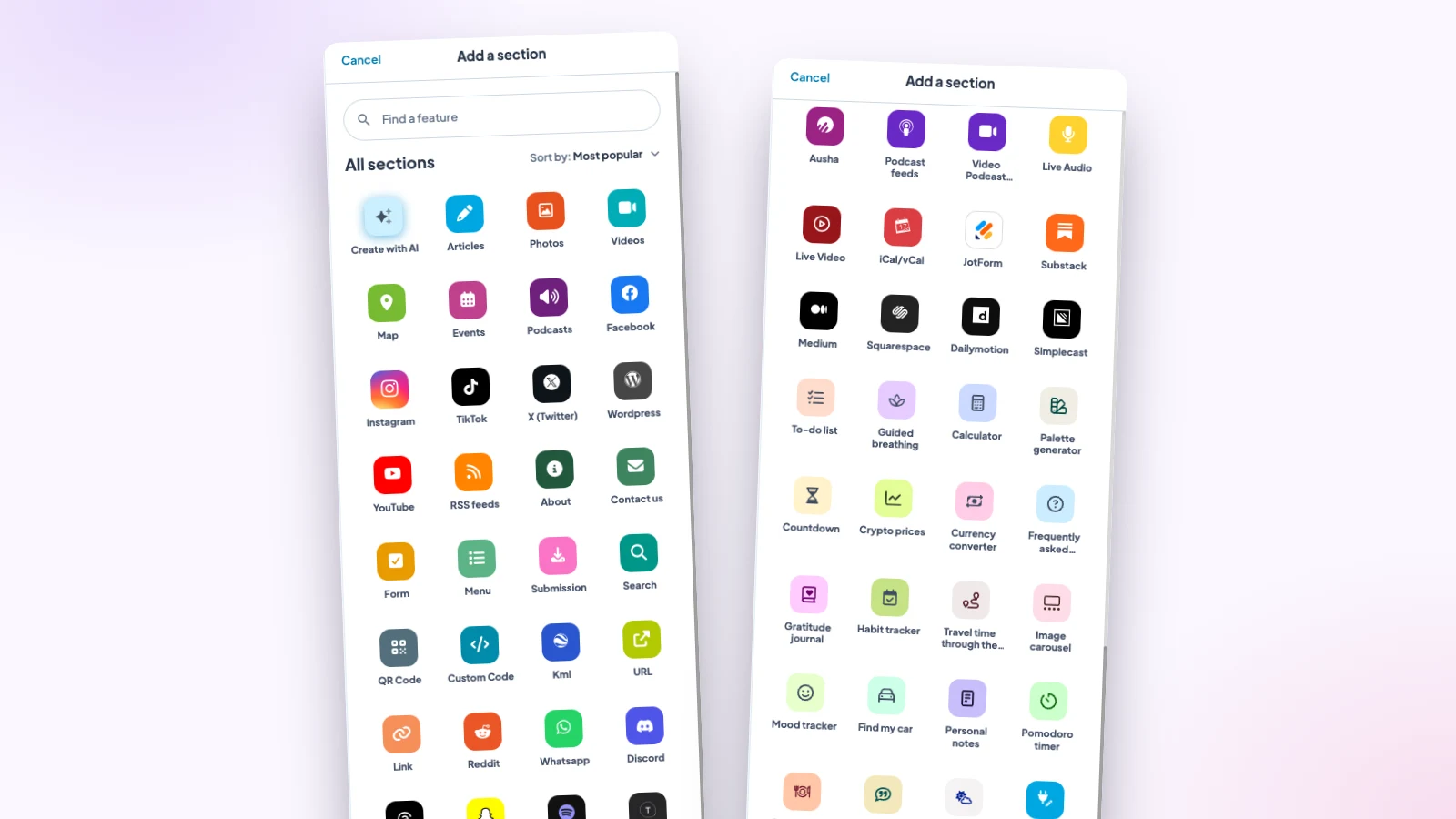
Alongside the sources, you keep the classic sections: articles, photos, videos, map, form, FAQ, contact page. And a few ready-made tools, such as a timer, a calculator, a countdown or a breathing exercise.
There is also “Create with AI”: you describe a section, and it builds itself. That is the subject of the article on games and tools created by AI.
Three real examples
- A parish: Sunday mass in live video, the parish calendar connected through iCal, and the YouTube channel to watch sermons again.
- A restaurant: the menu built by hand, and the Instagram account for the daily specials the team already posts every lunchtime.
- A coach: her WordPress blog, her podcast hosted on Ausha, and a Typeform form for the first assessment.
In all three cases, people keep working as before. The app updates while they publish elsewhere, and a notification tells their followers when it matters.
How many sections?
Up to 120 per app. Enough to connect all your sources and still have room. The counter at the bottom of the catalogue tells you where you stand.
My advice: don’t connect everything on day one. Start with the source you feed most often, your blog or your channel. A lively app beats an app full of empty sections.
How much does it cost
Every section is included in all three Maymoune plans:
- Starter, €19 a month: your web app, installed from a link or a QR code.
- Ultra, €59 a month: the same, plus the iPhone, iPad and Android app on the stores.
- Ultra lifetime, €2,999: a one-time payment, with publishing on the App Store and Google Play included.
Plan details are on the pricing page.
Maymoune Apps
Publish once, your app follows
Three plans, every feature included, no commitment.
✓ WordPress, YouTube, RSS, Instagram
✓ Up to 120 sections
✓ Unlimited notifications
✓ Support included
To go further: a podcast or blog app is covered in the article on the app for a podcast, blog or channel, live audio in the one on the radio station app, and AI control in the one on ChatGPT and Claude. Other questions are answered in the FAQ.
Frequently asked questions
Can I connect my WordPress site to my app?
Yes. A WordPress section shows your articles, and the free WordPress extension shares your site’s content automatically. It is included in all three plans, shown on the pricing page.
Do I have to repost each YouTube video in the app?
No. The YouTube section shows your channel’s videos, and new ones appear on their own.
My podcast is on Spotify or Ausha, does it work?
Yes. There are sections for Spotify for Podcasters, Ausha, Spreaker and Simplecast, and one for any podcast feed.
How many sections can I add?
Up to 120 per app. The counter at the bottom of the catalogue shows how many you use.
Can I mix automatic content and content made by hand?
Yes. Each section has its source: you can have your WordPress blog, your YouTube channel and a news section you write yourself.
Up next
 News of Maymoune
 What to post in your app: 30 content and message ideas
A lively app brings your customers back. 30 concrete content and notification ideas, sorted by trade, and a simple rhythm to keep…
4 min read6 Oct 2026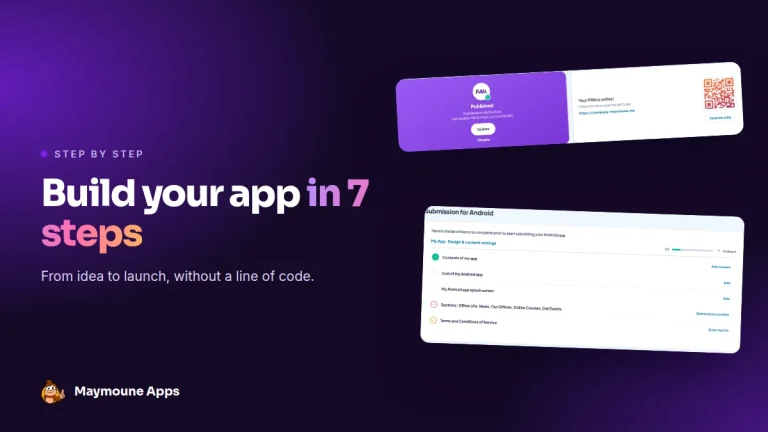 News of Maymoune
 Build a mobile app in 7 steps, without coding
Pick a template, organise sections, brand it, fill it, test, publish on the web then on the stores: the 7 steps to…
4 min read6 Oct 2026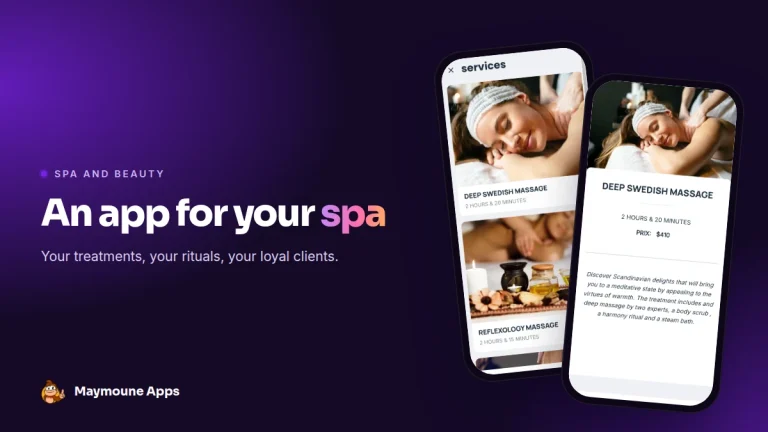 News of Maymoune
 An app for your spa or beauty salon: treatments, rituals and bookings
Your treatment menu with length and price, your rituals, online booking, a gift voucher request and a message when a slot opens…
4 min read5 Oct 2026