 Maymoune
Mobile app accessibility: good practice for all your customers
Contrast, text size, alternative text, captions, buttons: good practice for a mobile app everyone can use, and what the law says.
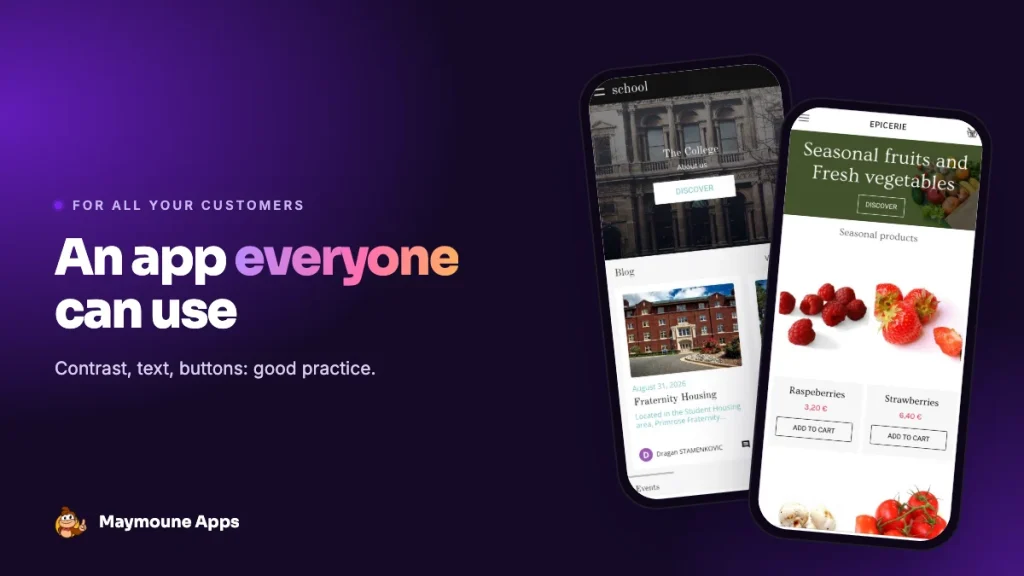
An accessible app is an app everyone can use: someone with low vision, an older customer, someone reading in bright sunlight or one-handed on the bus. Accessibility isn’t just for big companies: most good practice depends on your choice of colours and content.
Why it matters
Millions of people in Europe live with a disability, and many more simply have eyesight that declines with age. An app that’s hard to read loses these customers silently. Conversely, what helps a person with a disability helps everyone: higher-contrast text reads better in the sun, a bigger button is easier to tap.
What the law says
Since 28 June 2025, the European Accessibility Act sets accessibility requirements for many digital services, including e-commerce, apps included. Service microenterprises (fewer than 10 employees and under €2 million in turnover) are exempt. Even if you are, good practice remains a commercial advantage. For your specific situation, ask a professional.
Good practice, one by one
Well-contrasted colours
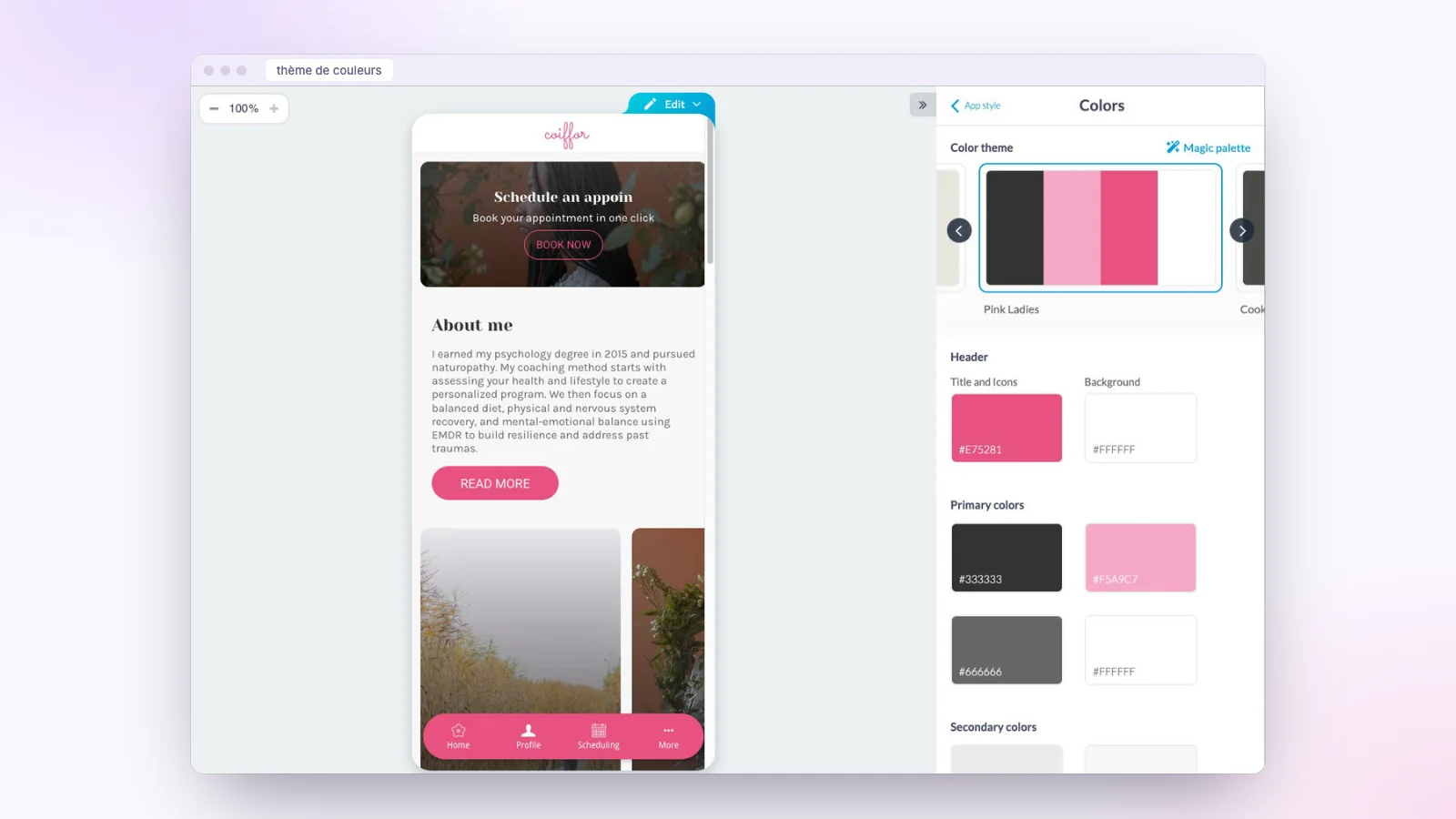
Text must stand out clearly from its background. Avoid light grey on white, text over a busy photo, or two bright colours of the same intensity. A good reflex: if you squint and the text disappears, the contrast is too weak. In the back office, the colour theme is set area by area (header, backgrounds, menus) with a live preview.
Readable text
A simple font, a comfortable size, short paragraphs. Phones let users enlarge text in their settings: the app must cope with that, one more reason to favour short sentences and an airy layout.
Alternative text for images
Screen readers (VoiceOver on iPhone, TalkBack on Android) read what’s on screen aloud. For an image, they read its description. Describe your product photos and visuals in one useful sentence: “Bouquet of pink peonies and eucalyptus” rather than “IMG_2045”.
Clear buttons
A button should say what it does: “Book this slot”, not “OK”. It should be big enough to tap with a thumb, and shouldn’t rely on colour alone to be understood.
Captioned videos
Captions help deaf and hard-of-hearing people, and everyone watching a video without sound, which is most people on public transport.
Simple forms
Every field has a visible label, errors are explained clearly, and you only ask for the essentials. See how to create a form in the app.
The checklist
- Check the text contrast on every background.
- Enlarge the phone’s text and check the app stays readable.
- Describe every important image.
- Name every button after its action.
- Caption your videos.
- Try the app with VoiceOver or TalkBack for a few minutes.
What it costs
At Maymoune, every feature is included in all three plans, detailed on the pricing page:
- Starter, €19 a month: your web app, installed from a link or a QR code.
- Ultra, €59 a month: the same, plus the iPhone, iPad and Android app on the stores.
- Ultra Lifetime, €2,999: one single payment, with publication on the App Store and Google Play included.
Maymoune Apps
An app everyone can read
Your colours and content, set with a live preview.
✓ Colour theme area by area
✓ Alternative text on images
✓ Embedded videos
✓ Support included
To choose your colours, read our guide to the magic palette, and to work on your app’s identity, a branded mobile app. You can also open the examples on your phone, or check the FAQ.
Frequently asked questions
What is an accessible app?
An app everyone can use, including people with low vision, hearing loss, older users or people with a motor disability.
Is accessibility mandatory?
Since 28 June 2025, the European Accessibility Act applies to many digital services, including e-commerce. Service microenterprises are exempt.
What are the most important rules?
Good contrast, readable and resizable text, descriptions for images, clear buttons and captioned videos.
How do I test my app’s accessibility?
Enlarge the text in the phone’s settings, then use VoiceOver on iPhone or TalkBack on Android for a few minutes.
How much does an app cost at Maymoune?
€19 a month for the web app, €59 a month with iPhone and Android, or €2,999 once and for all. Details are on the pricing page.
Up next
 News of Maymoune
 A bakery or caterer app: orders, pickup and what’s new
The menu, orders for pickup, party platters and today’s bread: the app for a bakery, a patisserie or a caterer, and what…
3 min read22 Oct 2026 News of Maymoune
 A music school app: lessons, videos and schedules
Lesson schedules, practice videos, recitals and messages to families: the app for a music school or a music teacher, and what it…
3 min read22 Oct 2026 News of Maymoune
 Keeping your app users coming back: 8 simple levers
Notifications, news, exclusive offers, members area, bookings: 8 practical levers so your customers keep your app and open it often.
3 min read21 Oct 2026