 Maymoune
A mobile app that looks like you: logo, colors and domain name
A starting theme, your palette, your fonts, your icon, your launch screen and your domain name: how your app carries your brand, with the real back office screens.
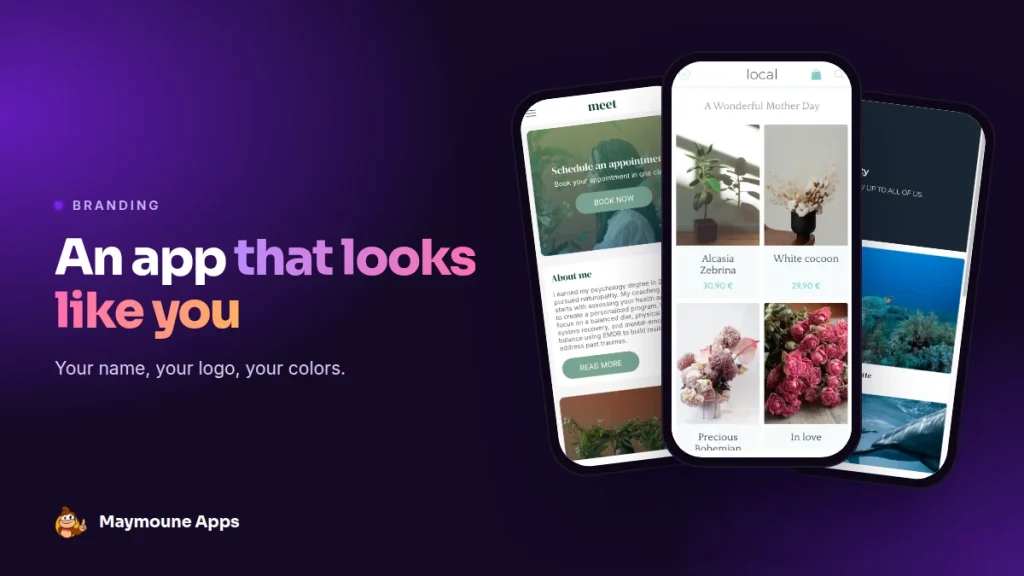
A good app looks like your shop, not like a template. At Maymoune, you start from a theme, then add your logo, colors, fonts and address. No code, and it is included from €19 a month.
Your customer opens the app. She sees your logo on the launch screen, finds the green of your shopfront, and the address in her browser carries your name. She doesn’t wonder who built the app: it is yours.
I’ll show you here, screen by screen, how to get there from the back office.
Three demos, three styles
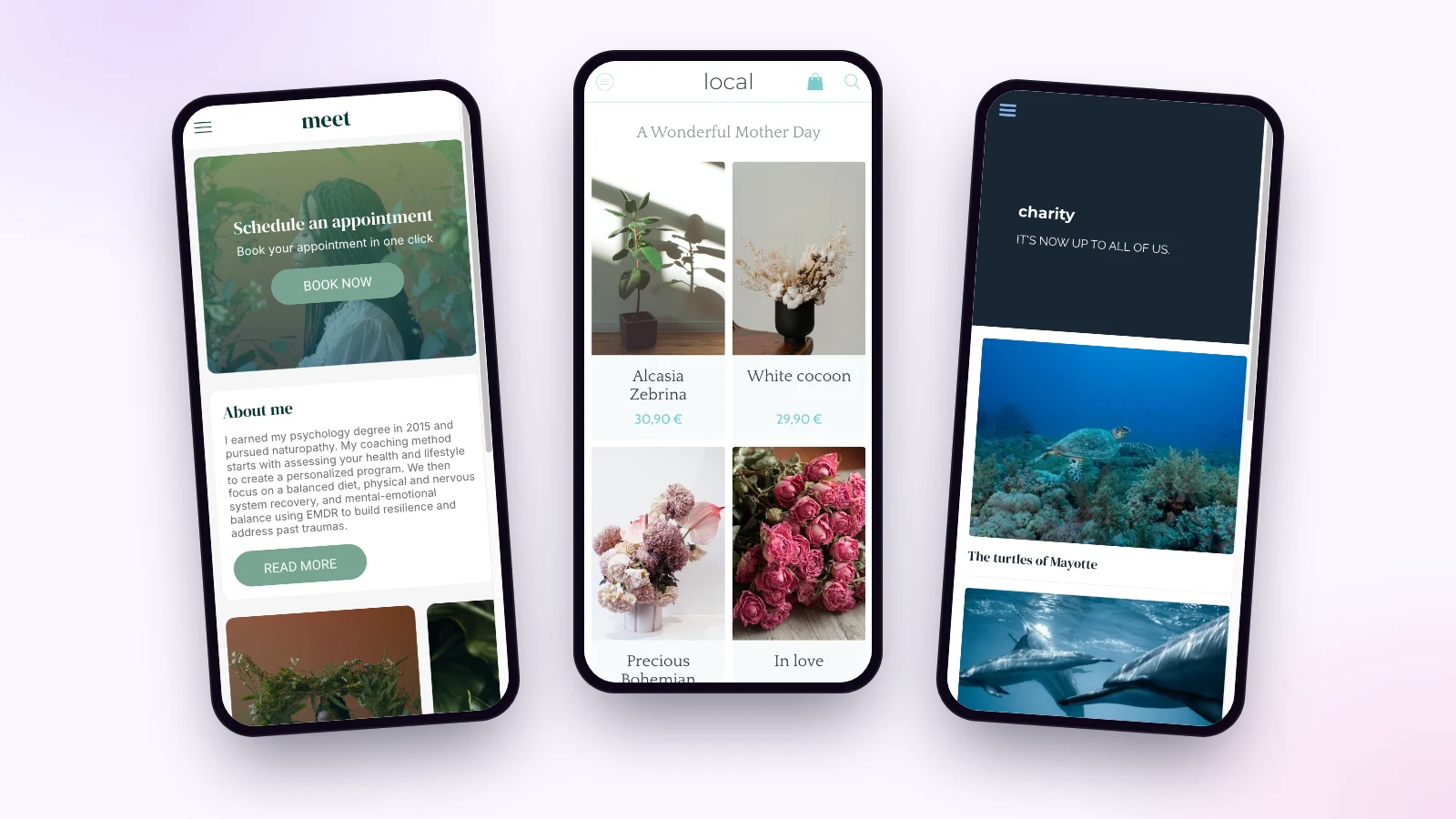
A naturopath’s practice, a florist, an ocean protection charity: three demos built with the same tool, and yet nothing looks alike. Colors, fonts and layout change everything.
Start from a theme
The theme library gives you a complete starting point: a layout, a palette and fonts that work together. You pick the one closest to your world, then adjust it.
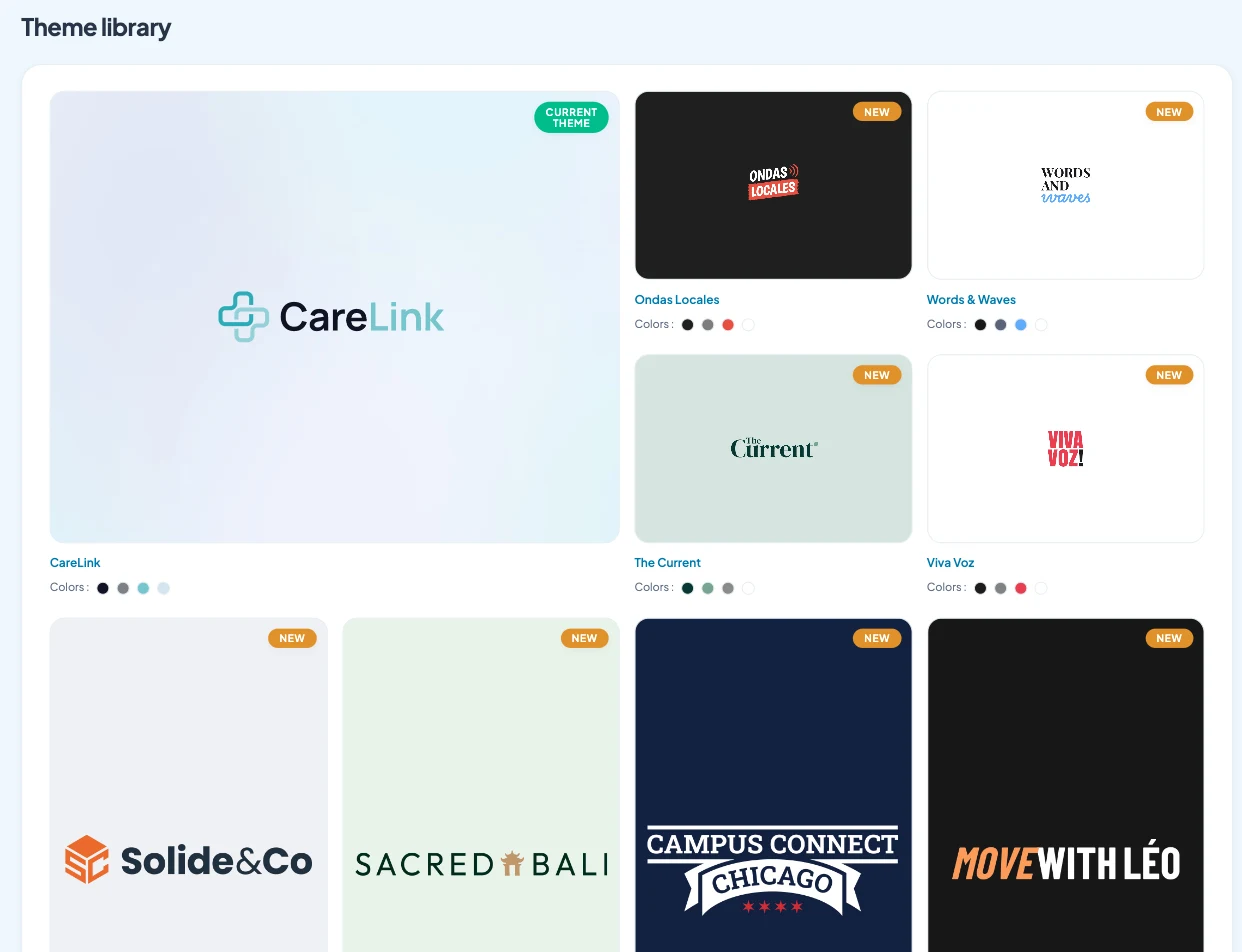
Nothing is set in stone: a color, a font or an icon can be changed at any time, and the preview shows the result before you publish.
Your colors and fonts
The colors screen shows the app preview on the left and the settings on the right. Each area has its own color: header, text, buttons, background, menu. You type in your brand codes, or let “Magic palette” suggest a combination.
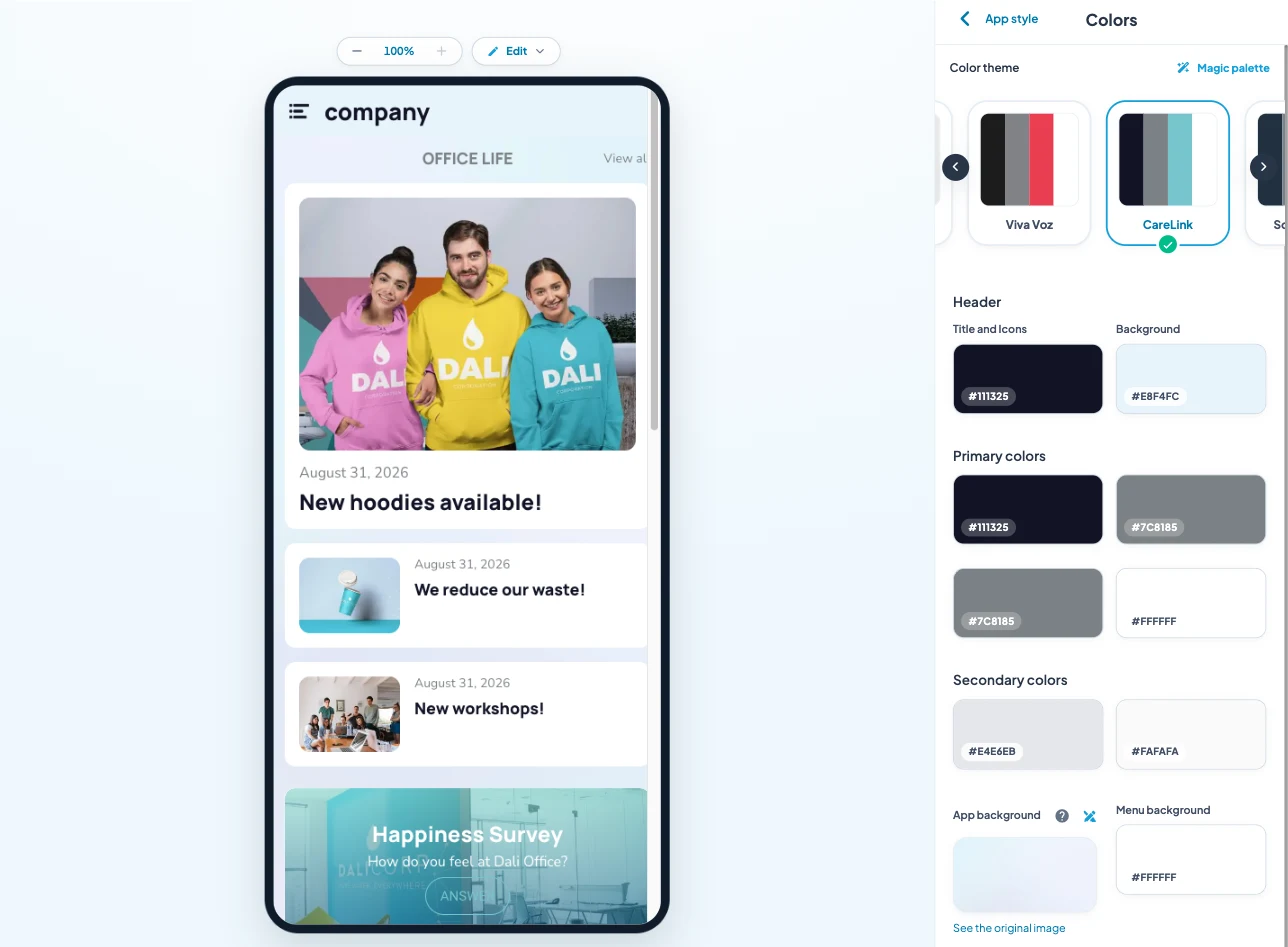
For fonts, you pick from the Google Fonts catalogue, or upload your brand font. Titles and text can each have their own.
The icon and the launch screen
The icon is what your customers see on their phone, next to their other apps. The launch screen is the first image when the app opens. For both, you have a choice:
- The wizard: a text or an image, a font, a background color, and the icon is generated.
- Your own file: you upload the icon or screen prepared by your designer.
Your domain name
Your web app opens at an address. You can connect your own domain name, for example app.your-shop.com, and your brand shows right up to the browser bar. It is also the address you print under your QR code.
With the Ultra plan, the app also goes on the App Store and Google Play, under your name and with your icon.
Where to start
Get three things ready before you begin: your logo in good quality, the codes of your two or three colors, and the exact name of your fonts. With those, the branding takes an hour. And if you’d rather we handle it, book a call.
How much does a branded app cost
At Maymoune, themes, colors, fonts and the domain name are included in all three plans:
- Starter, €19 a month: your web app, installed from a link or a QR code.
- Ultra, €59 a month: the same, plus the iPhone, iPad and Android app on the stores.
- Ultra lifetime, €2,999: a one-time payment, with publishing on the App Store and Google Play included.
My advice: keep the colors of your shopfront or website, even if you are tempted by something else. Your customers recognise you at first glance, and that is what matters. Plan details are on the pricing page.
Maymoune Apps
Your brand, on your customers’ screens
Three plans, every feature included, no commitment.
✓ Themes, colors and fonts
✓ Your own domain name
✓ Unlimited notifications
✓ Support included
To go further: the difference between a web app and a store app is explained in the article PWA or mobile app, the full budget in the one on the cost of an app, and two of the demos shown here in the articles on the florist app and the therapist app. Other questions are answered in the FAQ.
Frequently asked questions
Can I put my logo and colors in the app?
Yes. You set each color with your brand code, choose your fonts, and upload your logo, icon and launch screen. It is included in all three plans, shown on the pricing page.
Can I use my own domain name?
Yes. You connect your domain name to your web app, and it opens at your address.
Can I change the style later?
Yes. Colors, fonts, icon and launch screen can be changed at any time from the back office, with a preview before you publish.
Do I need a designer?
No. The wizard creates the icon and launch screen from your name or your logo. If you already have files made by a designer, you upload them as they are.
Does the app appear under my name on the stores?
Yes, with the Ultra or Ultra lifetime plan. It is published on the App Store and Google Play under your name, with your icon.
Up next
 News of Maymoune
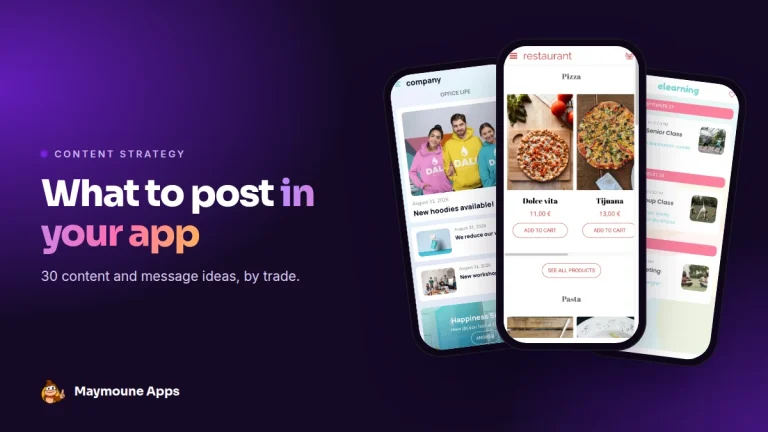
 What to post in your app: 30 content and message ideas
A lively app brings your customers back. 30 concrete content and notification ideas, sorted by trade, and a simple rhythm to keep…
4 min read6 Oct 2026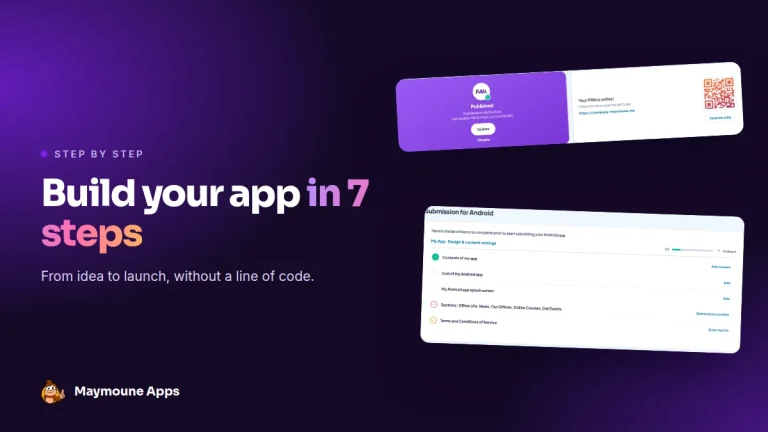 News of Maymoune
 Build a mobile app in 7 steps, without coding
Pick a template, organise sections, brand it, fill it, test, publish on the web then on the stores: the 7 steps to…
4 min read6 Oct 2026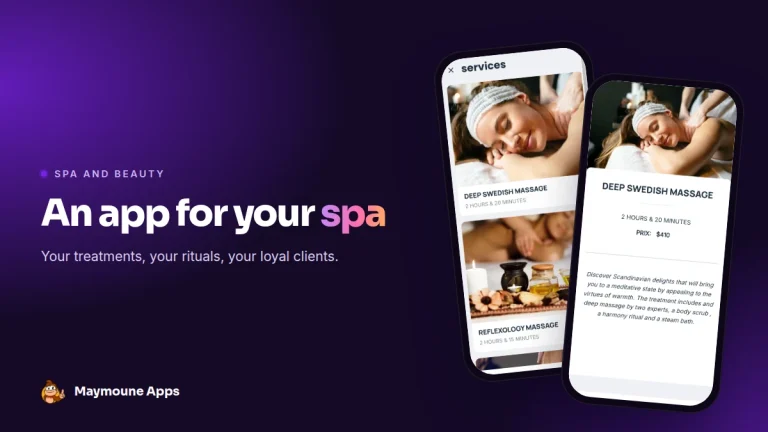 News of Maymoune
 An app for your spa or beauty salon: treatments, rituals and bookings
Your treatment menu with length and price, your rituals, online booking, a gift voucher request and a message when a slot opens…
4 min read5 Oct 2026