 Maymoune
Launching your mobile app: 10 mistakes to avoid
Too many sections, no reason to install, forgotten demo content, a flood of notifications: the 10 mistakes that hold an app back, and what to do instead.
Most apps that don’t take off share the same problem: not the technology, but the launch. Here are the ten mistakes I see most often, and what to do instead.
An app is like a shop opening. If the window is empty, nobody has been told and the door is hard to find, customers walk past without coming in.
The good news: each of these mistakes can be fixed in a few minutes.
1. Trying to put everything in
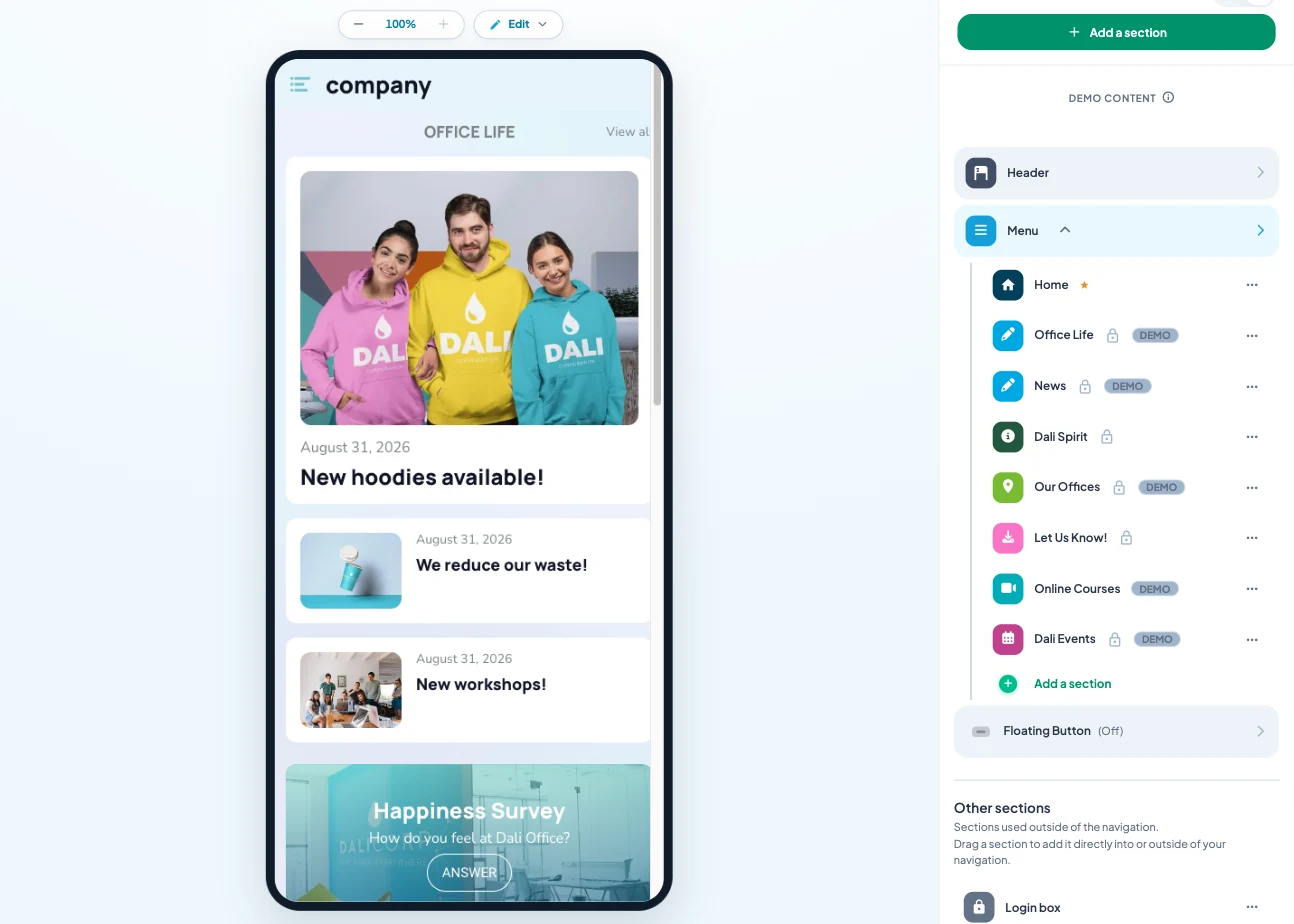
Fifteen sections on day one, half of them empty. Visitors get lost and don’t come back. Start with five to eight well-filled sections: you will add more when you have enough to feed them.
2. Forgetting demo content
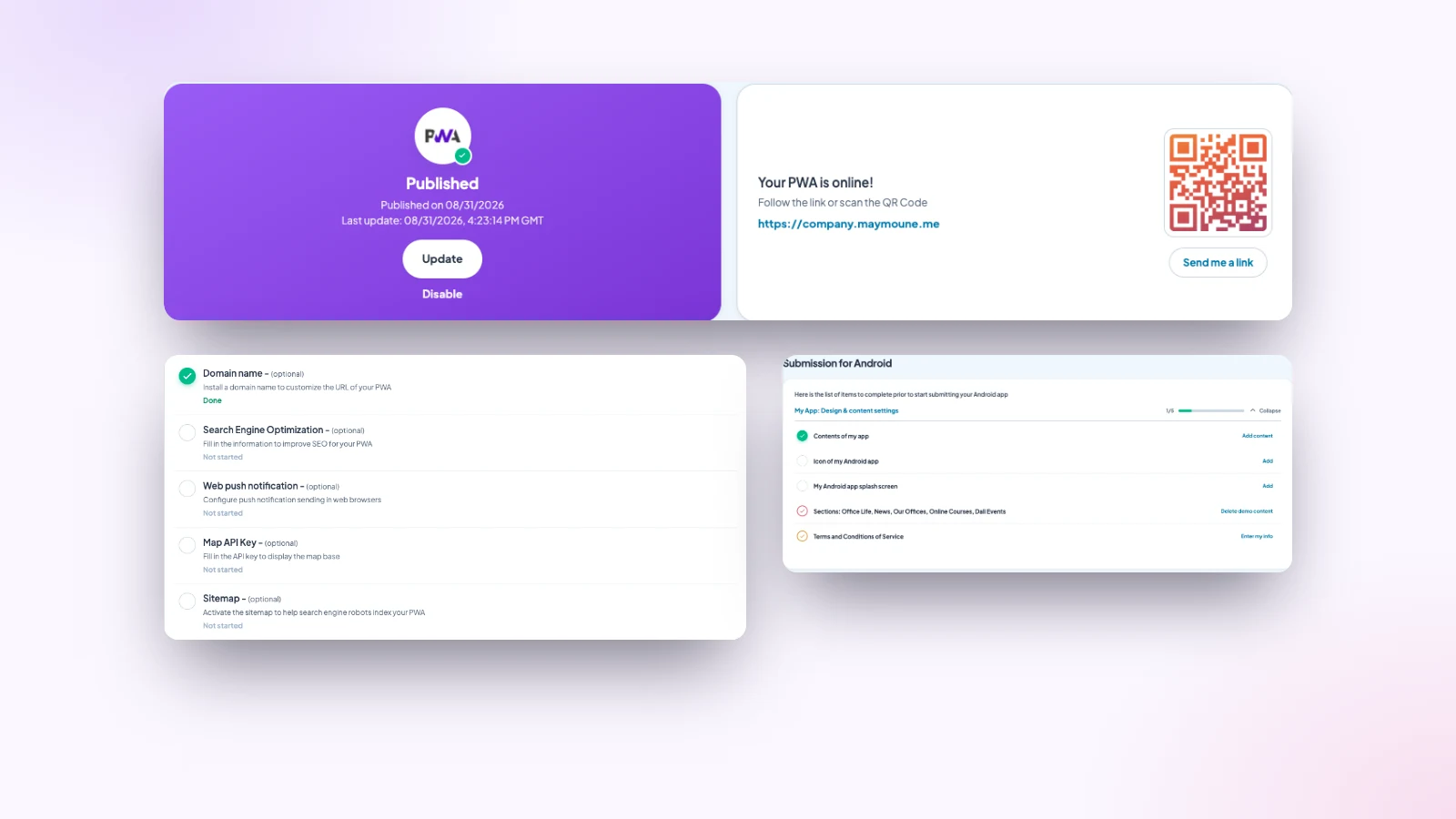
Starting from a demo saves a lot of time. But a demo article left in a corner looks bad. Before publishing on the stores, the back office lists the sections that still contain sample content: follow the list to the end.
3. Giving no reason to install
“Download our app” makes nobody want to. “Order without waiting”, “10% off your first order”, “be the first to know” do. Give a clear benefit, from the very first line.
4. Hiding the QR code
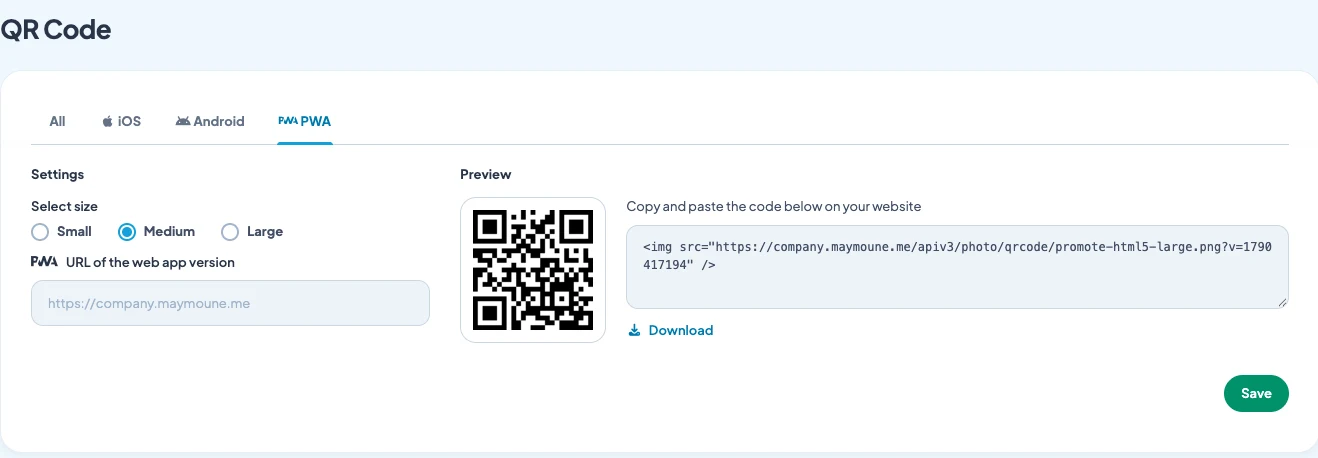
A tiny QR code at the bottom of a flyer will never be scanned. Put it where people wait with their phone in hand: the counter, the till, the waiting room, the table. The ten best places are in the article on getting your app installed.
5. Waiting for perfection
Three months of tweaks before daring to publish, and motivation fades. Publish the web app as soon as the essentials are ready, then improve it every week. Your first users will tell you what is missing better than any amount of thinking.
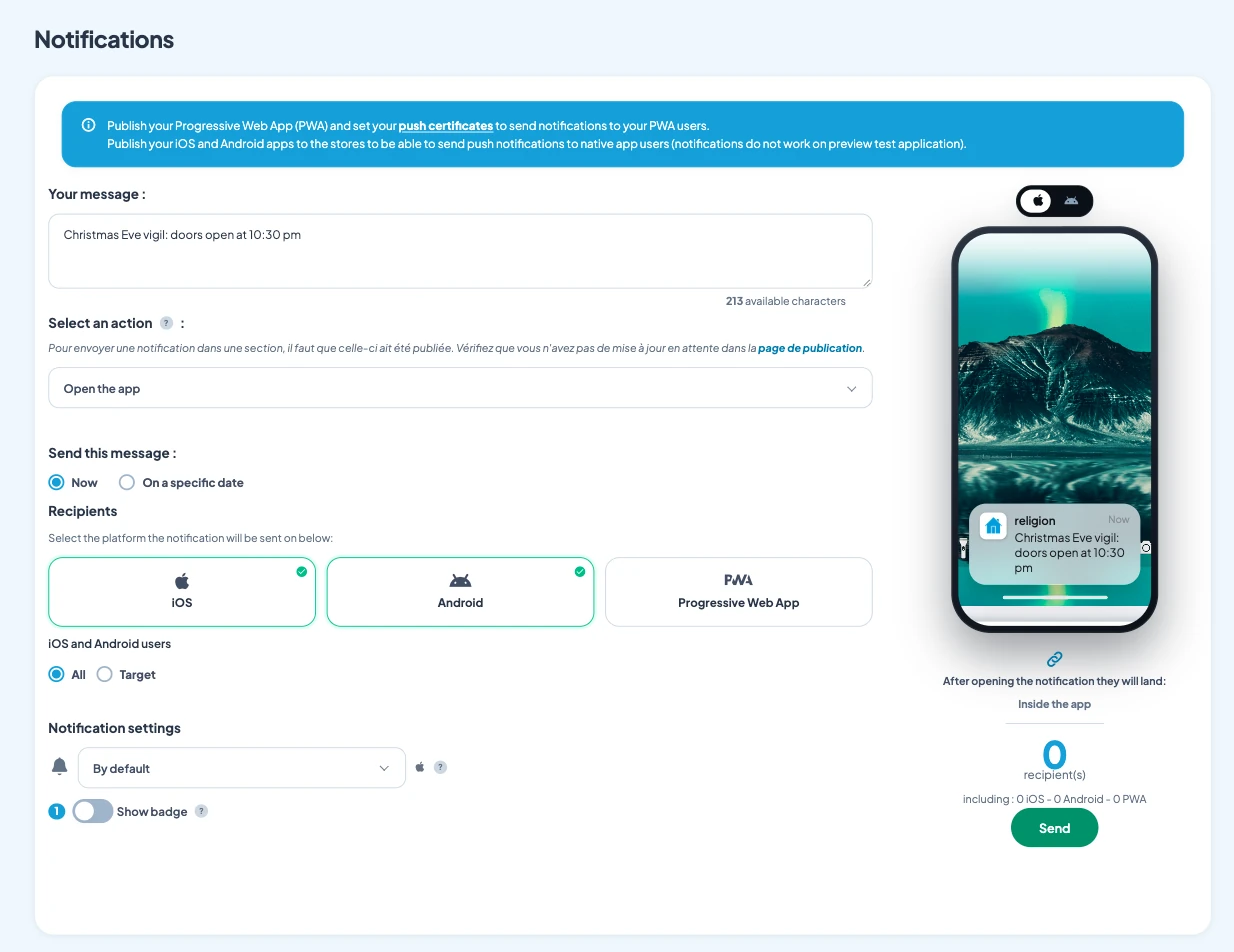
6. Sending too many notifications
One message a day, and users turn notifications off. One or two a week are enough, as long as each one brings something. Target the right part of your audience too: not everyone needs every message.
7. Sending nothing at all
The opposite mistake is just as common. An app with no news and no messages is forgotten within a month. Schedule a welcome message, then a regular slot, for example every Thursday. Thirty ideas so you never run out are in the article what to post in your app.
8. Neglecting branding
Keeping the demo colors, a generic icon, an empty launch screen: your customers don’t recognise you. Add your logo, colors and fonts from the start. The guide is in the article on an app that looks like you.
9. Retyping everything by hand
Copying every blog post and every YouTube video is the best way to burn out. Connect your existing sources: they show up on their own. See the article on automatic content.
10. Not telling your customers
The simplest and most forgotten. Say it out loud, to every customer, for the first two weeks: “Have you seen, we have our own app?” Nothing replaces that line said face to face.
How much does it cost
The QR code, unlimited notifications and every section are included in all three Maymoune plans:
- Starter, €19 a month: your web app, installed from a link or a QR code.
- Ultra, €59 a month: the same, plus the iPhone, iPad and Android app on the stores.
- Ultra lifetime, €2,999: a one-time payment, with publishing on the App Store and Google Play included.
Plan details are on the pricing page.
Maymoune Apps
A smooth launch, no bad surprises
Three plans, every feature included, no commitment.
✓ Ready-to-adapt demos
✓ QR code and notifications included
✓ Unlimited notifications
✓ Support included
To go further: the creation steps are detailed in the article build an app in 7 steps, and writing messages in the one on push notifications. Other questions are answered in the FAQ.
Frequently asked questions
How many sections should I launch with?
Five to eight, well filled. You will add more over the months, up to 120 per app.
Should I wait for the stores to launch?
No. Publish the web app first, installed from a link or a QR code, then move to the stores with the Ultra plan. Details are on the pricing page.
How many notifications should I send per week?
One or two. Enough to stay present, not enough to annoy.
How do I know if demo content is left?
Before publishing on the stores, the back office lists the sections that still contain sample content, with a button to remove it.
What is the most common mistake?
Not talking about it. An app nobody has heard of doesn’t get installed, however good it is.
Up next
 News of Maymoune
 Getting your app discovered: store optimisation and Google search
Name, keywords, screenshots, reviews, QR code: how to get your app found on the App Store, Google Play and in Google’s results.
3 min read18 Oct 2026 News of Maymoune
 Making money with your app: 6 models that work for a business
Online sales, bookings, subscriptions, advertising, loyalty: the models that make an app genuinely profitable, and which one to choose for your business.
4 min read18 Oct 2026 News of Maymoune
 Agency, freelancer or no-code tool: how to choose to build your app
Price, timelines, maintenance, ownership: an honest comparison between an agency, a freelance developer and a no-code tool for building a mobile app.
4 min read17 Oct 2026