 Maymoune
An app for your practice: appointments, client area and documents
Lawyer, accountant, notary: online booking, a client-only area, document sending and reminders at the right time. Your practice app, and its price.
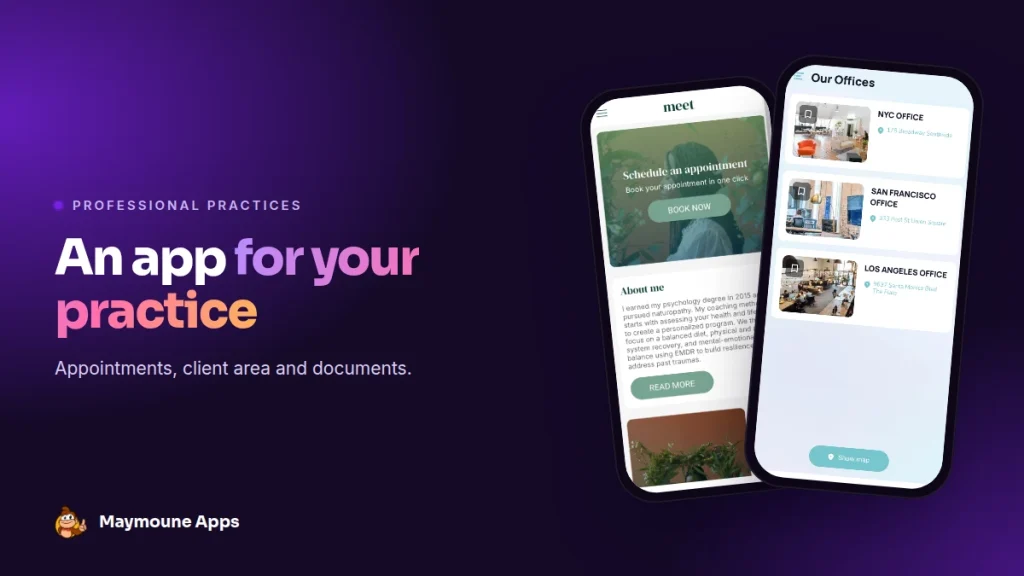
An app for a law firm, an accounting firm or a notary saves time on both sides. Your clients book on their own, send their documents and get your reminders. It starts at €19 a month.
The phone rings during a meeting. One client wants to know if there’s a slot left on Thursday, another has forgotten which document to bring. Every call breaks your focus, and your assistant spends the day answering the same questions.
With an app under your name, these requests go through your clients’ phones, not yours. Here I show you what it contains, with real demos.
Who a practice app is for
Everything below applies to a law firm, an accountant, a notary, an architect, a financial adviser, a real estate agent or a consulting firm. In short, every trade where clients book meetings, send documents and wait for your advice.
Why an app rather than just a website
Your website introduces the firm to people who don’t know you yet. The app serves those who are already clients: it stays on their home screen, it alerts them at the right moment, and it saves them from hunting for your number or opening hours.
It’s also about image: an app under your name, with your logo and colours, tells clients the firm is organised and available.
What a practice app contains
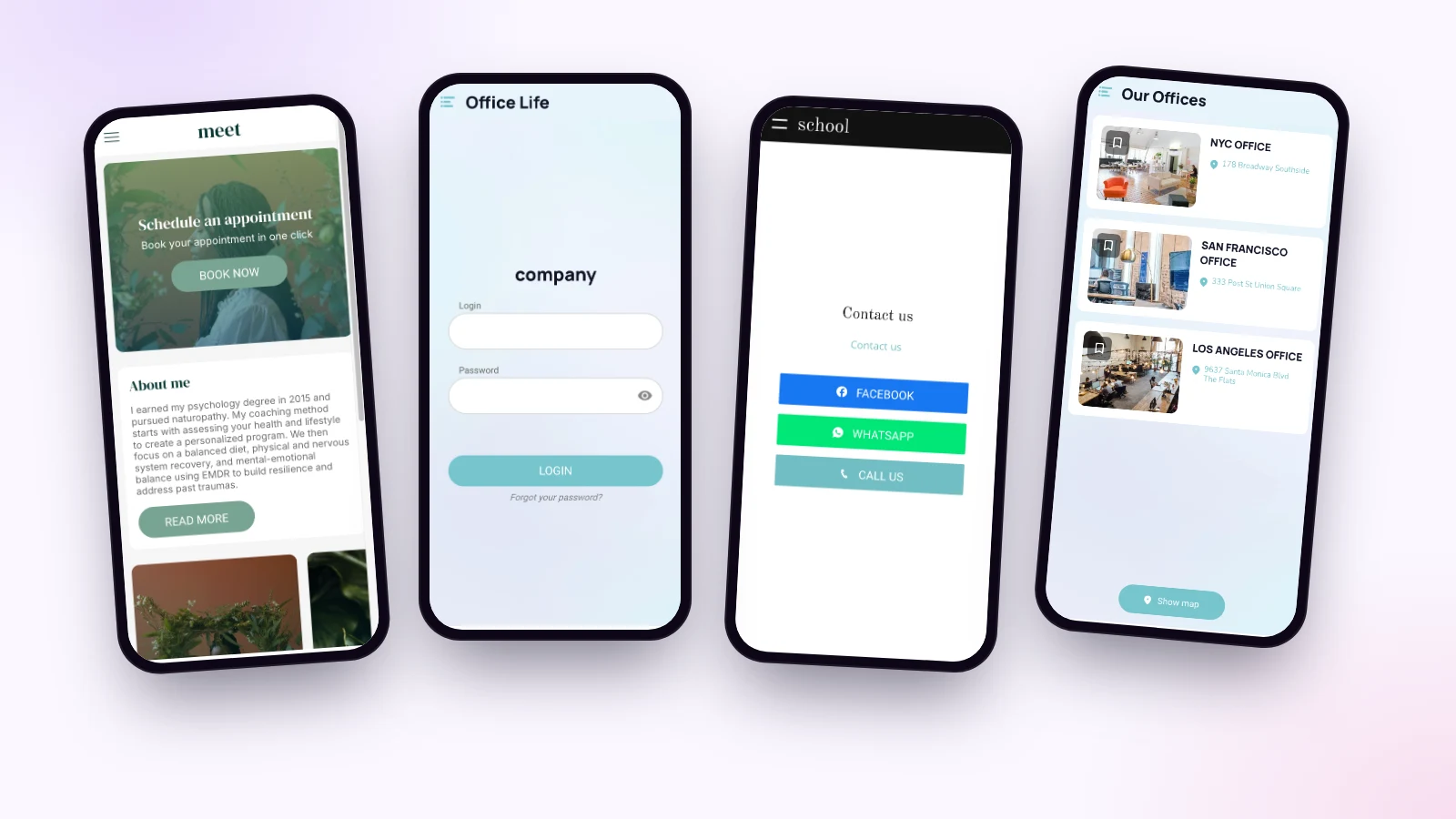
Appointment booking
Your client picks a free slot, fills in a short form and gets a confirmation email. Bookings land in your Google Calendar, and anything you add there blocks slots in the app. Each partner can have their own calendar.
You set the length of appointments, your hours and your closures. The full workings are covered in the article on the appointment booking app.
The client area
Some sections are for your clients only: the list of documents to provide, your practical guides, your templates. You create their accounts yourself, or import your list, and nobody else gets in. See the article on the members area.
Sending documents
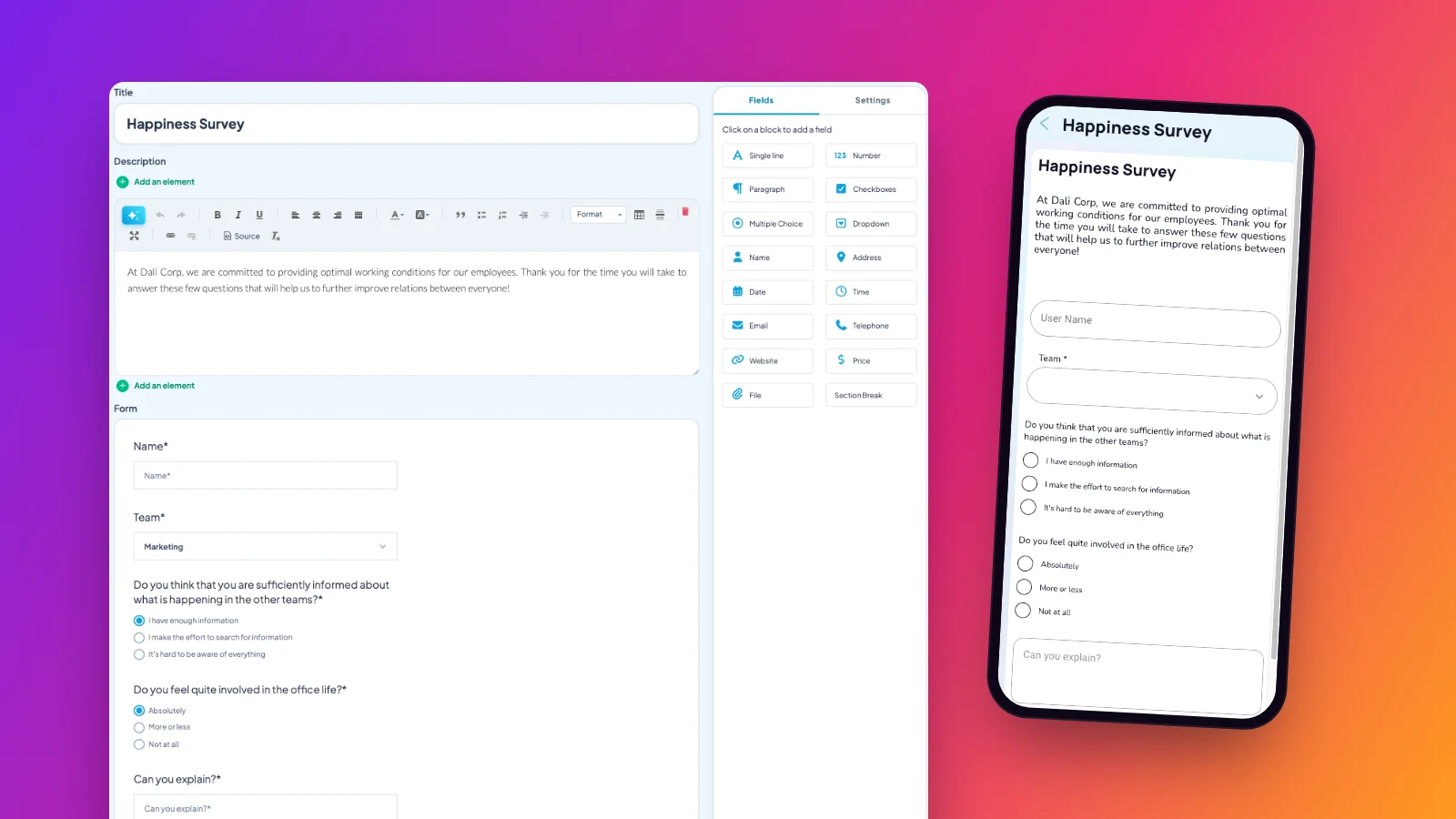
A form in the app, with a field to attach a file. The client sends their document from their phone, and you get the request by email. The how-to is in the article on app forms.
For the most sensitive files, keep your usual secure exchange tool, and simply place a link to it in the app.
Contact and your offices
One button to call, another to write on WhatsApp, and the list of your offices with their address and photo. Clients find everything without looking for your number.
Reminders that prevent oversights
A notification goes to all your clients, or to those you choose, right away or on the planned date. A few examples:
- “Tax return: send us your documents before May 15”
- “New tenancy law: our 3-minute summary in the app”
- “The office will be closed from December 24 to January 2”
Your updates, if they’re published on your WordPress site, show up in the app with no retyping. Writing messages is covered in the article on push notifications.
Launch the app in a week
- Day 1: pick a theme, add your logo, colours and offices.
- Day 2: turn on appointment booking and connect your Google Calendar.
- Day 3: build the document form and the contact page.
- Day 4: set up the client area and add your first accounts.
- Day 5: send the link to your clients and display the QR code at reception.
How much does a practice app cost
At Maymoune, appointment booking, the client area and forms are included in all three plans:
- Starter, €19 a month: your web app, installed from a link or a QR code.
- Ultra, €59 a month: the same, plus the iPhone, iPad and Android app on the stores.
- Ultra lifetime, €2,999: a one-time payment, with publishing on the App Store and Google Play included.
My advice: start with appointment booking. It’s what frees up your phone the fastest. Plan details are on the pricing page.
Maymoune Apps
Your clients book while you work
Three plans, every feature included, no commitment.
✓ Online appointments
✓ Private client area
✓ Unlimited notifications
✓ Support included
To go further: communication with your staff is covered in the article on the internal communication app. Other questions are answered in the FAQ.
Frequently asked questions
How much does an app for a practice cost?
€19 a month for the web app, €59 a month with the iPhone and Android apps, or €2,999 once and for all. Appointment booking is included. Details are on the pricing page.
Do appointments sync with my calendar?
Yes, with Google Calendar, both ways. Each partner can have their own calendar.
Can clients send documents?
Yes, with a form that has a file field. You get the request by email.
Can content be reserved for clients?
Yes. Each section can be public or reserved for logged-in clients, and you create their accounts yourself.
Can I send a reminder to some clients only?
Yes. A notification goes to all your clients or to those you choose, right away or on a planned date.
Up next
 News of Maymoune
 Getting your app discovered: store optimisation and Google search
Name, keywords, screenshots, reviews, QR code: how to get your app found on the App Store, Google Play and in Google’s results.
3 min read18 Oct 2026 News of Maymoune
 Making money with your app: 6 models that work for a business
Online sales, bookings, subscriptions, advertising, loyalty: the models that make an app genuinely profitable, and which one to choose for your business.
4 min read18 Oct 2026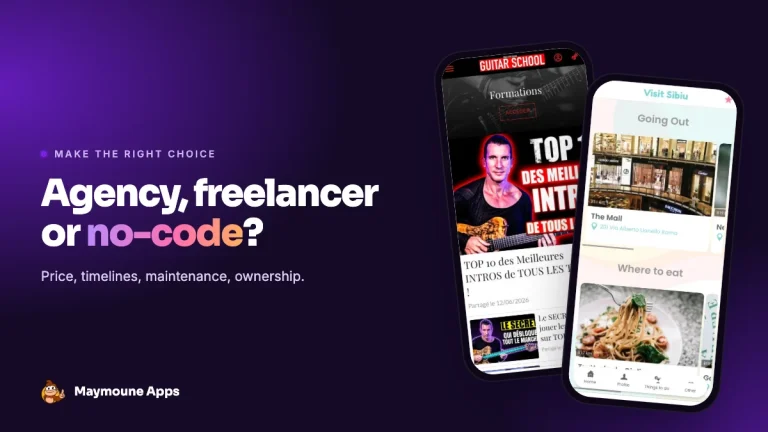 News of Maymoune
 Agency, freelancer or no-code tool: how to choose to build your app
Price, timelines, maintenance, ownership: an honest comparison between an agency, a freelance developer and a no-code tool for building a mobile app.
4 min read17 Oct 2026