 Maymoune
Publishing your app on the App Store and Google Play: steps, accounts and timelines
Developer accounts, store listing, review, rejection: the steps to publish an app on the App Store and Google Play, with realistic timelines.
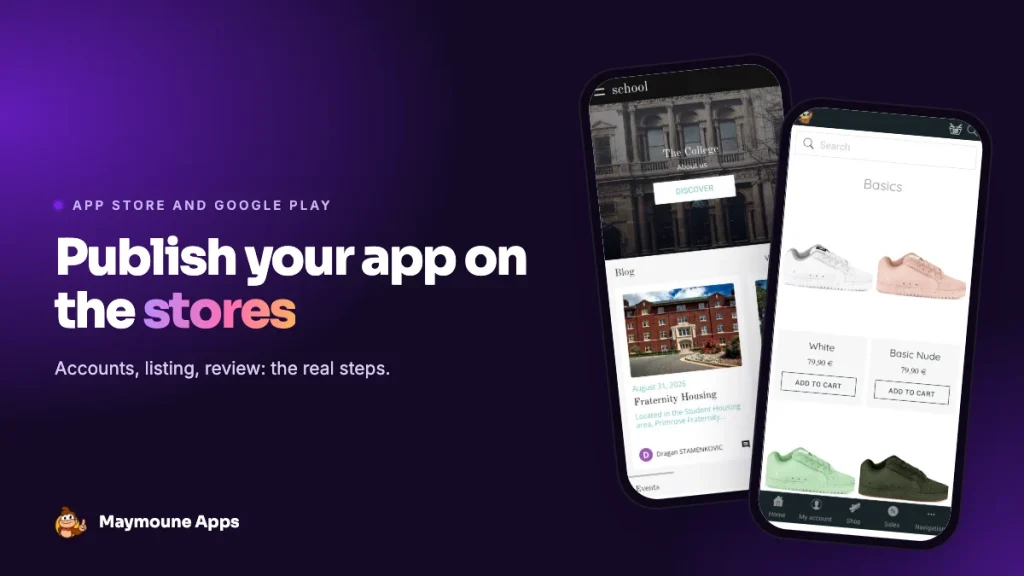
After price, this is the question we hear most: how does an app get onto the App Store and Google Play? There are four steps, two accounts to open and a little patience. Nothing insurmountable, as long as you know what to expect.
Step 1: open the developer accounts
Apple and Google require the app to be published under its owner’s account. That’s their rule, and it’s also what guarantees the app is really yours.
The Apple account
Joining the Apple Developer Program costs $99 a year. For a company or an association, Apple asks for a D-U-N-S number, a free identifier used to verify that the organisation exists. If you need to create one, allow several days, sometimes two weeks: it’s the first thing to start.
The Google account
A Google Play Console account costs $25, once. Google verifies the account holder’s identity, which usually takes a few days.
Watch out for one point many people discover too late: with a recent personal account, Google requires a closed test with at least 12 testers for 14 days before the first release. An account opened in the name of an organisation doesn’t have this constraint. If you have a company or an association, open the account in its name.
Step 2: prepare the store listing
The listing is what your customers see in the stores before installing. You prepare it once:
- The name of the app and a short tagline.
- The icon, in high resolution.
- Screenshots, in the sizes required for iPhone, iPad and Android.
- The description, with the words your customers type to find you.
- The address of your privacy policy, mandatory for both.
- The data questionnaire: what the app collects and why. Apple calls it “App Privacy”, Google “Data safety”.
Step 3: submit, then wait for review
Once the app is submitted, a team at Apple and a team at Google check it. At Apple, the answer often comes within one or two days. At Google, anywhere from a few hours to several days for a first release. Allow a few days in total, and don’t promise your customers a launch date before you get the green light.
Step 4: if the app is rejected
A rejection isn’t a wall, it’s a round trip. In the vast majority of cases it’s a matter of form: a screenshot that doesn’t match, a missing line in the privacy policy, a demo login to provide for a members-only area.
The only common rejection on substance at Apple concerns apps that merely display a website. Apple expects a real app: sections designed for the phone, notifications, content used inside the app. An app built with real sections goes through without trouble.
Afterwards: updates
Good news: what follows is much simpler. Your content (articles, products, events, opening hours) changes live, without going back through the stores. Only technical changes to the app need a new submission, and that one takes a click, without redoing the listing.
How it works with Maymoune
Publishing happens from the same screen as everything else: you submit, Apple and Google review, the app goes live. The first submission needs the listing prepared, later updates are a click. We show you how to open both accounts, and our team can handle publishing for you: preparing the listing, submitting, following the review and making corrections if Apple asks for something.
You can also start with the web app and move to the stores later. Our article web app or store app helps you choose, and creating an app for free details what the stores really cost.
At Maymoune, every feature is included in all three plans, detailed on the pricing page:
- Starter, €19 a month: your web app, installed from a link or a QR code.
- Ultra, €59 a month: the same, plus the iPhone, iPad and Android app on the stores.
- Ultra Lifetime, €2,999: one single payment, with publication on the App Store and Google Play included.
Maymoune Apps
Your app on the App Store and Google Play
The Ultra plan, or Ultra Lifetime with publication included.
✓ iPhone, iPad and Android
✓ Live content updates
✓ Publishing handled on request
✓ Support included
To avoid launch traps, also read the 10 mistakes to avoid, and find answers to other questions in the FAQ.
Frequently asked questions
How much does publishing on the stores cost?
Apple charges $99 a year and Google $25 once for developer accounts. At Maymoune, the Ultra Lifetime plan includes publication. Details are on the pricing page.
How long does review take?
A few days in general. Apple often answers within one or two days, Google from a few hours to several days for a first release.
Do I need a developer account in my name?
Yes. Apple and Google require the app to be published under its owner’s account. That’s what guarantees it’s really yours.
Why does Google ask for 12 testers?
It’s a rule for recent personal accounts: a 14-day closed test with at least 12 testers before the first release. An account in the name of a company or an association isn’t affected.
Do I need to republish the app for every change?
No. Your content changes live. Only technical changes need a new submission, which takes a click.
Up next
 News of Maymoune
 Getting your app discovered: store optimisation and Google search
Name, keywords, screenshots, reviews, QR code: how to get your app found on the App Store, Google Play and in Google’s results.
3 min read18 Oct 2026 News of Maymoune
 Making money with your app: 6 models that work for a business
Online sales, bookings, subscriptions, advertising, loyalty: the models that make an app genuinely profitable, and which one to choose for your business.
4 min read18 Oct 2026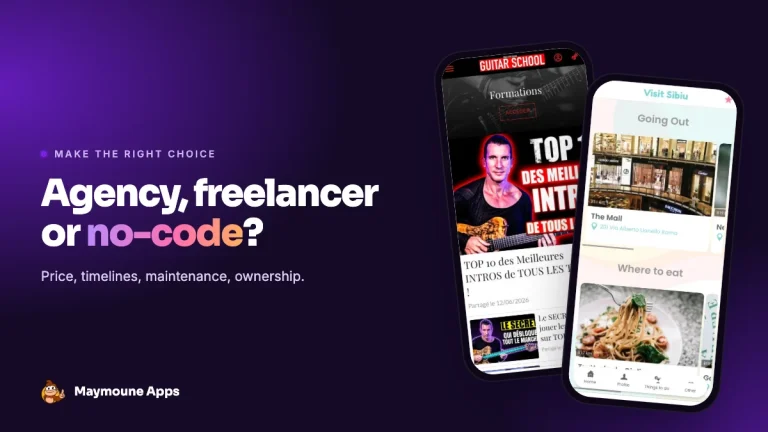 News of Maymoune
 Agency, freelancer or no-code tool: how to choose to build your app
Price, timelines, maintenance, ownership: an honest comparison between an agency, a freelance developer and a no-code tool for building a mobile app.
4 min read17 Oct 2026