 Maymoune
A mobile app brief: the template to copy
Goal, audience, sections, content, budget, timeline: the one-page brief template to prepare your mobile app.
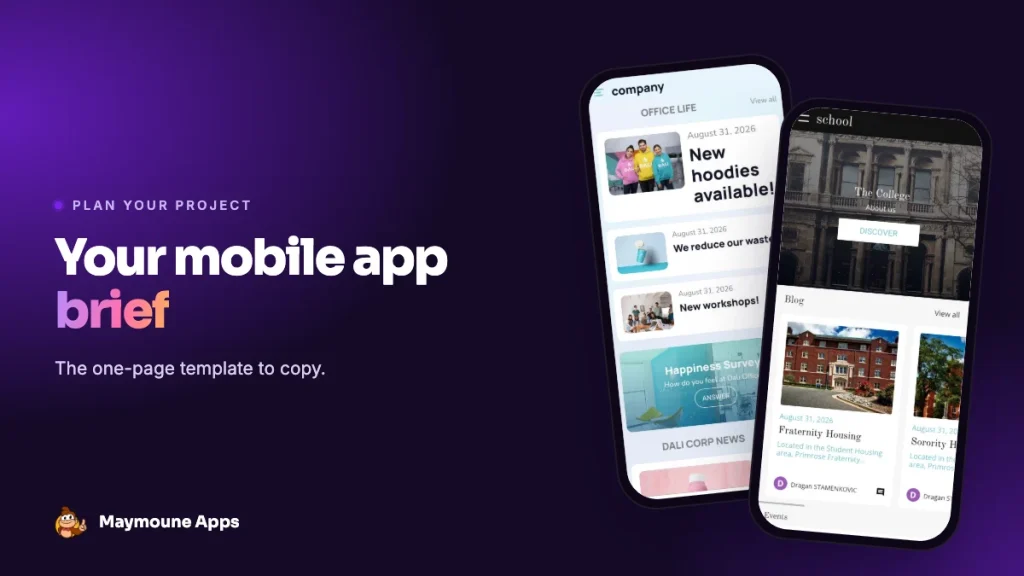
Before building an app, you need to know what you want. A brief doesn’t need forty pages: for a shop, an association or an independent, one well-filled page is enough. Here is the template, section by section, with an example.
Why write a brief
Because it makes you answer three questions before spending a cent: what the app is for, who it’s for, and how you’ll know it works. It also helps compare offers: an agency, a freelancer and a no-code tool can all respond to the same page. If you’re still hesitating between those three paths, read agency, freelancer or no-code.
The template, in eight parts
1. The goal
One sentence. Not three. “Bring my customers back more often”, “Sell click and collect”, “Fill my appointment book”, “Keep my members informed without drowning them in emails”. Everything else follows.
2. The audience
Who will use the app? Your regulars, new customers, members, staff? What age, what phone, what language? An app for tourists will need several languages; an app for a seniors’ club will need big buttons.
3. The sections
The list of menu screens, in order of importance. Stick to five to eight sections at first. Example for a florist: Shop, Bouquets of the moment, Flower subscription, Events, Contact and hours.
4. The essential features
What the app must do, not just show: online payment, booking, notifications, members area, quote form, loyalty scheme. Separate what’s essential at launch from what can wait.
5. The content
Who writes the texts, who takes the photos, who updates the products? Content always takes longer than planned. If you already have a WordPress site, a YouTube channel or an Instagram account, note it: the app can fill itself from them.
6. The identity
The app’s name, logo, colours and tone. And its address: a subdomain or your own domain name.
7. Budget and timeline
A launch budget and a yearly budget, counting the subscription, the Apple and Google accounts, and your time. A realistic launch date: our article how long does it take to build an app gives the real timelines.
8. Success indicators
How will you know, in six months, that the app has succeeded? Installs, orders placed in the app, appointments booked, notification open rate. Pick two or three numbers, no more.
The template to copy
Copy these lines into a document and fill them in:
- Goal: in one sentence.
- Audience: who, what age, what language.
- Sections: five to eight, in order of importance.
- Features essential at launch: and those that can wait.
- Content: who produces it, and existing sources.
- Identity: name, logo, colours, address.
- Budget and timeline: launch, year, date.
- Indicators: two or three numbers to follow.
Classic mistakes
- Wanting everything in version one. A simple, well-filled app beats a complete, empty one.
- Copying a big brand’s app. Your customers don’t expect the same things.
- Forgetting who will keep the app alive. Without news, customers don’t come back.
- Neglecting maintenance. iOS and Android change every year: check who takes care of it.
With a no-code tool
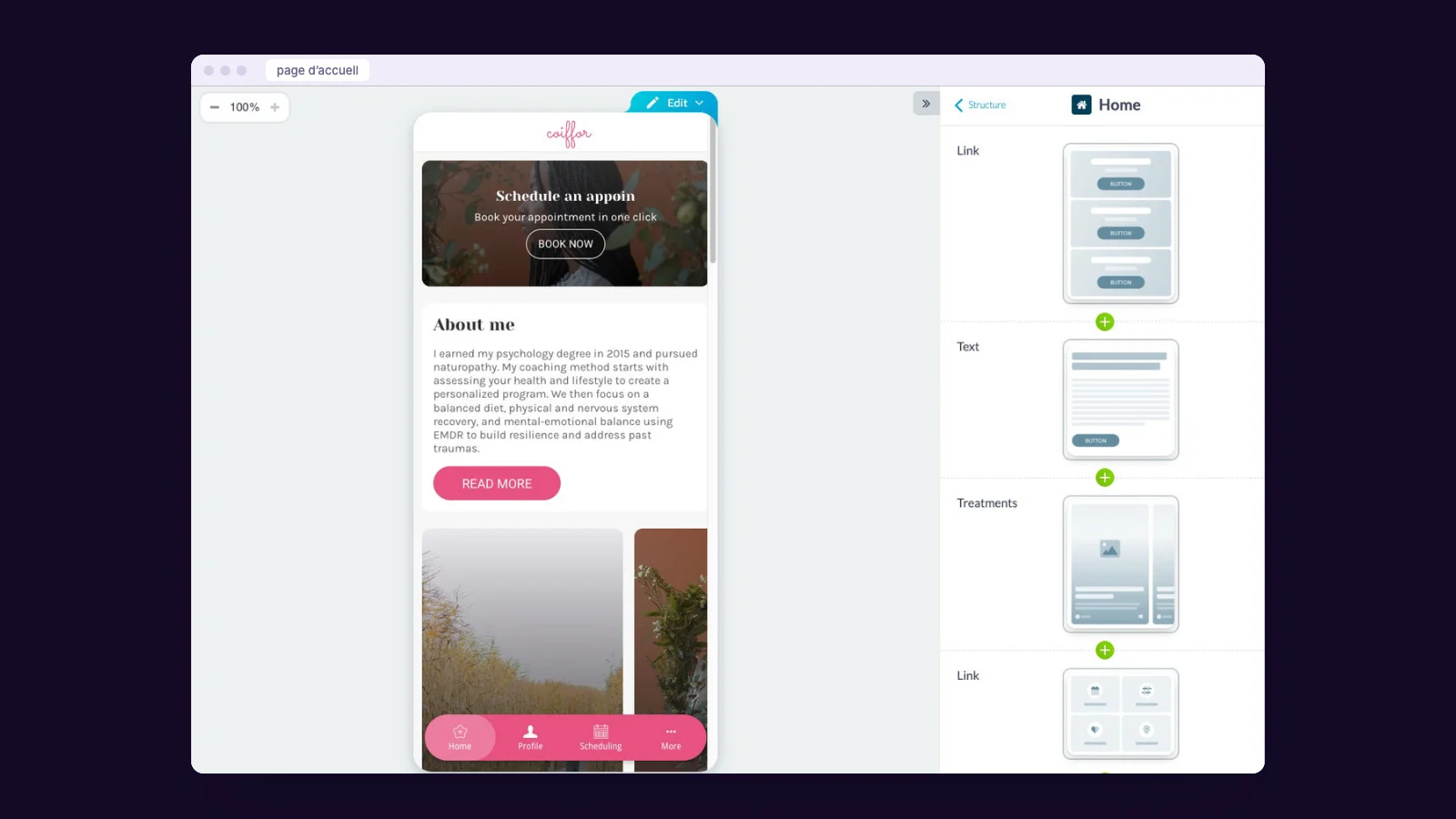
With Maymoune, your brief turns almost directly into an app: each section on the list becomes a menu section, chosen from a catalogue of more than 190 extensions. You see the result live in the phone preview and adjust as you go.
At Maymoune, every feature is included in all three plans, detailed on the pricing page:
- Starter, €19 a month: your web app, installed from a link or a QR code.
- Ultra, €59 a month: the same, plus the iPhone, iPad and Android app on the stores.
- Ultra Lifetime, €2,999: one single payment, with publication on the App Store and Google Play included.
Maymoune Apps
From brief to app
Each section on your list becomes a menu item, in a few clicks.
✓ More than 190 extensions
✓ Live preview in the phone
✓ Your name and your colours
✓ Support included
Next, follow the 7-step method, browse the guide by trade or check the FAQ.
Frequently asked questions
Do I need a brief to build an app?
It’s strongly recommended. One page is enough for a shop or an association: goal, audience, sections, features, content, identity, budget and indicators.
How many sections at launch?
Five to eight. A few well-filled sections beat a long, empty menu.
What goes in the budget?
The subscription or quote, the Apple ($99 a year) and Google ($25 once) accounts, and the time spent on content.
Is a brief useful with a no-code tool?
Yes: each section on the list becomes a menu section, which makes building much faster.
How much does Maymoune cost?
€19 a month for the web app, €59 a month with iPhone and Android, or €2,999 once and for all. Details are on the pricing page.
Up next
 News of Maymoune
 An app for a wedding planner or wedding venue
Your services in photos, the day’s programme, guest information and quote requests: the app for a wedding planner, an estate or a…
3 min read26 Oct 2026 News of Maymoune
 A museum app: tours, audio guide and exhibitions
The visitor tour, the audio guide, exhibitions, opening hours and messages to visitors: the app for a museum, a castle or a…
3 min read26 Oct 2026 News of Maymoune
 A library app: events, new arrivals and services
New arrivals, the events calendar, opening hours, online services and messages to readers: the app for a public library or media library,…
3 min read25 Oct 2026