 Maymoune
Your grocery store app: order online, pick up in store
Seasonal products, aisles, basket, online payment and in-store pickup or local delivery: what an app brings to a grocery store, with a real demo and its price.
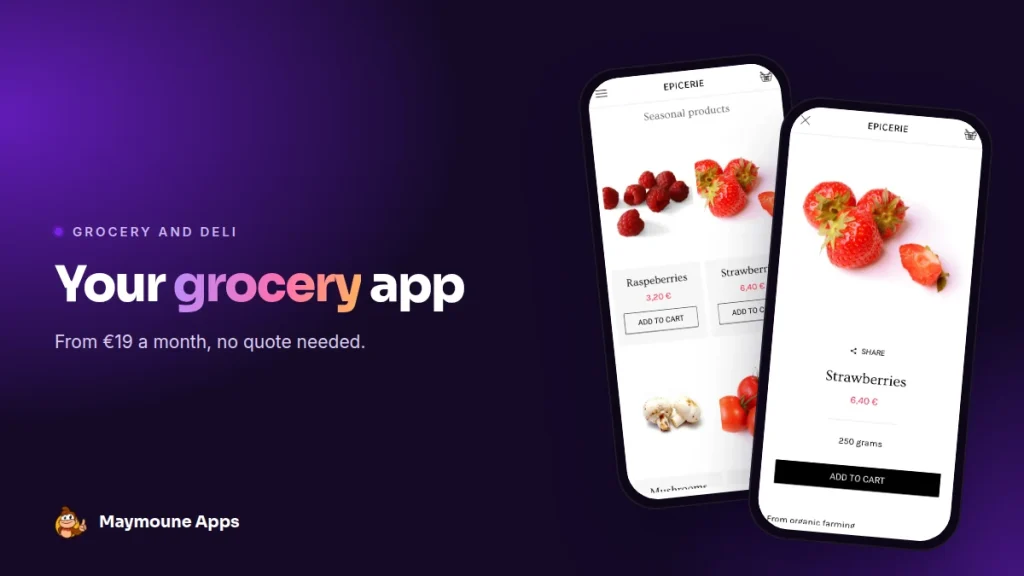
A grocery app lets your customers order from their sofa and pick up their basket in store, or get it delivered in the neighbourhood. You keep it up to date from your phone, and it starts at €19 a month.
Wednesday, 6 pm. A regular calls you: she would like your strawberries, a kilo of bulk pasta and some oat milk, and she will come by at 7. You jot it down on a scrap of paper, between two customers at the counter.
With an app, she fills her basket herself, pays online, and you prepare it when you have a moment. I’ll show you what it looks like, with a real demo, and what it costs.
Why an app for your grocery store
Your neighbourhood customers already know you. The app gives them one more way to buy from you, whenever it suits them, without going through a delivery platform.
You get paid directly, by card or PayPal, and you keep the connection with each customer: their name, their orders, their habits. The day the first strawberries arrive, you tell them in one message.
Everything below works for a delicatessen, a greengrocer, a bulk store, a wine shop, a cheese shop or a farm shop.
The screens of a grocery app
Here is the “epicerie” demo I prepared. It is a starting template: you replace the products, prices and photos with your own.
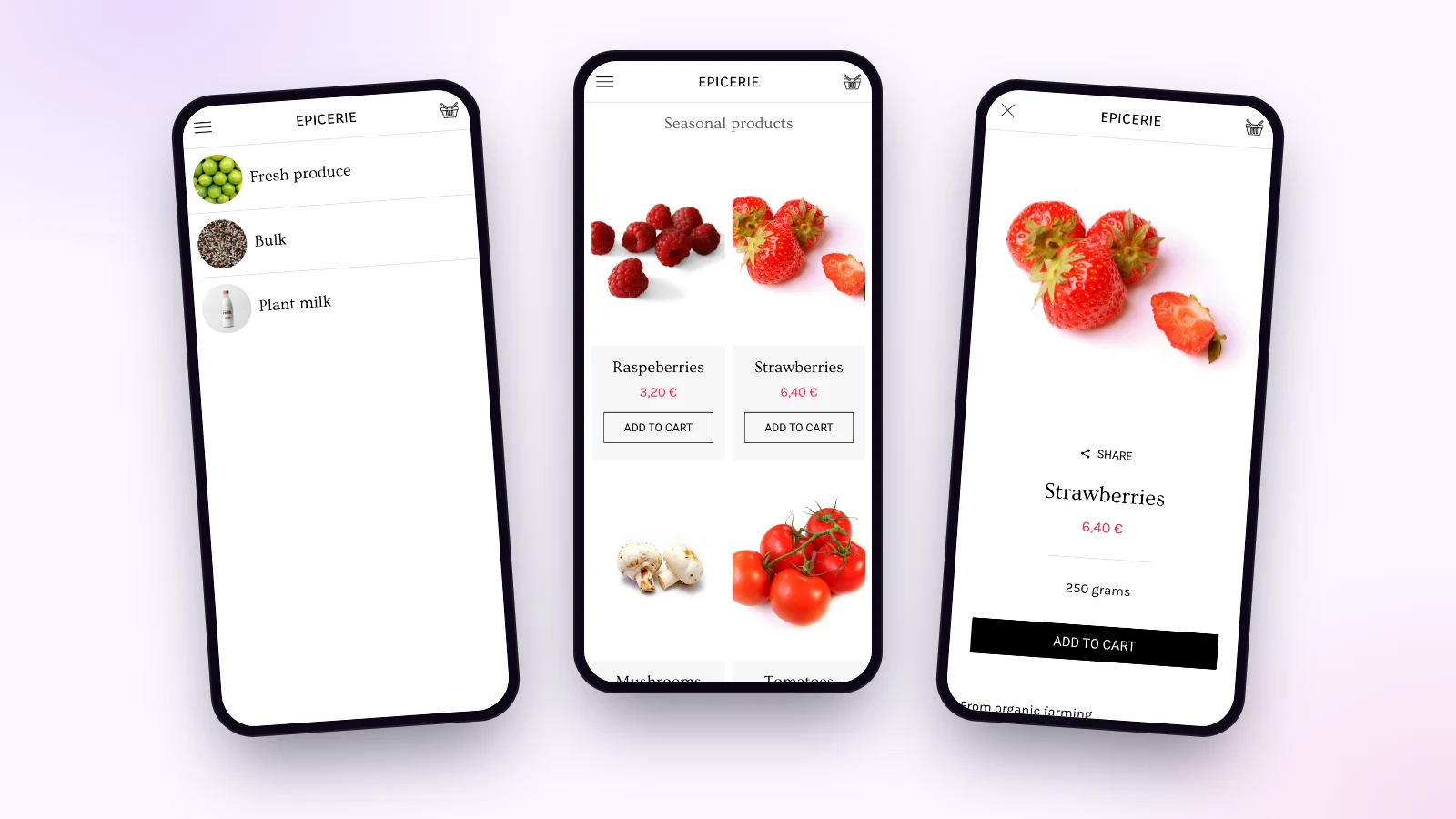
Aisles and products
Fruit and vegetables, bulk, drinks, seasonal products: each aisle has its page, each product its photo, price, weight and “add to cart” button. The home screen highlights what you want to sell this week.
Basket and payment
The customer fills the basket, chooses pickup or delivery, and pays online with Stripe or PayPal. You can also accept payment in store. A test gateway lets you try everything before opening.
In-store pickup and local delivery
You set your delivery methods: in-store pickup, neighbourhood delivery, or shipping by carrier, with a rate per zone. The customer chooses when ordering.
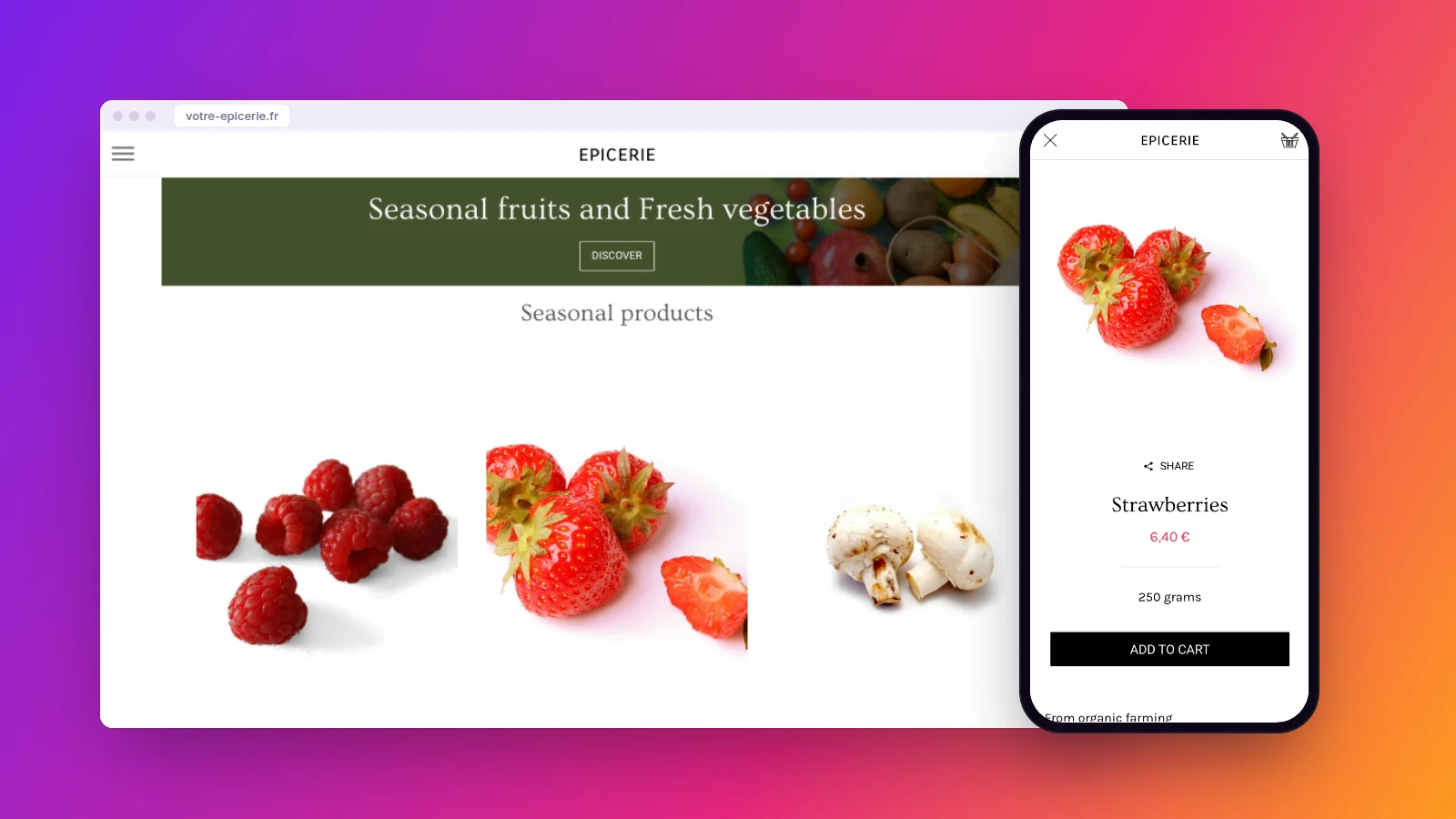
The same shop also shows on a computer, for people who prefer ordering from a bigger screen.
Bring your customers back
“The first strawberries of the season are in.” You write these two lines, and the notification lands on your customers’ screens. One tap, and they are on the product page. Notifications are unlimited on every plan.
You can also create discount codes: a duration, a usage limit, and the offer is live in the app. Perfect for thanking regulars or moving a delivery.
Who keeps the grocery app alive?
You, from your phone or computer. A product is a photo, a price and a stock level. The catalogue imports and exports in one click, and orders arrive in the back office, with the customer’s name and delivery method.
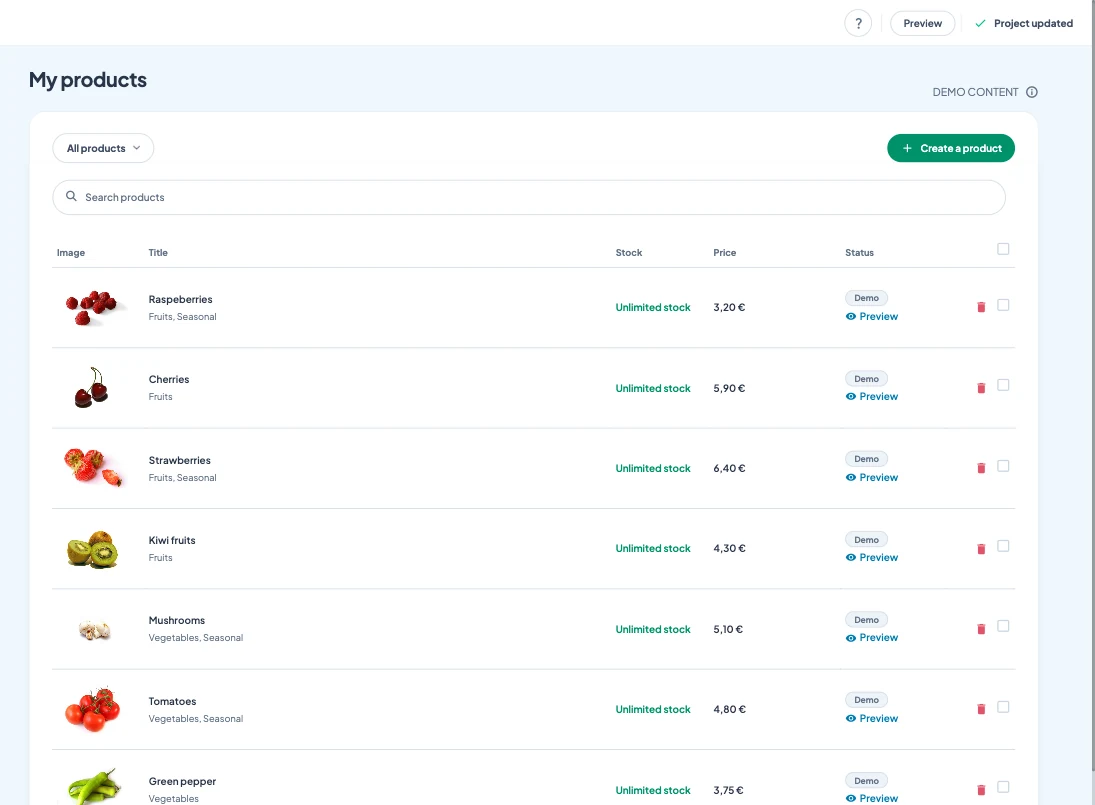
Already have an online shop? You paste its address, and your products, prices and stock arrive in the app. They then update on their own. The AI writing assistant writes your product descriptions when you are short on time.
How much does a grocery app cost
With Maymoune, the shop is included in all three plans, along with every other feature:
- Starter, €19 a month: your web app, installed from a link or a QR code.
- Ultra, €59 a month: the same, plus the iPhone, iPad and Android app on the stores.
- Ultra lifetime, €2,999: a one-time payment, with publishing on the App Store and Google Play included.
My advice: put the web app’s QR code at the till and on your bags. Customers install it while they wait. The article on a shop app covers selling without commission, and the one on the cost of an app compares with custom development. The plans are detailed on the pricing page.
Maymoune Apps
Your grocery store open at any hour
Three plans, every feature included, no commitment.
✓ Shop, basket and payment
✓ In-store pickup or delivery
✓ Unlimited notifications
✓ Support included
To go further: food shops have a lot in common with a restaurant app, and the article on push notifications helps you write your messages. To see other templates, browse the app examples or the frequently asked questions.
Frequently asked questions
How much does an app for a grocery store cost?
€19 a month for the web app, €59 a month with the iPhone and Android apps, or €2,999 once and for all. The shop is included in all three plans. Details are on the pricing page.
Can we offer in-store pickup?
Yes. You set in-store pickup, local delivery or carrier shipping, with a rate per zone, and the customer chooses when ordering.
How do customers pay?
Online with Stripe or PayPal, or in store if you accept it. A test gateway lets you try everything before opening.
I already have an online shop, do I need to start over?
No. You paste your shop’s address, and your products, prices and stock arrive in the app. They then update on their own.
Can we create discount codes?
Yes. You set the discount, its duration and its usage limit, and the code is live in the app.
Up next
 News of Maymoune
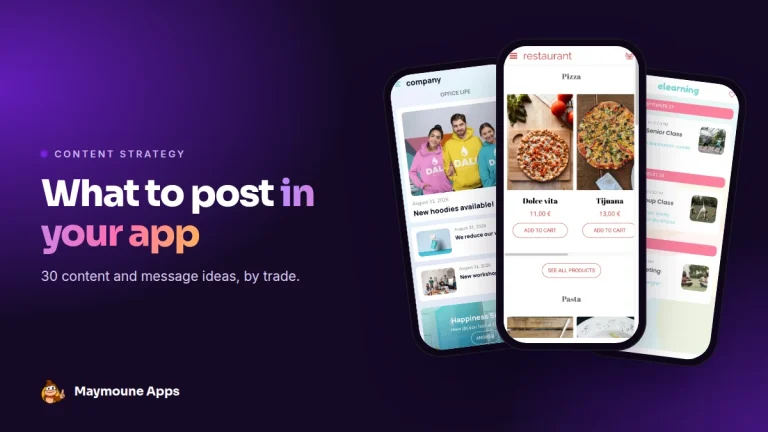
 What to post in your app: 30 content and message ideas
A lively app brings your customers back. 30 concrete content and notification ideas, sorted by trade, and a simple rhythm to keep…
4 min read6 Oct 2026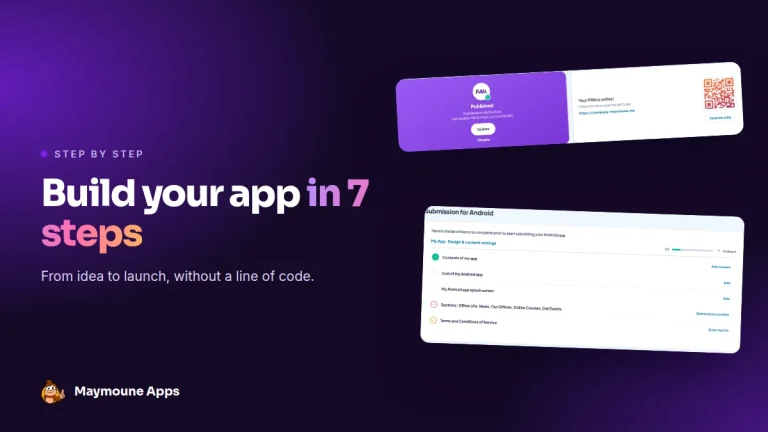 News of Maymoune
 Build a mobile app in 7 steps, without coding
Pick a template, organise sections, brand it, fill it, test, publish on the web then on the stores: the 7 steps to…
4 min read6 Oct 2026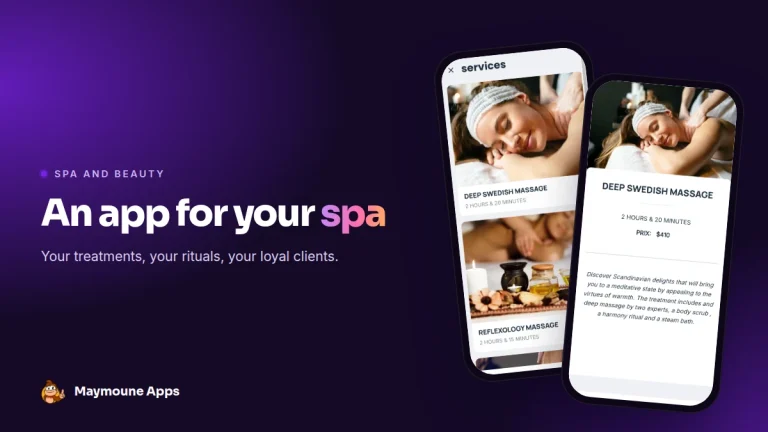 News of Maymoune
 An app for your spa or beauty salon: treatments, rituals and bookings
Your treatment menu with length and price, your rituals, online booking, a gift voucher request and a message when a slot opens…
4 min read5 Oct 2026