 Maymoune
Create an app for your event or festival
An always up-to-date programme, stalls, practical info, live messages to the crowd and attendees’ photos: what an app brings to an event, with a real demo and its price.
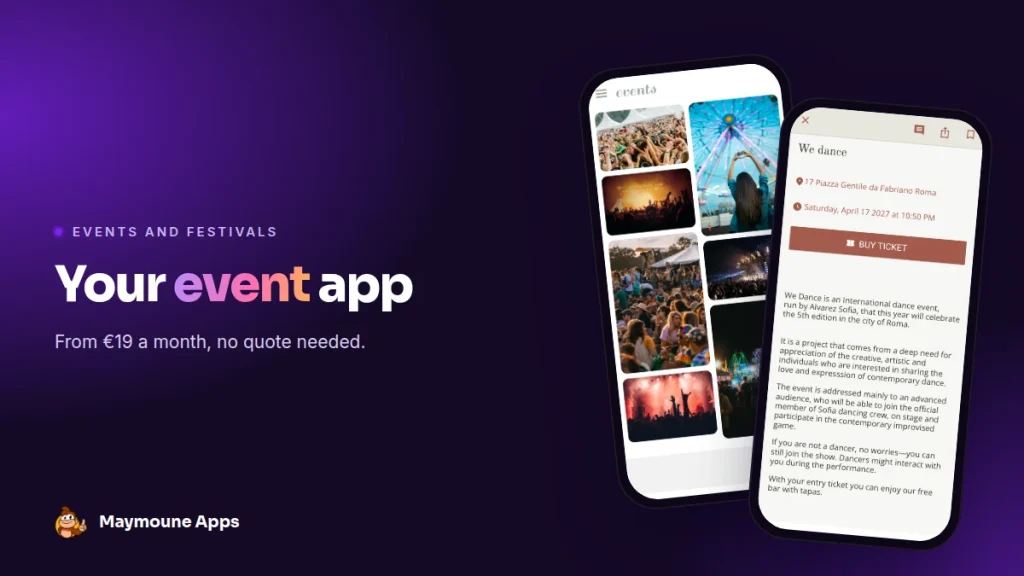
An event app brings together everything the crowd looks for on site: the programme, the stalls, directions, the latest news. It updates live from your phone and starts at €19 a month.
Saturday, 6 pm, day two of the festival. A concert moves to another stage, the bar queue grows, a group is looking for the car park. The printed programme says something else, and the info desk is at the other end of the site.
Yet everyone has a phone in their hand. That is where your event can talk to its audience, at the right moment.
I’ll show you an event app here, with a real demo, what goes into it and what it costs.
Why an app for your event
An event crowd wants to know three things: what is happening, where, and when. The app answers all three, and it follows every change in real time.
It gives you peace of mind. A time changes: you correct it, and it is up to date for everyone. An urgent announcement: it lands on every screen within seconds.
And it lives from one edition to the next. The crowd who installed it this year receives the announcement of the next one, the ticket sale date, the first names on the line-up.
Everything below works for a festival, a trade show, a conference, a village fair, a tournament or a wedding.
What goes into an event app
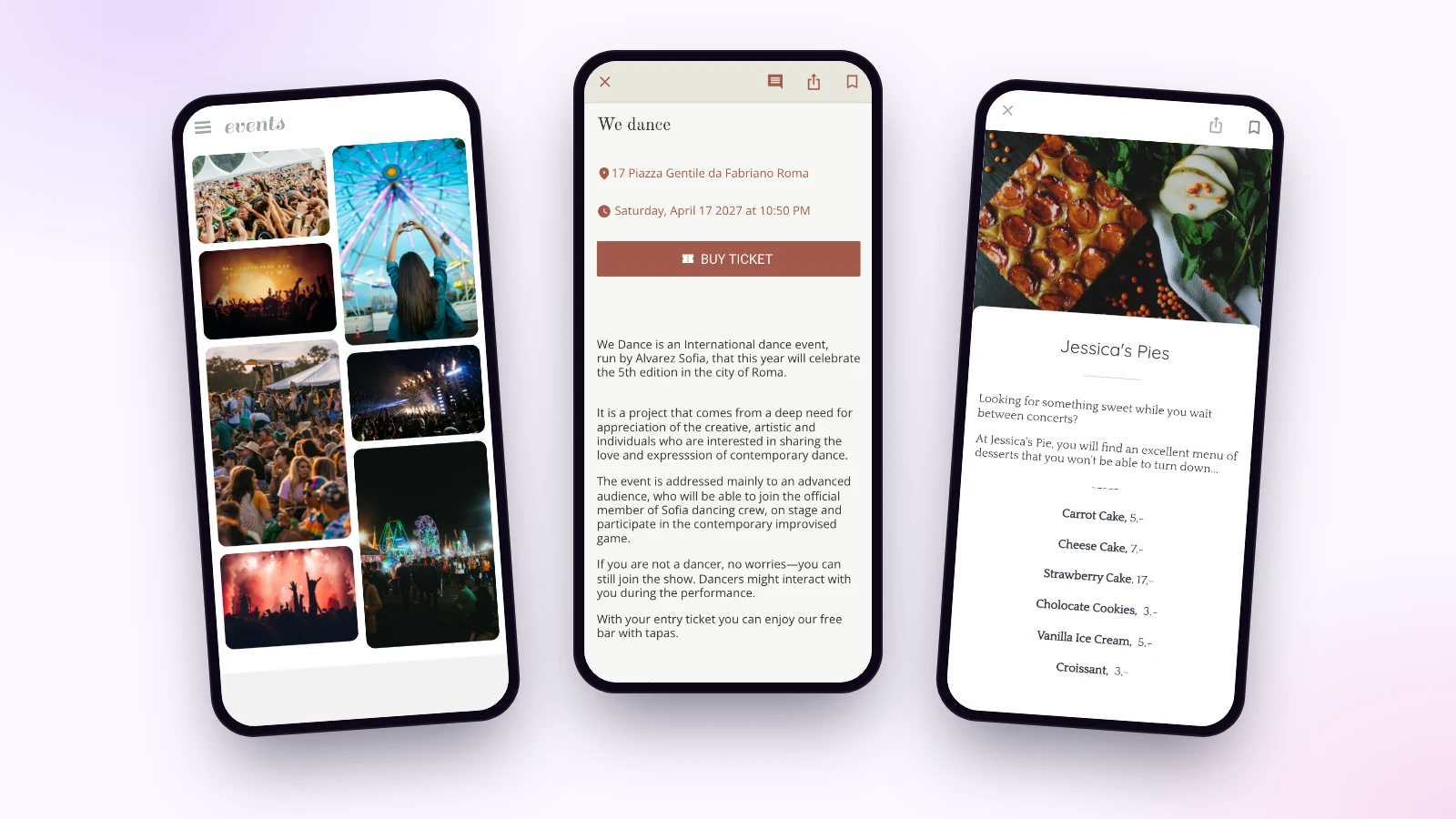
Here are screens from the “events” demo and the “tourisme” demo. They are starting templates: you replace the texts, photos and colors with those of your event.
The programme
Each concert, talk or activity has its own page: the date, the time, the venue on a map, and a ticketing button when needed. Attendees save their favourite slots and build their own schedule.
Stalls and practical info
Food, exhibitors, partners: one section presents each stall with its photo and map. Another gives directions, parking, shuttles and opening times, with the places on a map.
Attendees’ memories
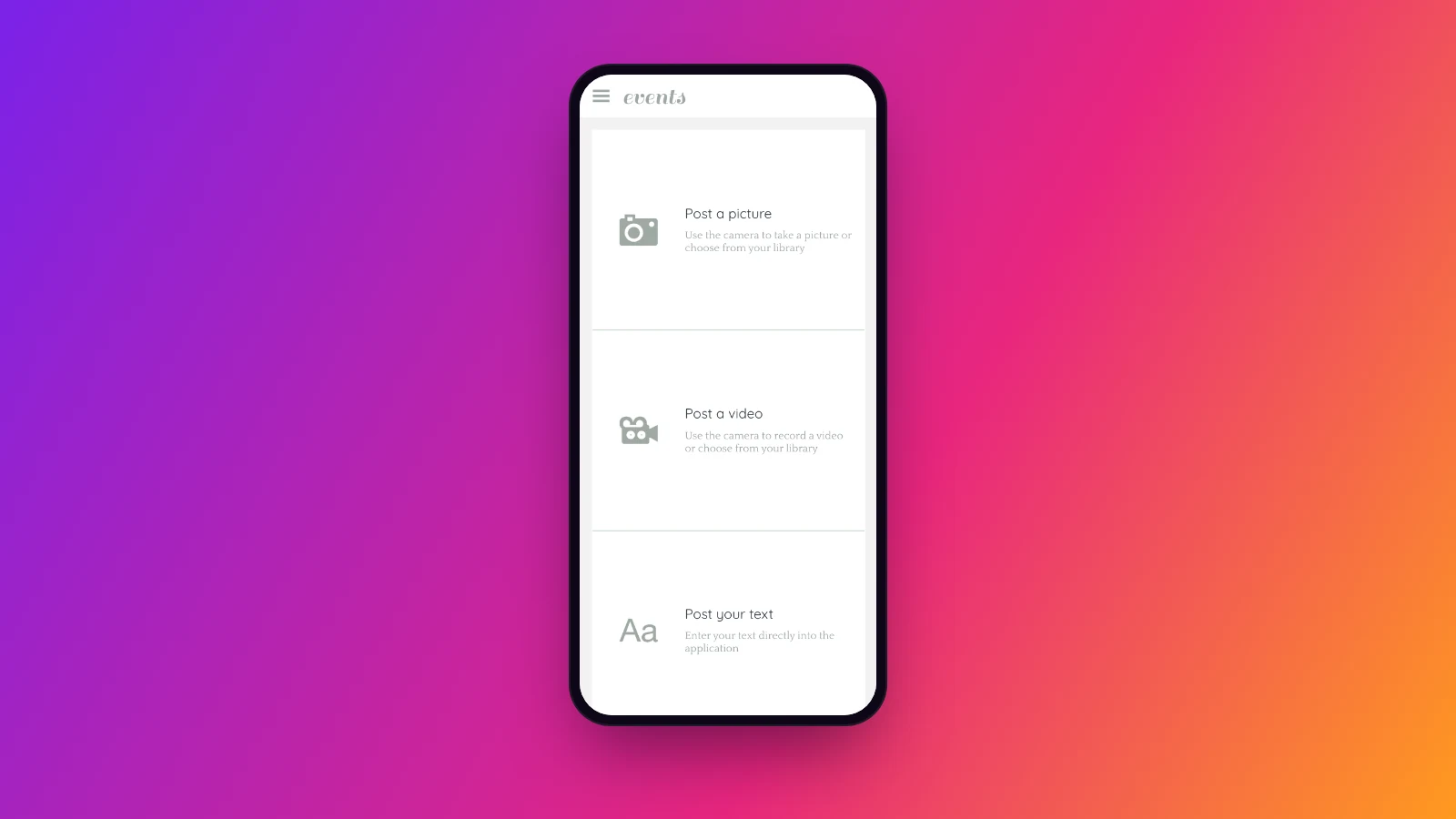
Attendees send a photo, a video or a text from the app. You collect pictures of your event taken by the people who lived it, and a gallery keeps the memory of the previous edition.
The section catalogue also offers live audio and live video: people who cannot be there follow the main stage from home.
Reach the whole crowd with one message
“The 9 pm concert is on the main stage.” Two lines, and the notification lands on the screen of everyone who installed the app. You can also prepare your messages ahead and schedule them hour by hour. Notifications are unlimited on every plan.
I explain how to write them well in the article on push notifications.
Who keeps the event app alive?
The organising team, with no technical skills. Adding a slot to the programme means filling in the date, time and venue, then choosing a photo.
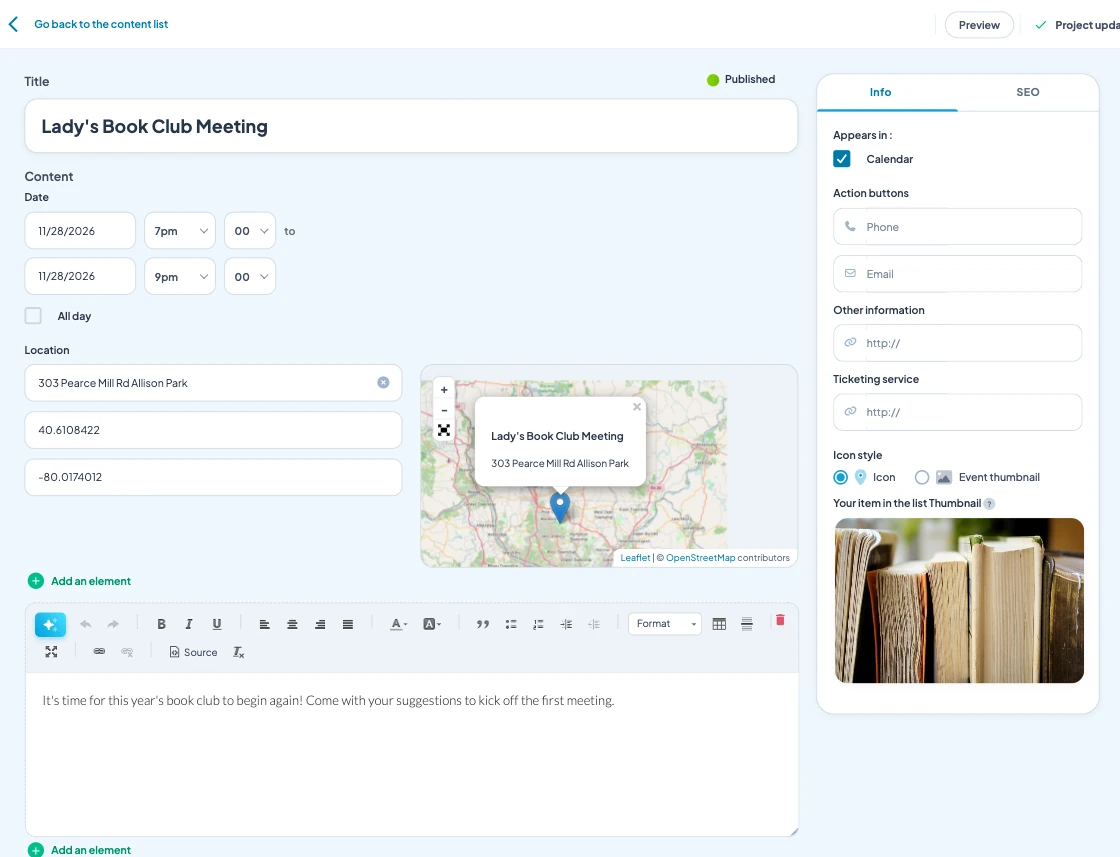
Sections are arranged with the mouse: the programme, food and drink, practical info, memories, the previous edition. The live preview shows the result in a phone.
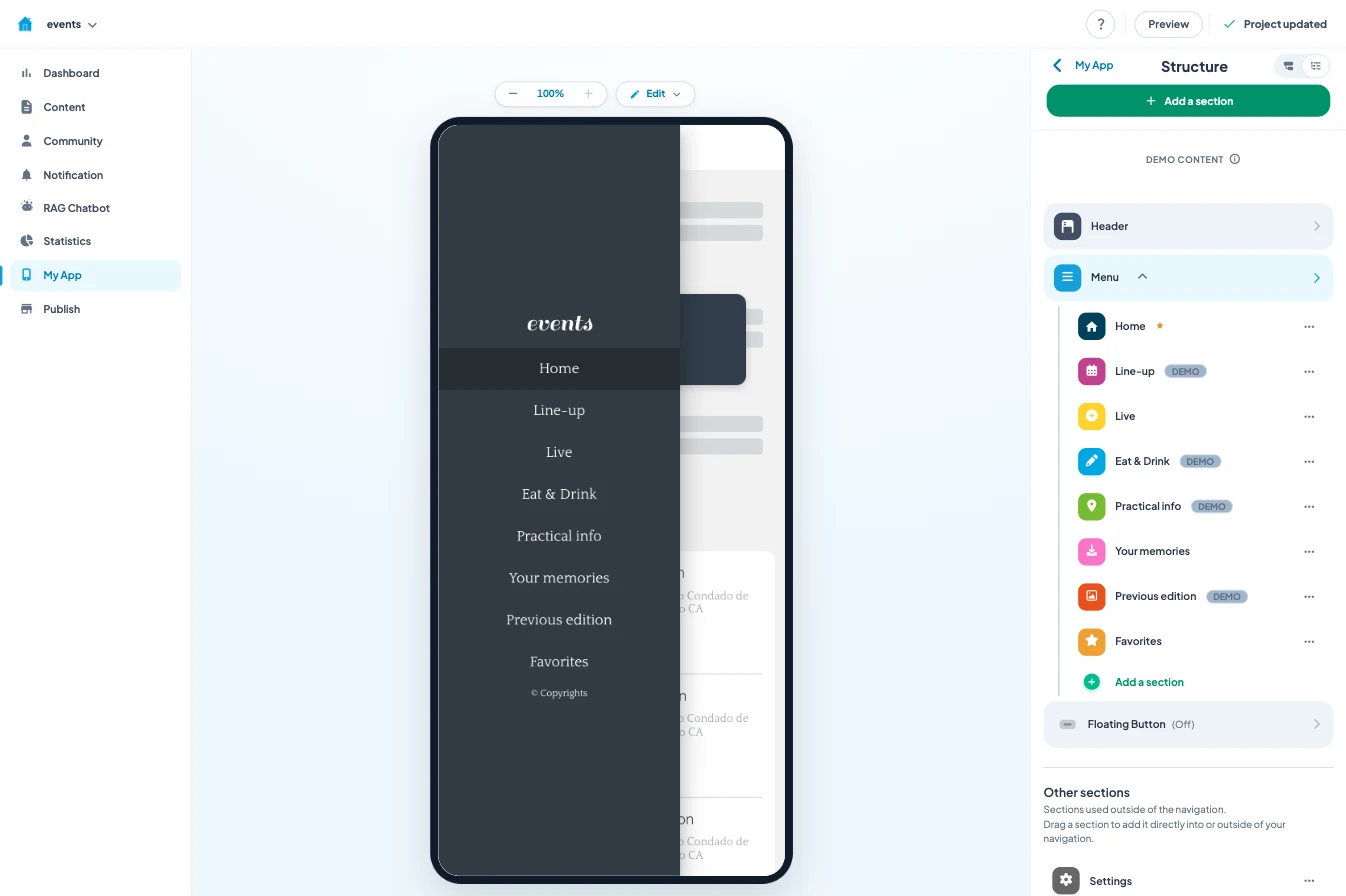
The AI writing assistant helps you write the pages, and you can manage the app from ChatGPT or Claude. The easiest way to start: the programme and practical info a month ahead, the stalls afterwards.
How much does an event app cost
A custom-built event app quickly runs into thousands of euros, often for a single edition. I explain why in the article on the cost of a mobile app.
With Maymoune, you start from a ready-made template, and every feature is included in each of the three plans:
- Starter, €19 a month: your web app, installed from a link or a QR code.
- Ultra, €59 a month: the same, plus the iPhone, iPad and Android app on the stores.
- Ultra lifetime, €2,999: a one-time payment, with publishing on the App Store and Google Play included.
My advice: print the web app’s QR code on tickets, wristbands and posters. The crowd opens it in one gesture, with nothing to download. For an event that comes back every year, keep the same app from one edition to the next: your audience is already there. The article on the web app or the stores helps you choose.
The three plans are detailed on the pricing page.
Maymoune Apps
Your event in every attendee’s pocket
Three plans, every feature included, no commitment.
✓ Programme, stalls and practical info
✓ Unlimited notifications
✓ Web, iPhone and Android app
✓ Support included
To go further: an event is often prepared with its town’s tourist office, and a club can take ideas from the article on an association’s app. To see other templates, browse the app examples or the frequently asked questions.
Frequently asked questions
How much does an app for an event cost?
€19 a month for the web app, €59 a month with the iPhone and Android apps, or €2,999 once and for all. Every feature is included in all three plans. Details are on the pricing page.
Does the audience have to download the app?
With the web app, they scan a QR code and open it at once. With the Ultra plan, they also find it on the App Store and Google Play.
Can the programme be changed during the event?
Yes. You correct it from the back office, on a computer or a phone, and the change shows right away. A notification can alert the crowd if needed.
Can we sell tickets in the app?
Each slot can carry a link to your ticketing. The built-in shop, included in every plan, also lets you sell passes or products directly.
Can we stream the event live?
The section catalogue offers live audio and live video, so people who are not on site can follow the stage from home.
What happens to the app after the event?
It stays in place. You store the edition’s photos there, and you announce the next one to the audience who already installed it.
Up next
 News of Maymoune
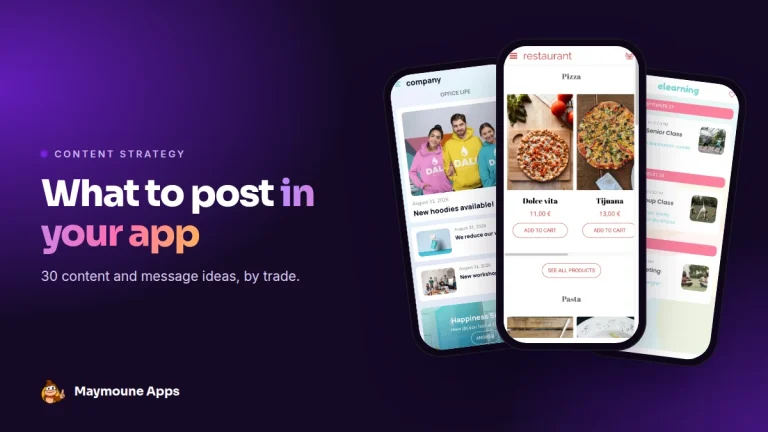
 What to post in your app: 30 content and message ideas
A lively app brings your customers back. 30 concrete content and notification ideas, sorted by trade, and a simple rhythm to keep…
4 min read6 Oct 2026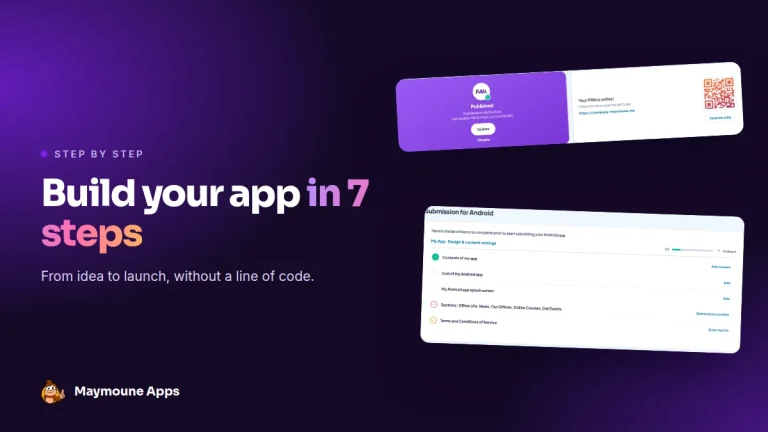 News of Maymoune
 Build a mobile app in 7 steps, without coding
Pick a template, organise sections, brand it, fill it, test, publish on the web then on the stores: the 7 steps to…
4 min read6 Oct 2026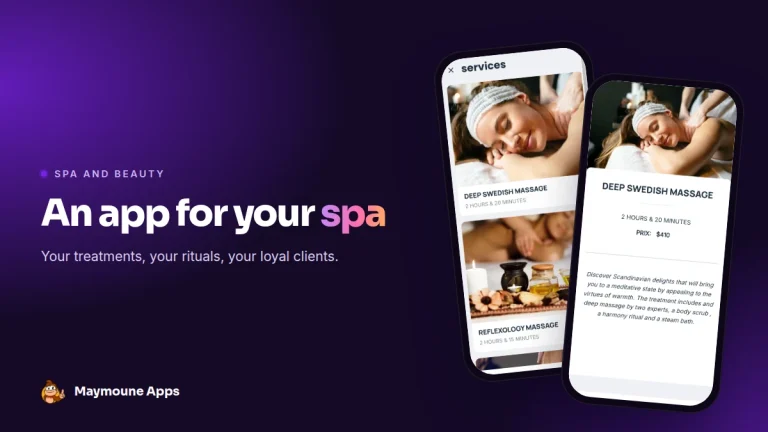 News of Maymoune
 An app for your spa or beauty salon: treatments, rituals and bookings
Your treatment menu with length and price, your rituals, online booking, a gift voucher request and a message when a slot opens…
4 min read5 Oct 2026