 Maymoune
Create an iPhone and Android app for your Shopify store
Your customers arrive at your Shopify store from their phone, look at two products, and close the tab. A mobile app changes this dynamic: it stays on the home screen, sends a notification when you launch a new…
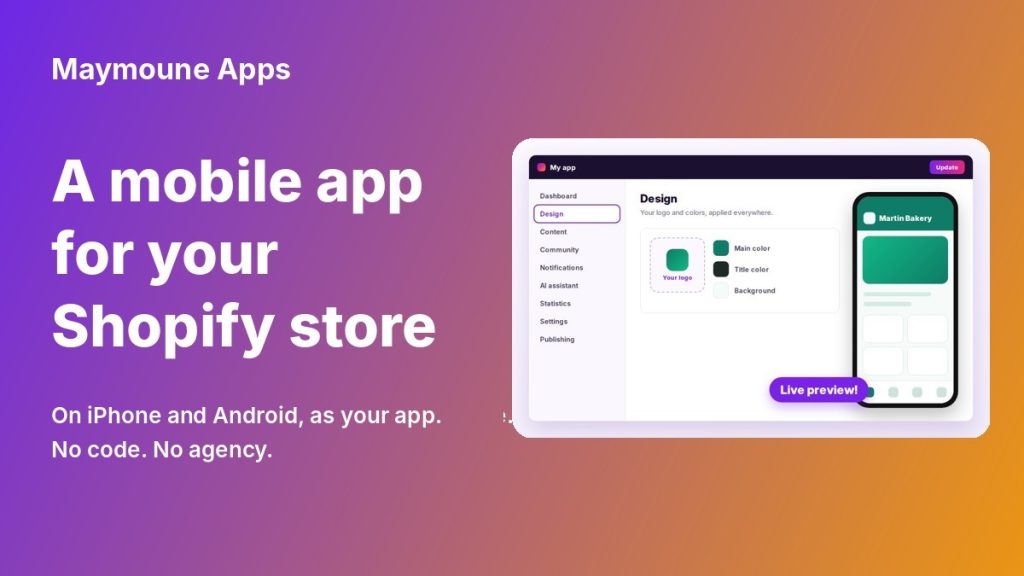
Your customers arrive at your Shopify store from their phone, look at two products, and close the tab. A mobile app changes this dynamic: it stays on the home screen, sends a notification when you launch a new product, and brings the customer back without you having to pay for their visit again.
Good news: you don’t need to rebuild your store. Your existing Shopify connects directly to an iPhone and Android app.
What a mobile app brings to a Shopify store
- You are on the home screen. No more waiting for customers to retype your address or click an ad again.
- You talk directly to your customers. Push notifications announce something new, a promotion or a restock, without going through the inbox.
- You are on the App Store and Google Play. Two more storefronts, where your competitors are not yet.
- You keep 100% of your revenue. No commission on sales and no revenue cap.
How it works, in practice
1. You connect your Shopify store
Your catalog, product pages, prices, and stock feed into the app. You continue working in Shopify as before: whatever you change there is reflected in the app.
2. You choose the look of the app
Colors, logo, homepage, category layout. No lines of code, no technical skills needed. If you prefer to delegate, Maymoune experts will handle it.
3. Your app is published on the app stores
Publishing on Apple’s App Store and Google’s Play Store is the part that discourages merchants the most: developer accounts, visuals, store listings, validation. Maymoune simplifies the process and provides free support ; you can also entrust the publishing to experts. See how publishing on the stores works.
Start with a PWA web app
Before iPhone and Android apps, there is a faster step: the PWA web app. Your customers install it on their home screen from a simple link, without going through an app store. It is the most direct way to gauge your customers’ interest in an app before targeting the App Store and Google Play.
What if my store is not on Shopify?
The principle is the same with WooCommerce, PrestaShop, Magento, or with Maymoune’s built-in store if you are starting from scratch. See all connectable stores.
Frequently Asked Questions
Do I need to know how to code?
No. The app is built from a back office, without writing a single line of code.
Do I pay a commission on my sales?
No. No commission, and no revenue cap.
Will my app really be on the App Store and Google Play?
Yes, under your name and your brand. Your customers will find it by searching for your store.
Do I need to rebuild my Shopify store?
No. Your store stays in place, the app simply connects to it.
How much does it cost?
Plans start at €19 per month for the PWA web app, and €59 per month to also publish on the App Store and Google Play. See pricing.
Take action
Your Shopify store is already working. The mobile app is what puts you back in your customers’ pockets instead of waiting for them to think of you again. Discover the Maymoune e-commerce mobile app.
Up next
 News of Maymoune
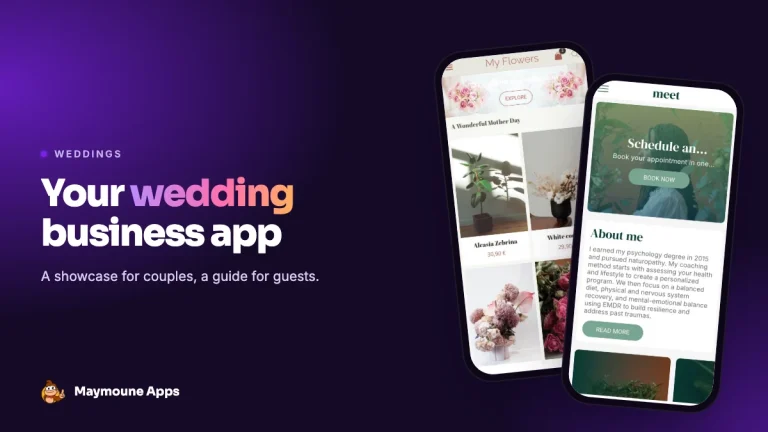
 An app for a wedding planner or wedding venue
Your services in photos, the day’s programme, guest information and quote requests: the app for a wedding planner, an estate or a…
3 min read26 Oct 2026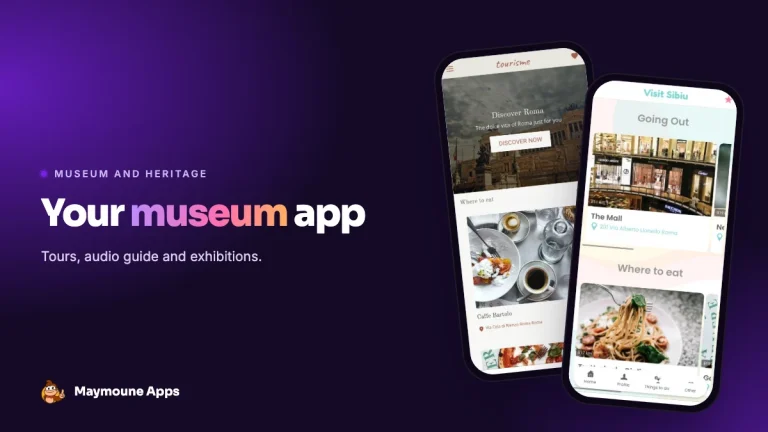 News of Maymoune
 A museum app: tours, audio guide and exhibitions
The visitor tour, the audio guide, exhibitions, opening hours and messages to visitors: the app for a museum, a castle or a…
3 min read26 Oct 2026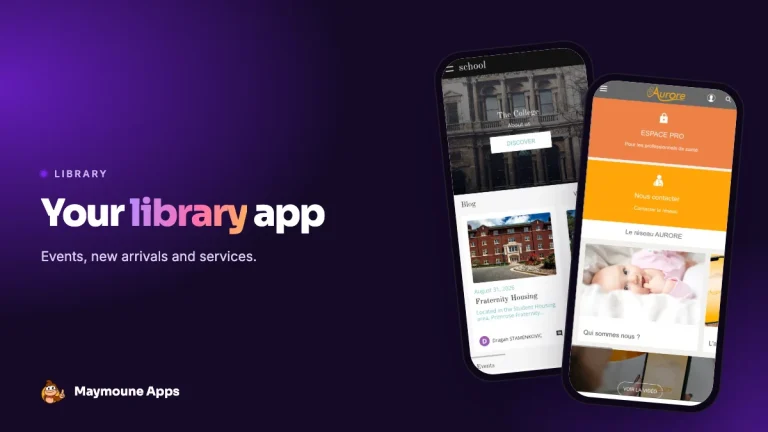 News of Maymoune
 A library app: events, new arrivals and services
New arrivals, the events calendar, opening hours, online services and messages to readers: the app for a public library or media library,…
3 min read25 Oct 2026